
ilyStream press kit
Product facts and assets for reviewers, streaming educators, and anyone explaining what ilyStream does.
Make your chat part of the show.
ilyStream brings chat, voices, overlays, and reactive lighting into a free Windows app, with a native studio for broadcasting and recording.
Try a focused workflow: customize a browser-source widget, route a local voice through the mixer, or configure an event reaction for compatible lighting.

The public Store app is 0.2.5. Version 0.2.6 is in Microsoft Store certification and is not published yet. The current two-camera add-on supports Store app 0.2.5 or newer and updates separately.
- Platform
- Windows 11 (x64)
- Price
- Free to download. Optional connected services may have their own charges.
- Availability
- Microsoft Store and direct Windows installer
- Direct release
- 0.2.6 · Preview
- Store release
- 0.2.5 · Package 1.0.5.0
- Development
- Independent · native Rust desktop app
- Contact
- business@ilystream.app
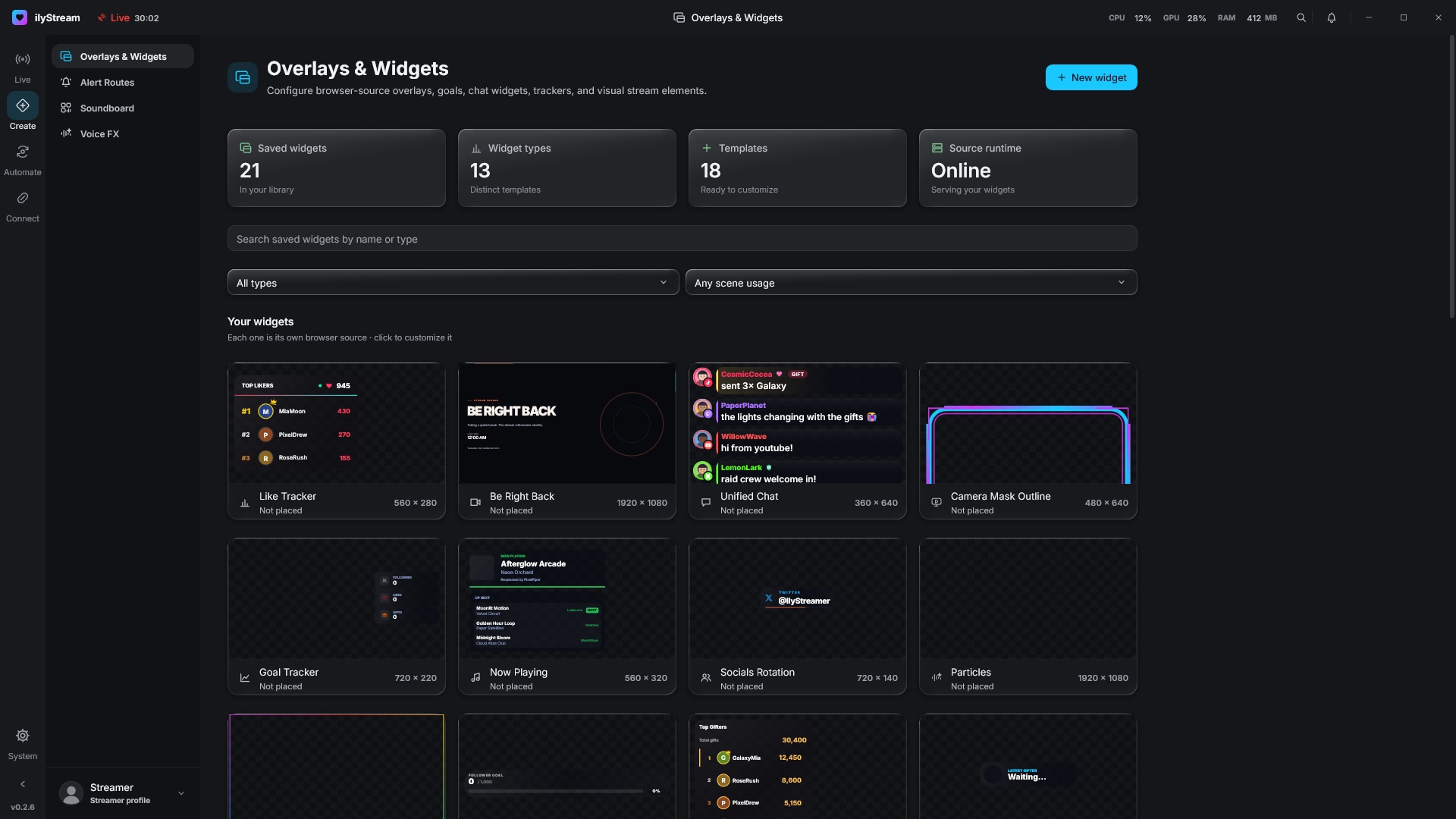
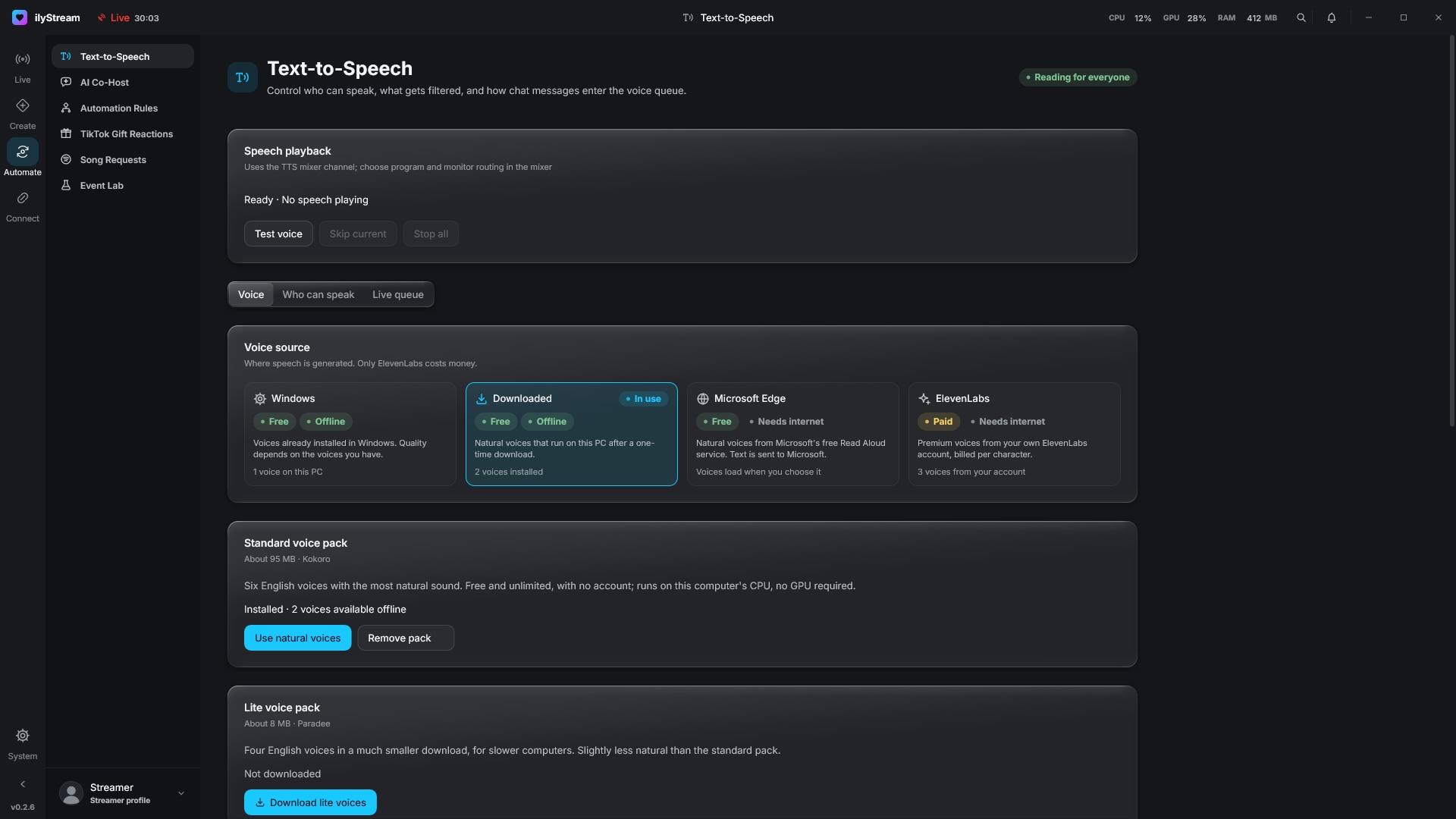
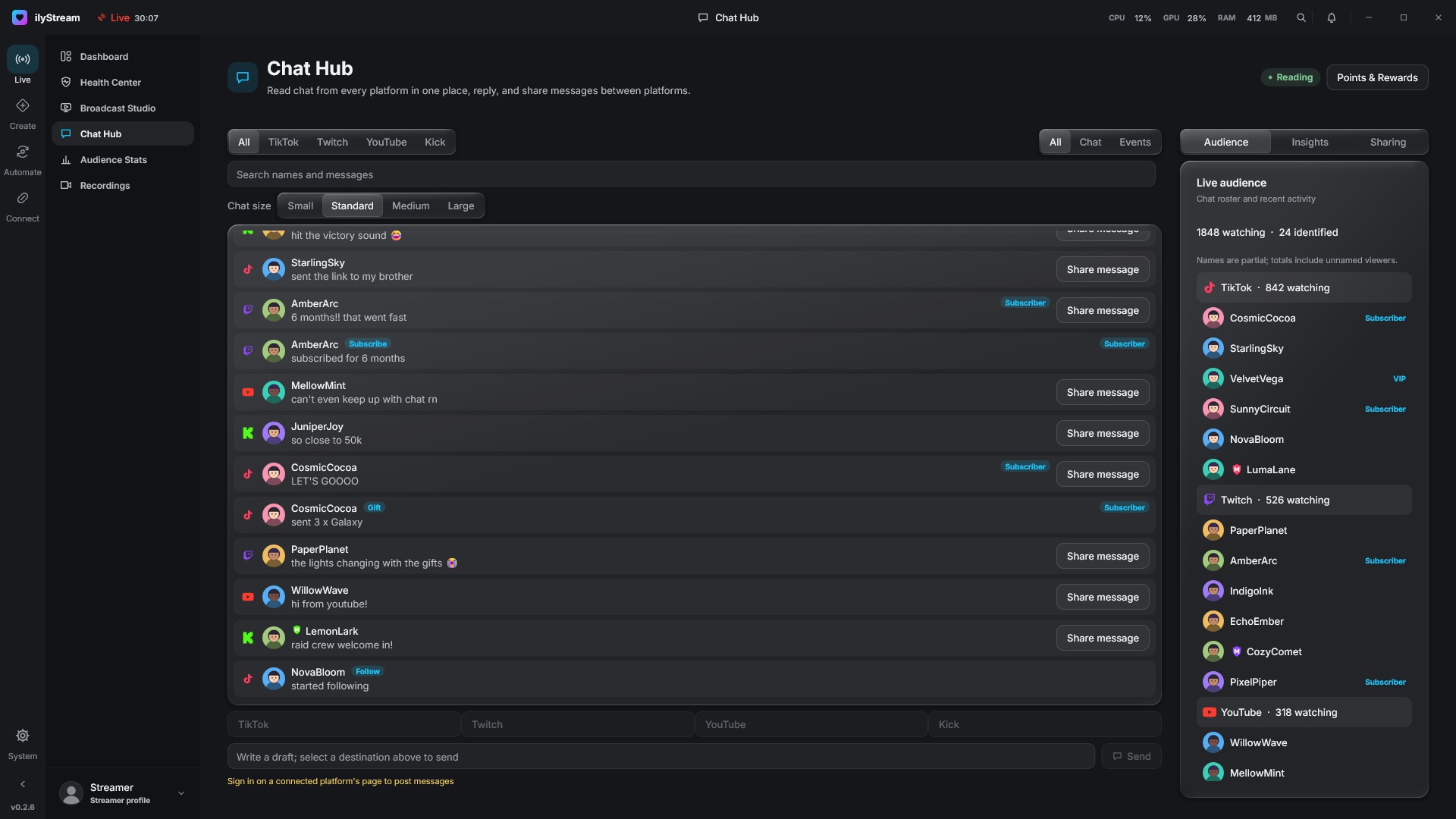
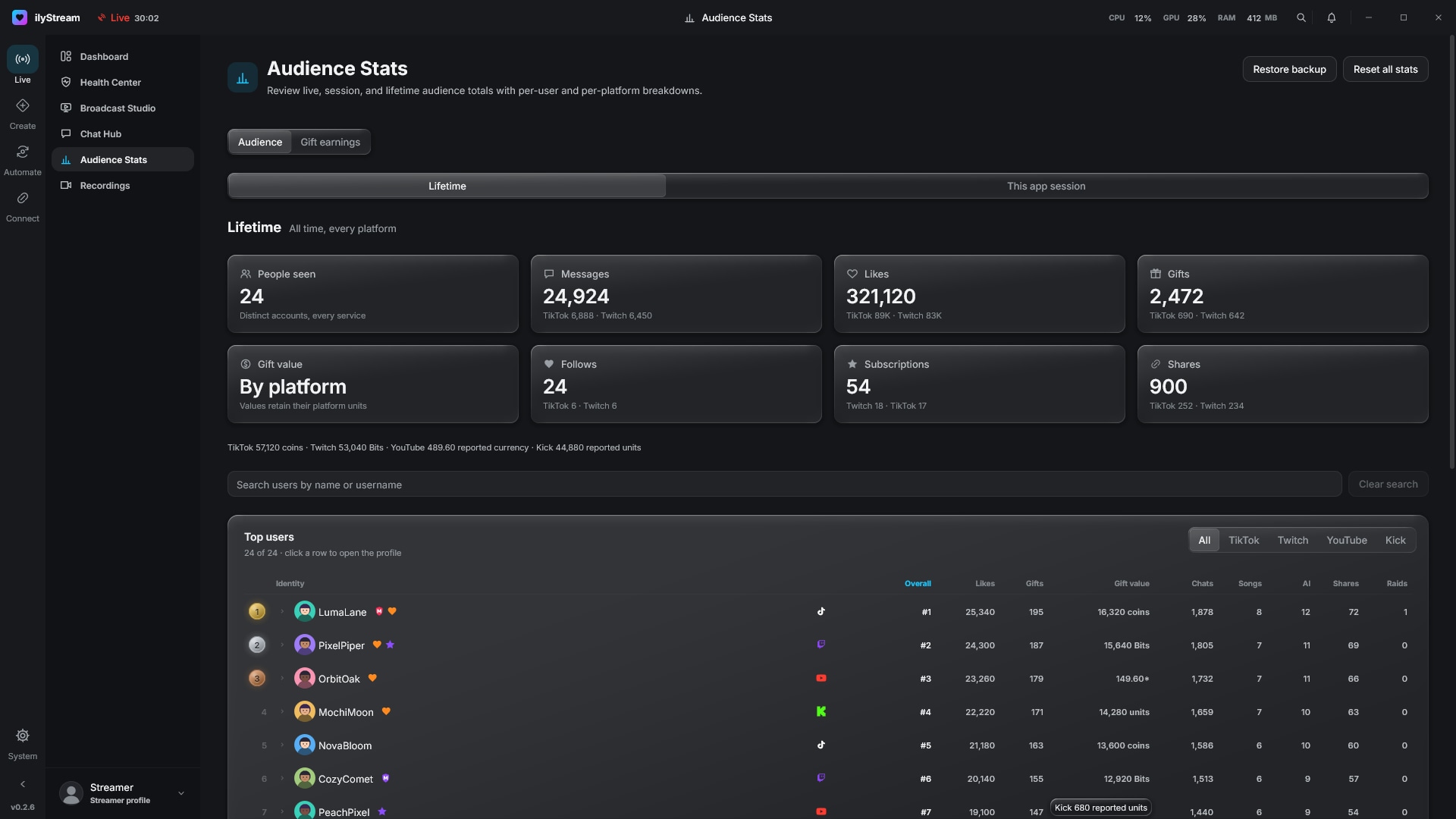
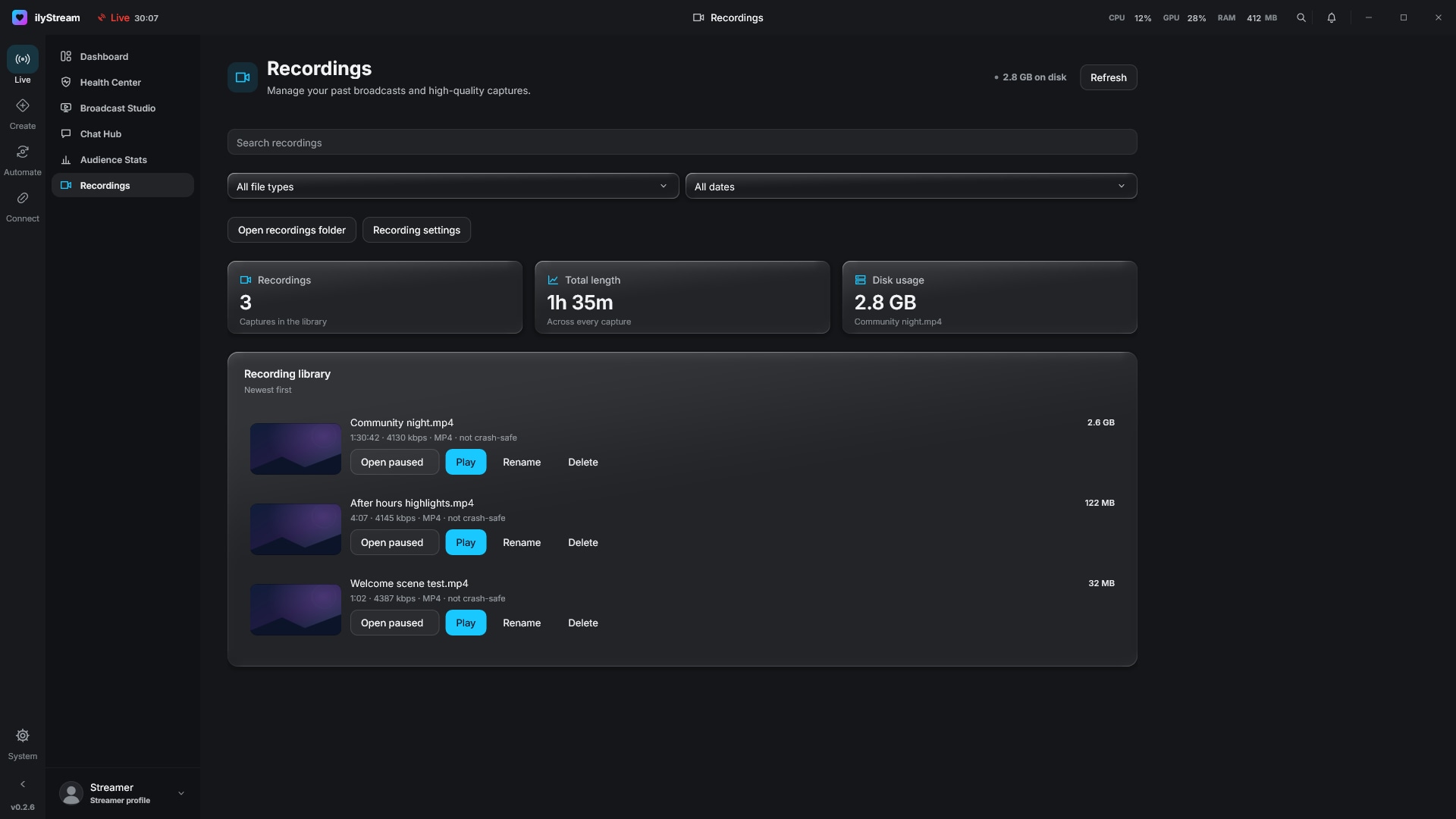
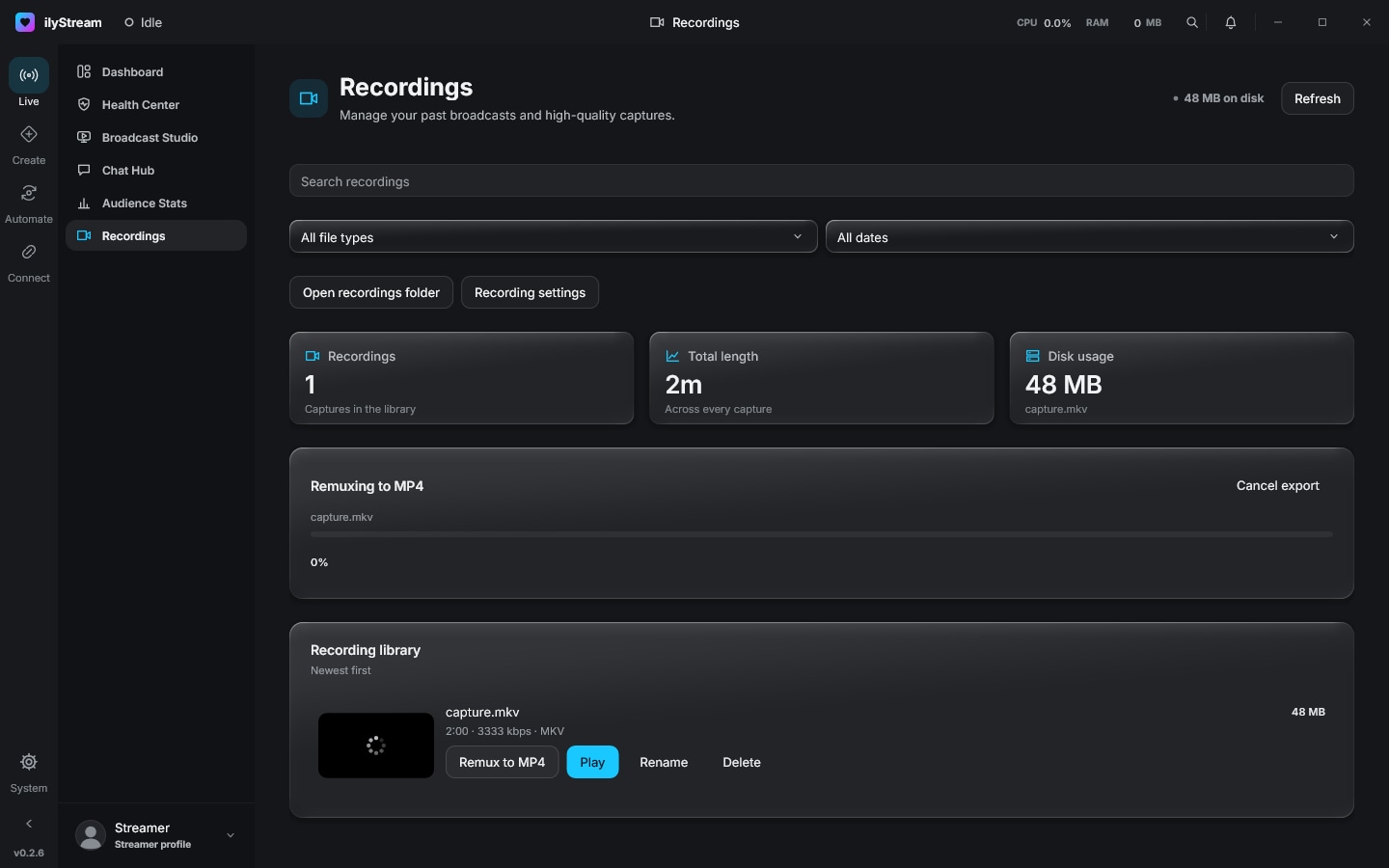
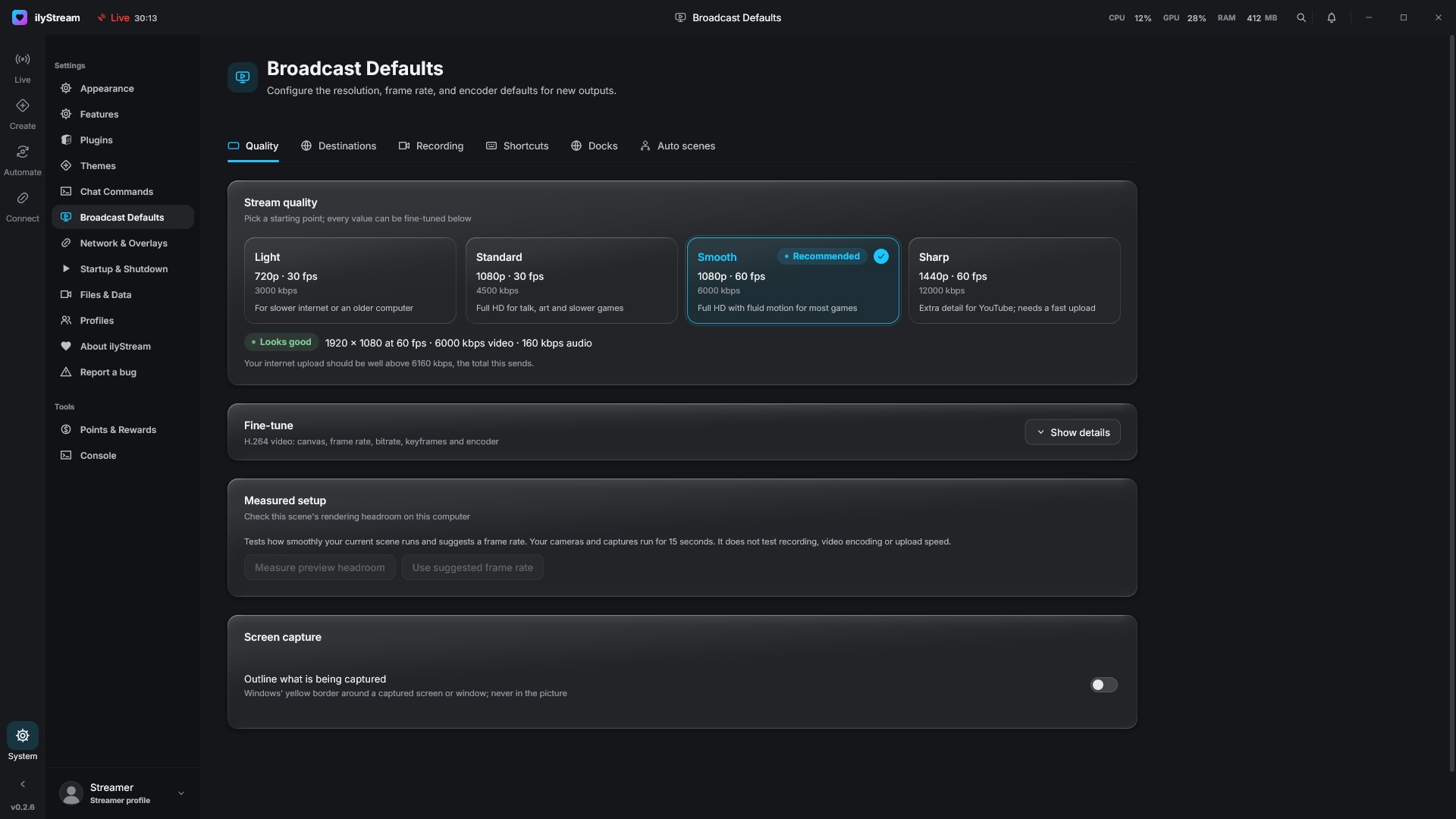
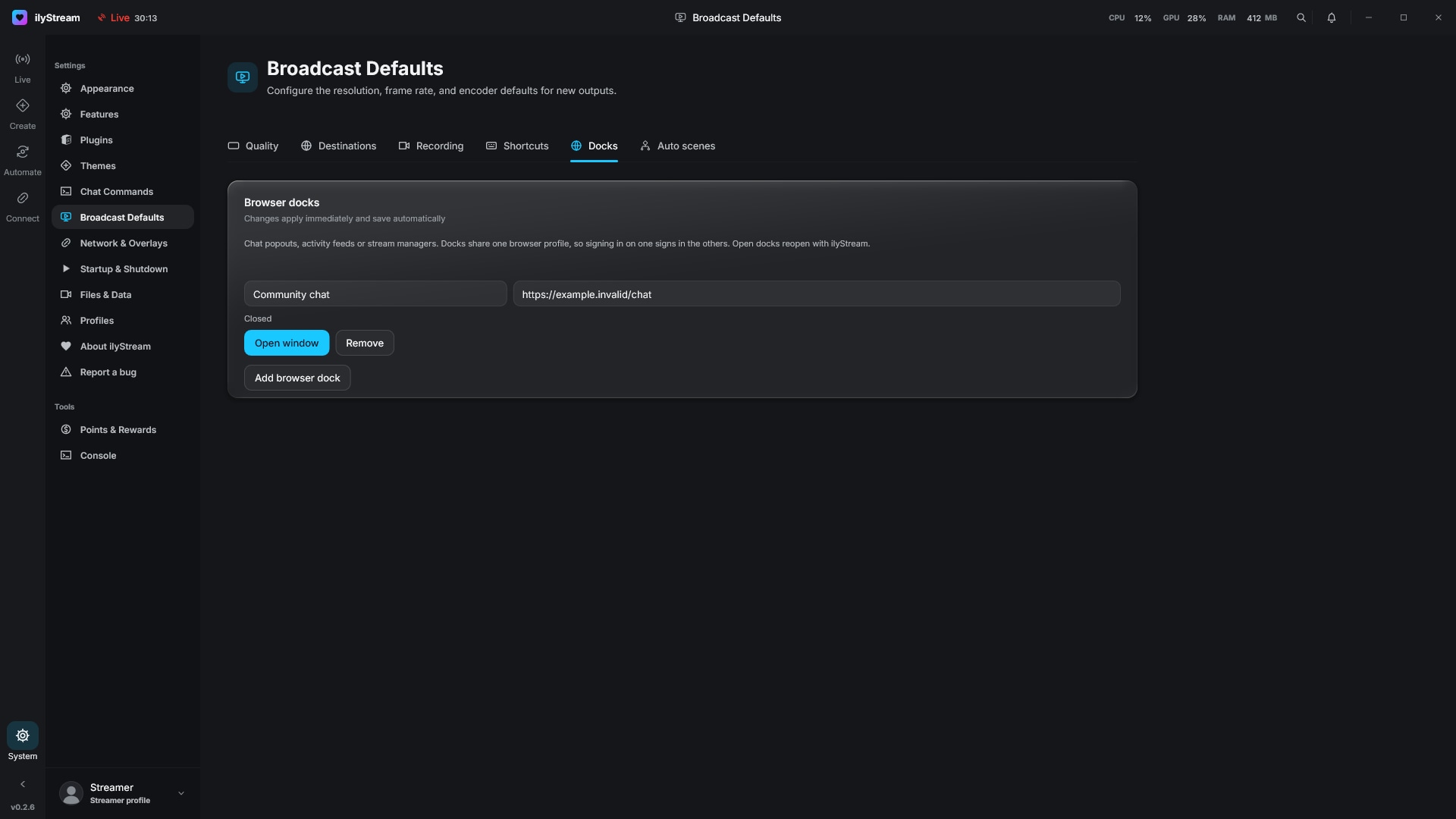
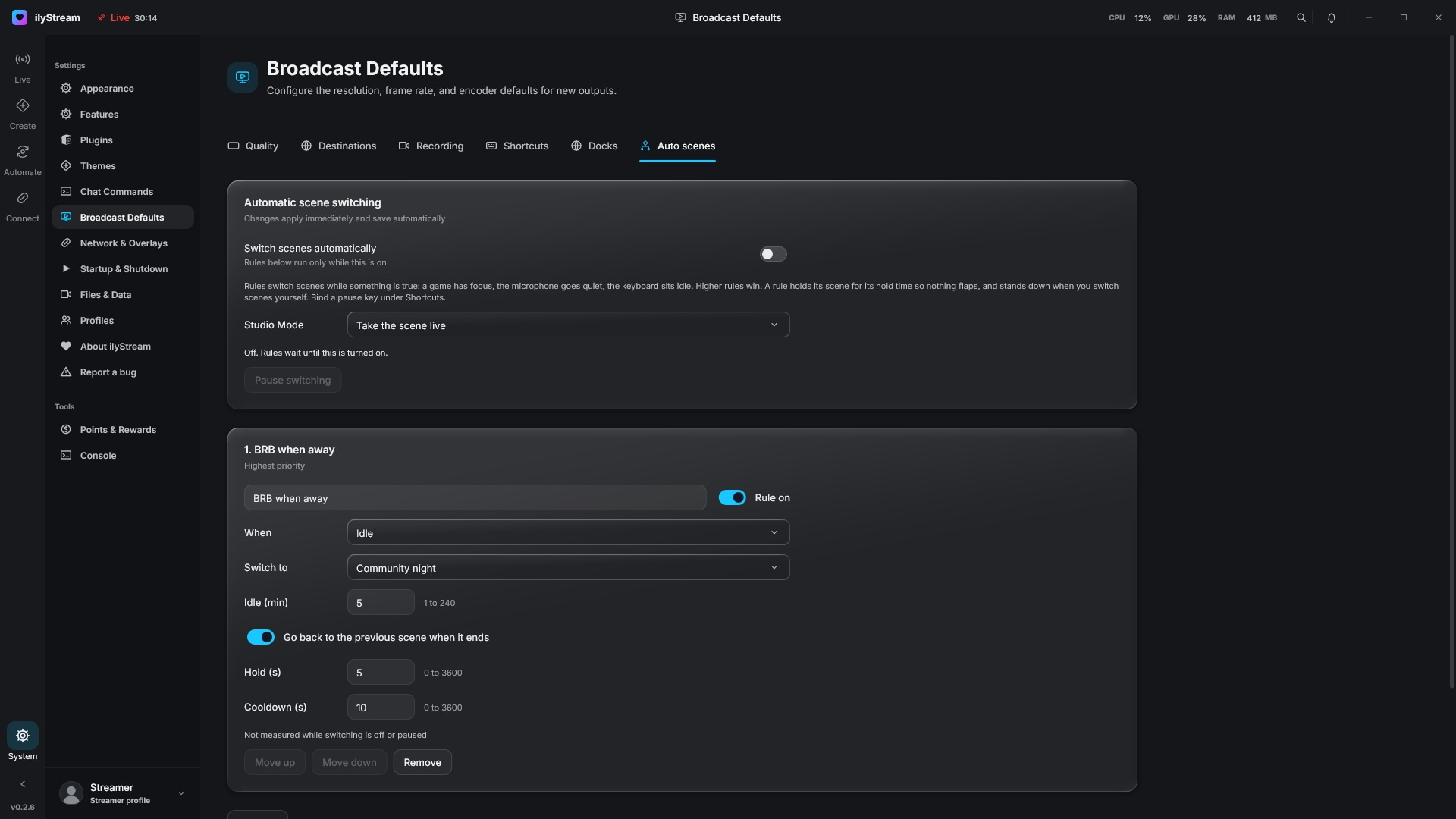
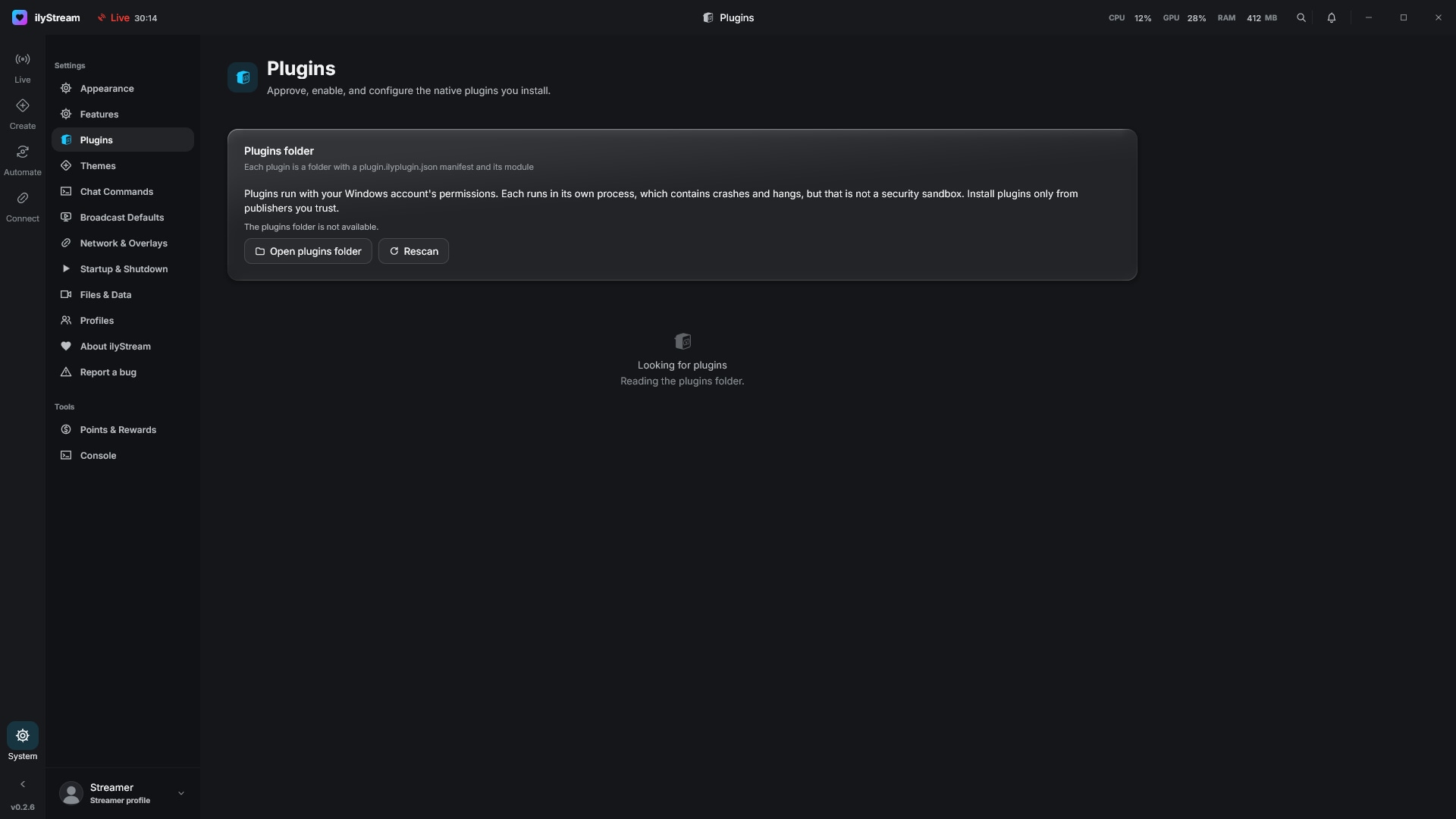
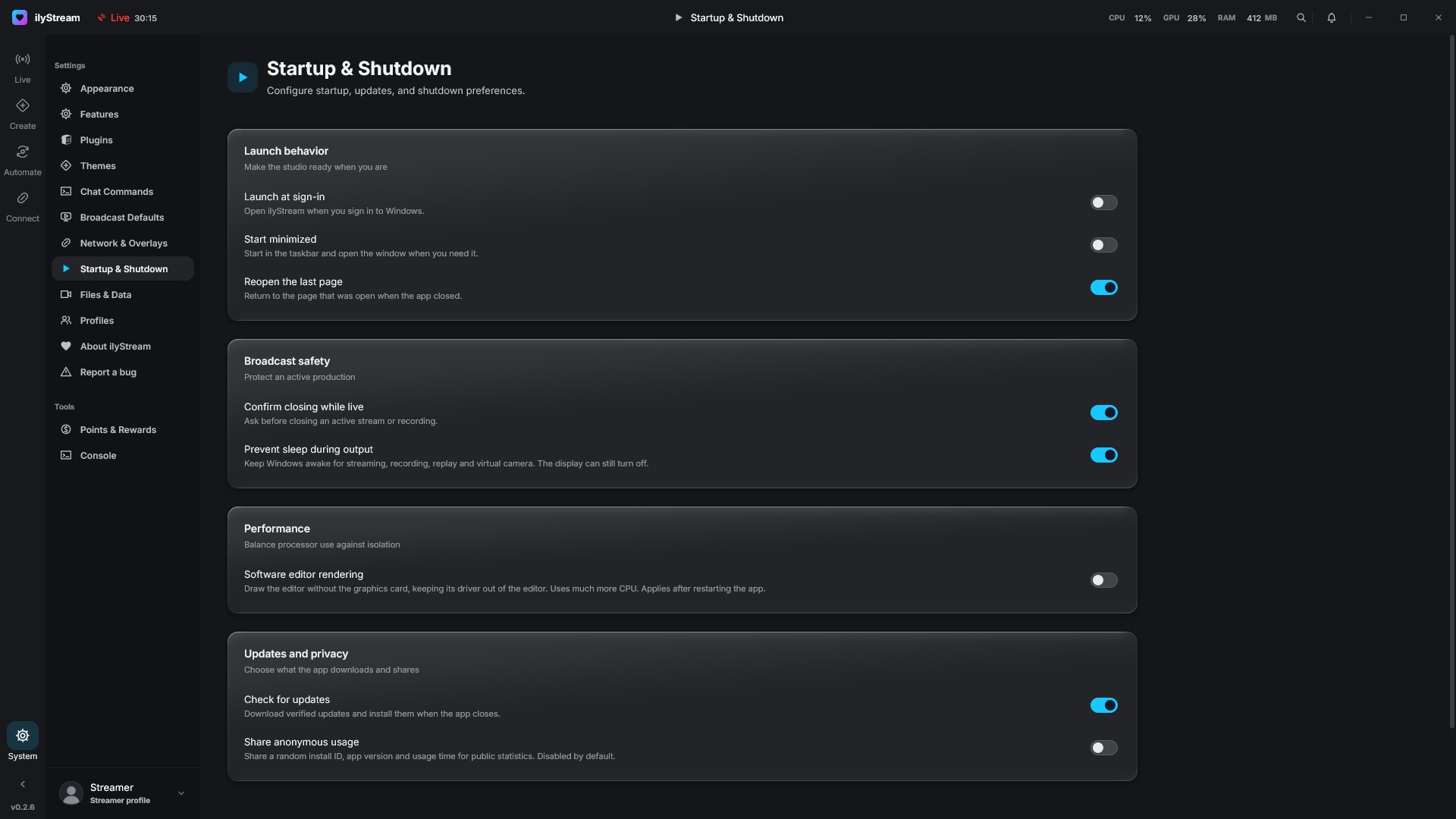
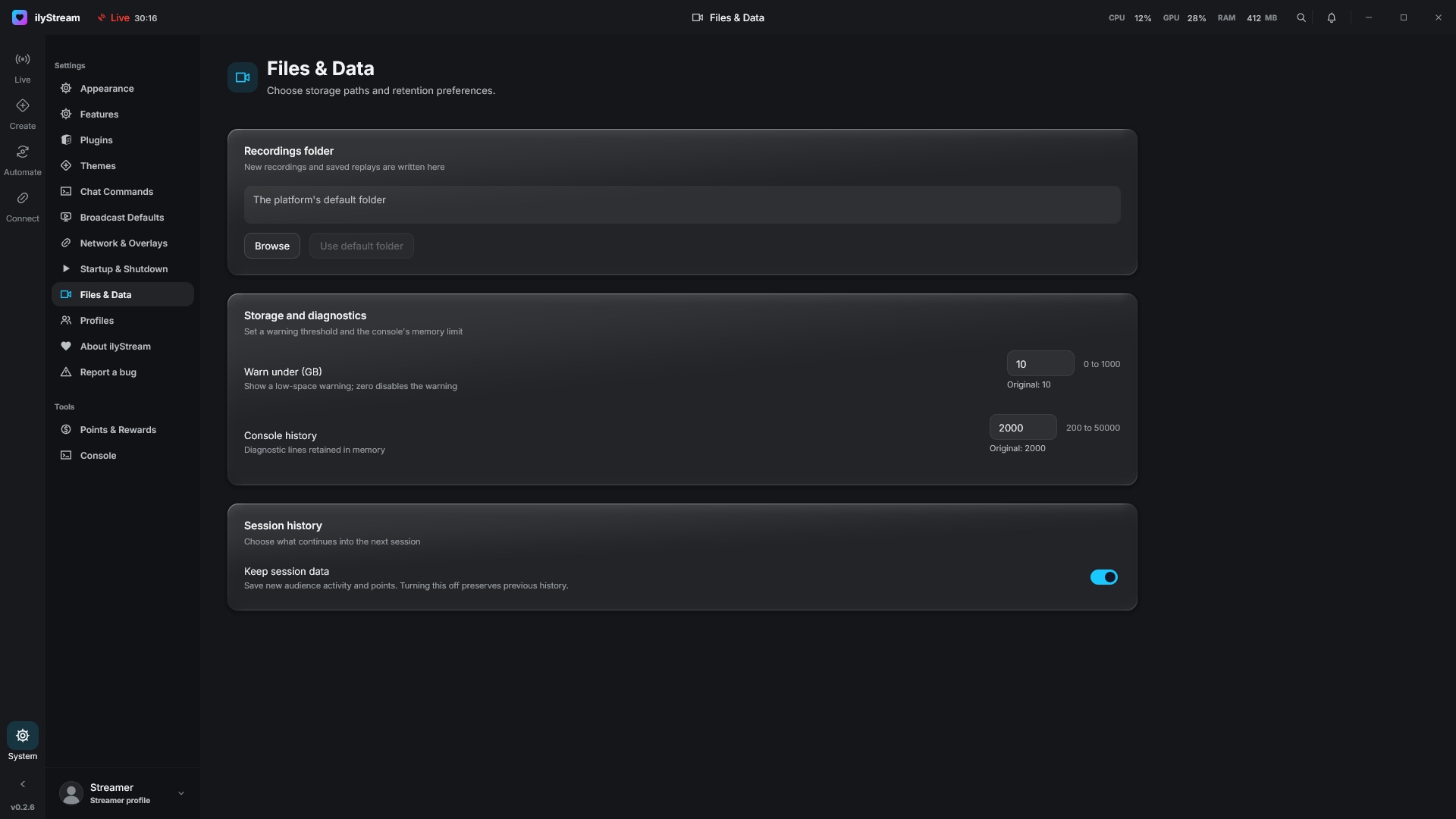
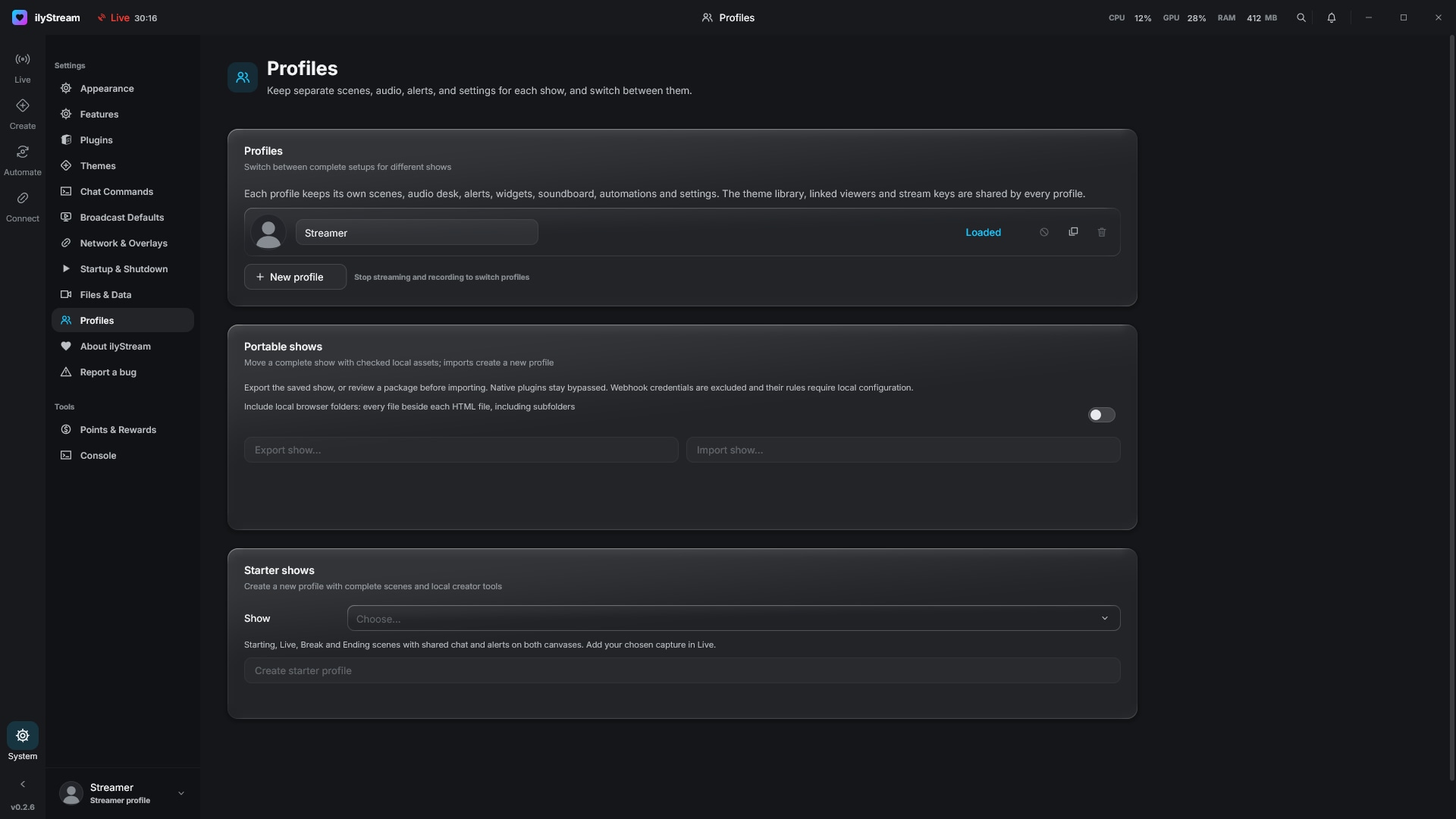
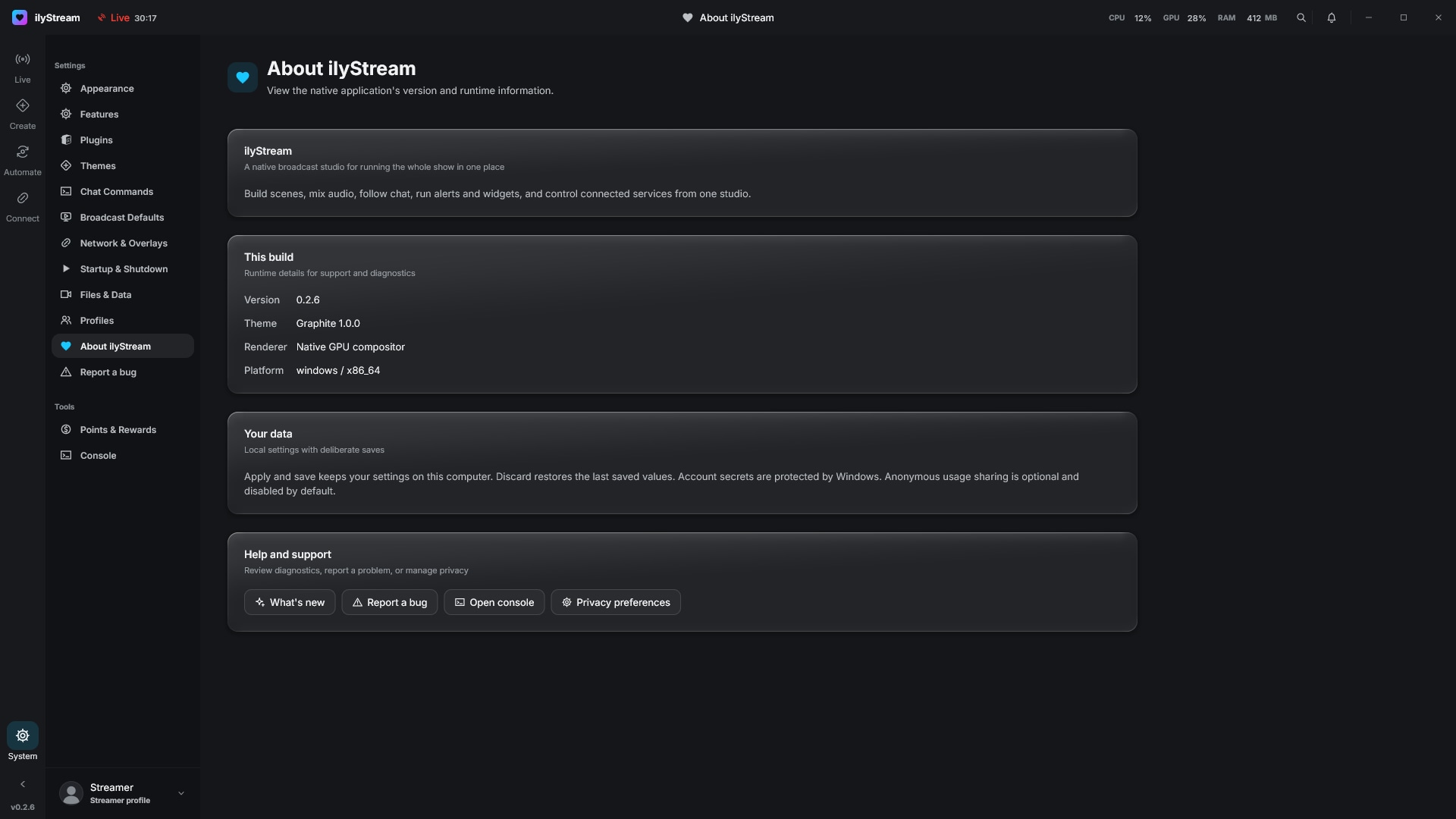
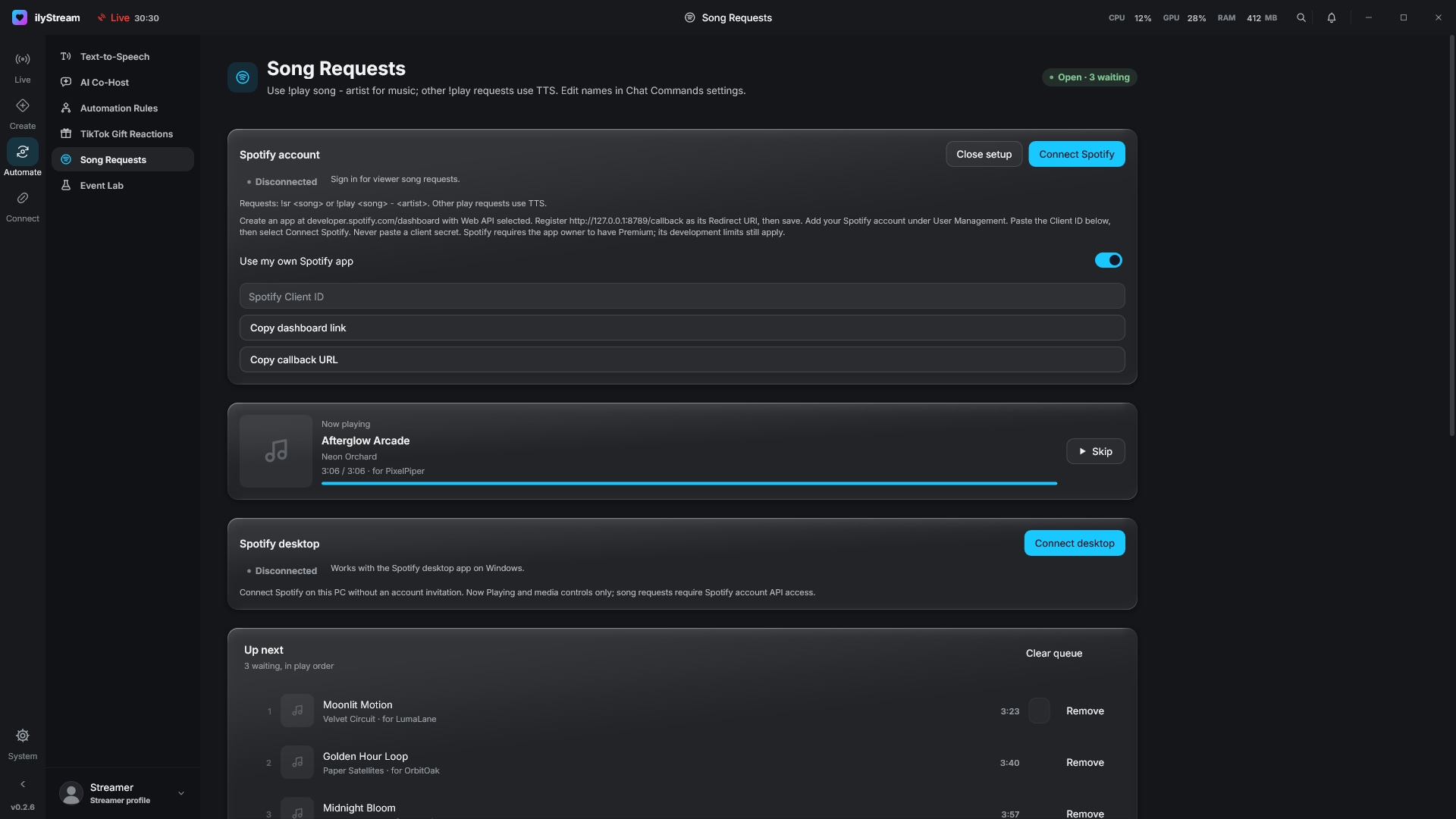
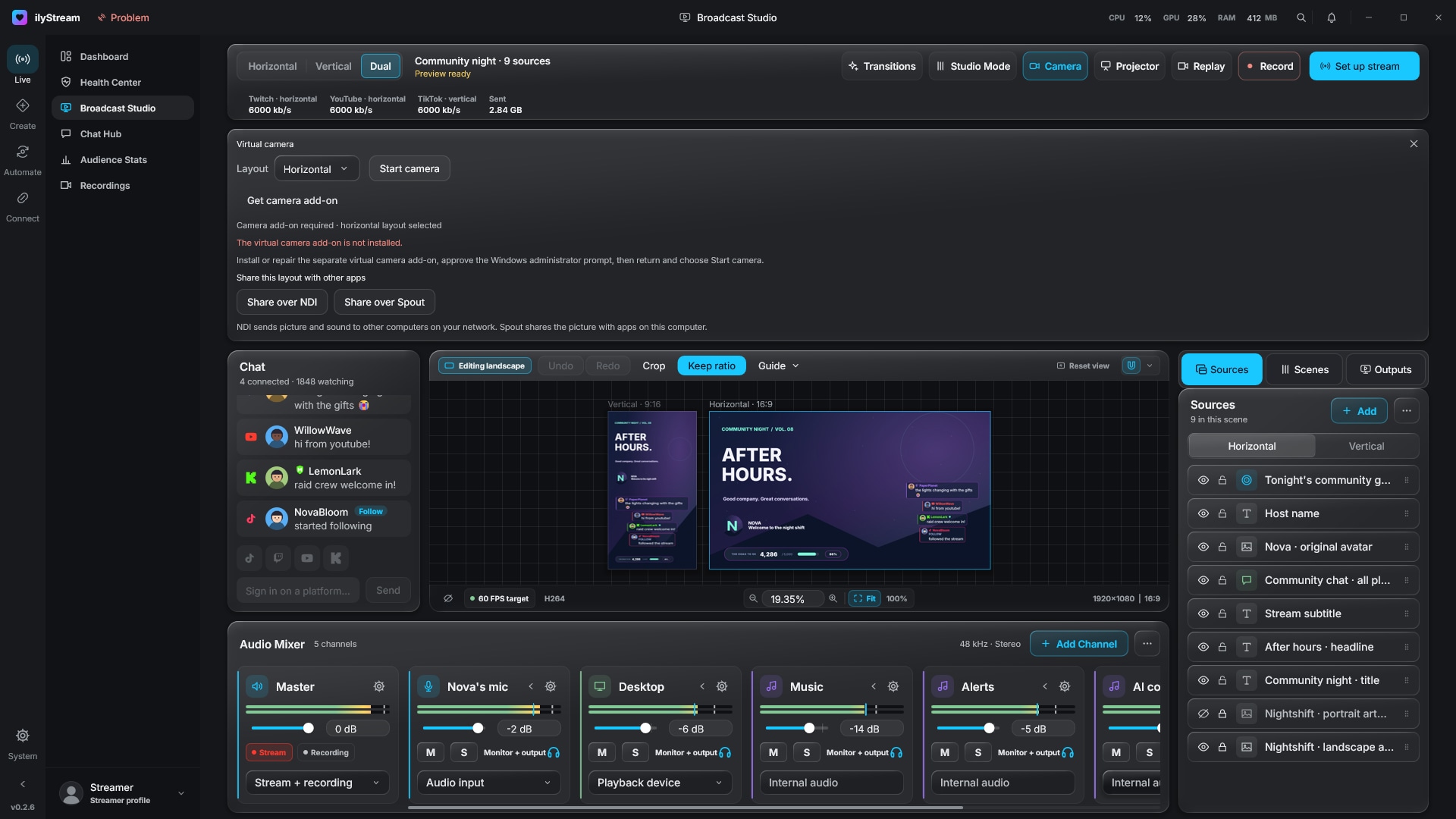
Product screenshots · 0.2.6 preview
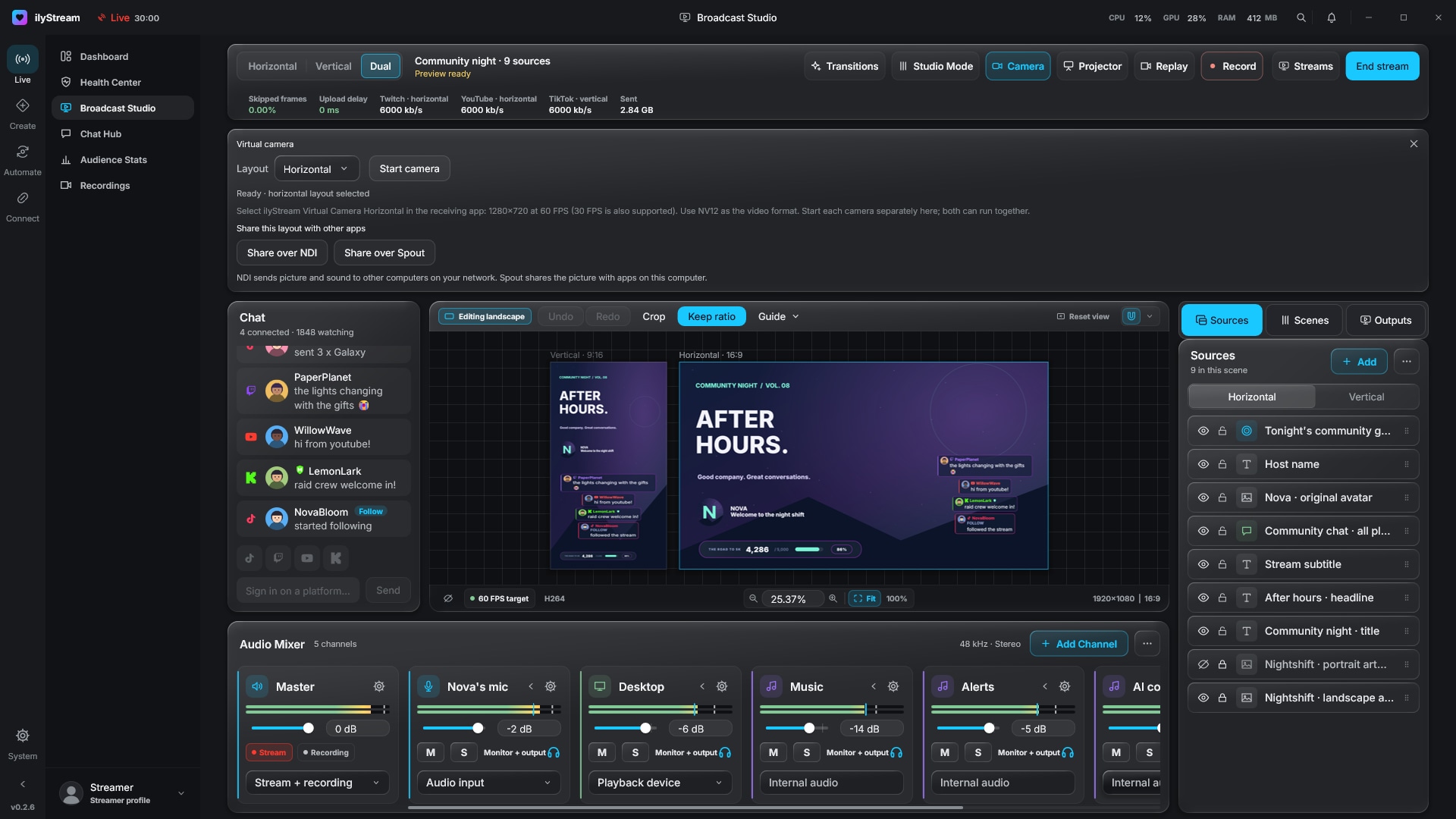
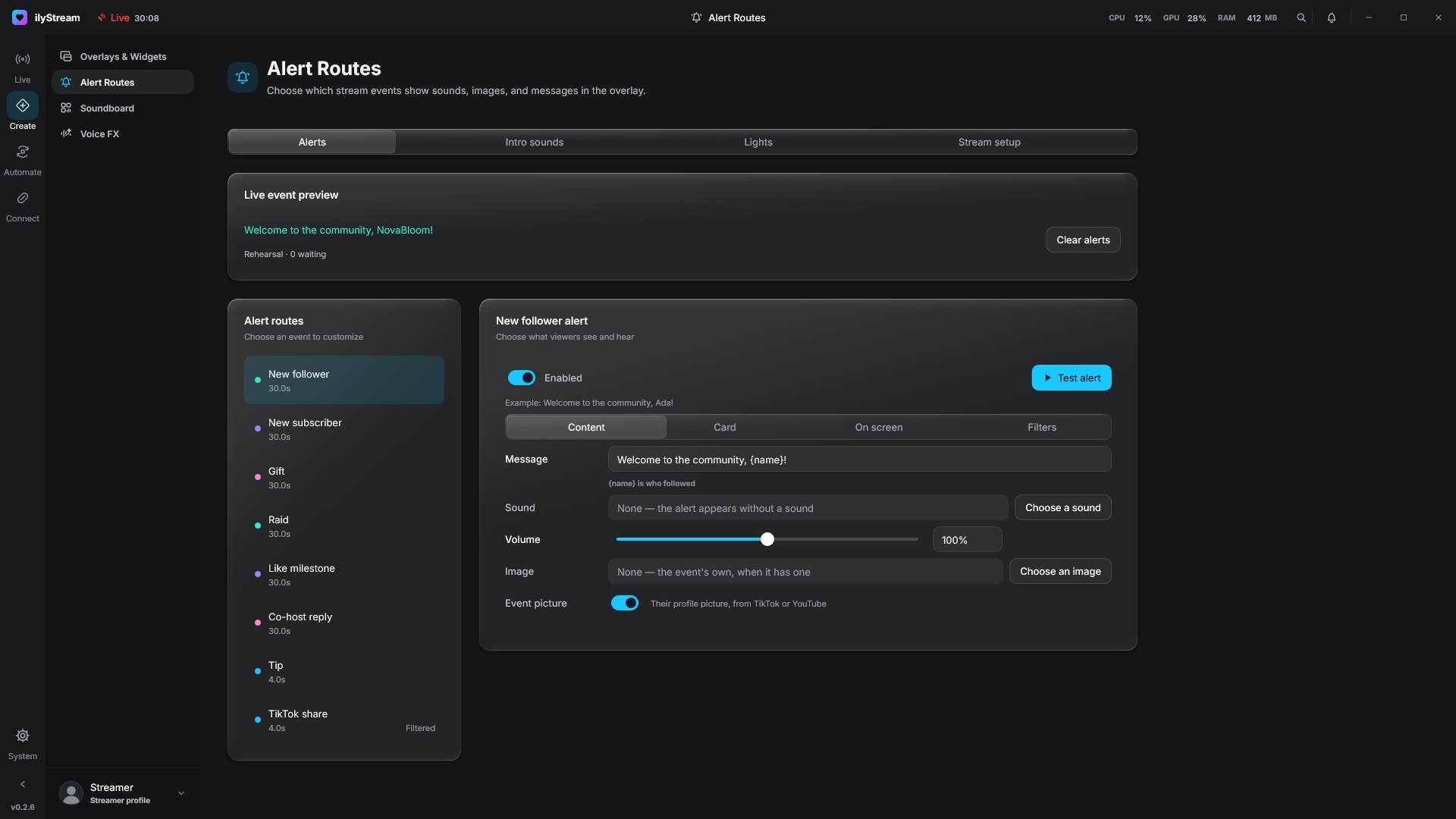
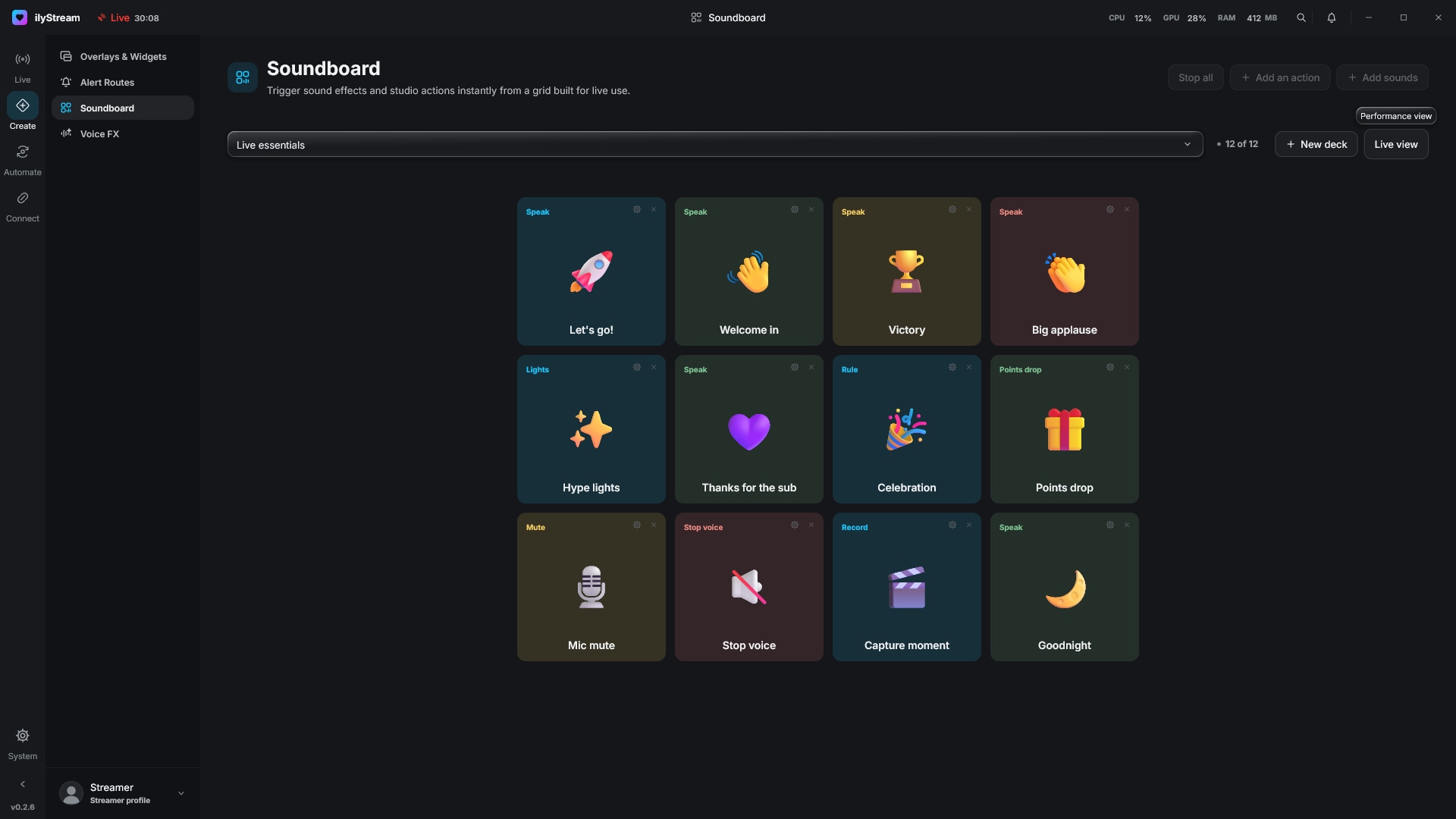
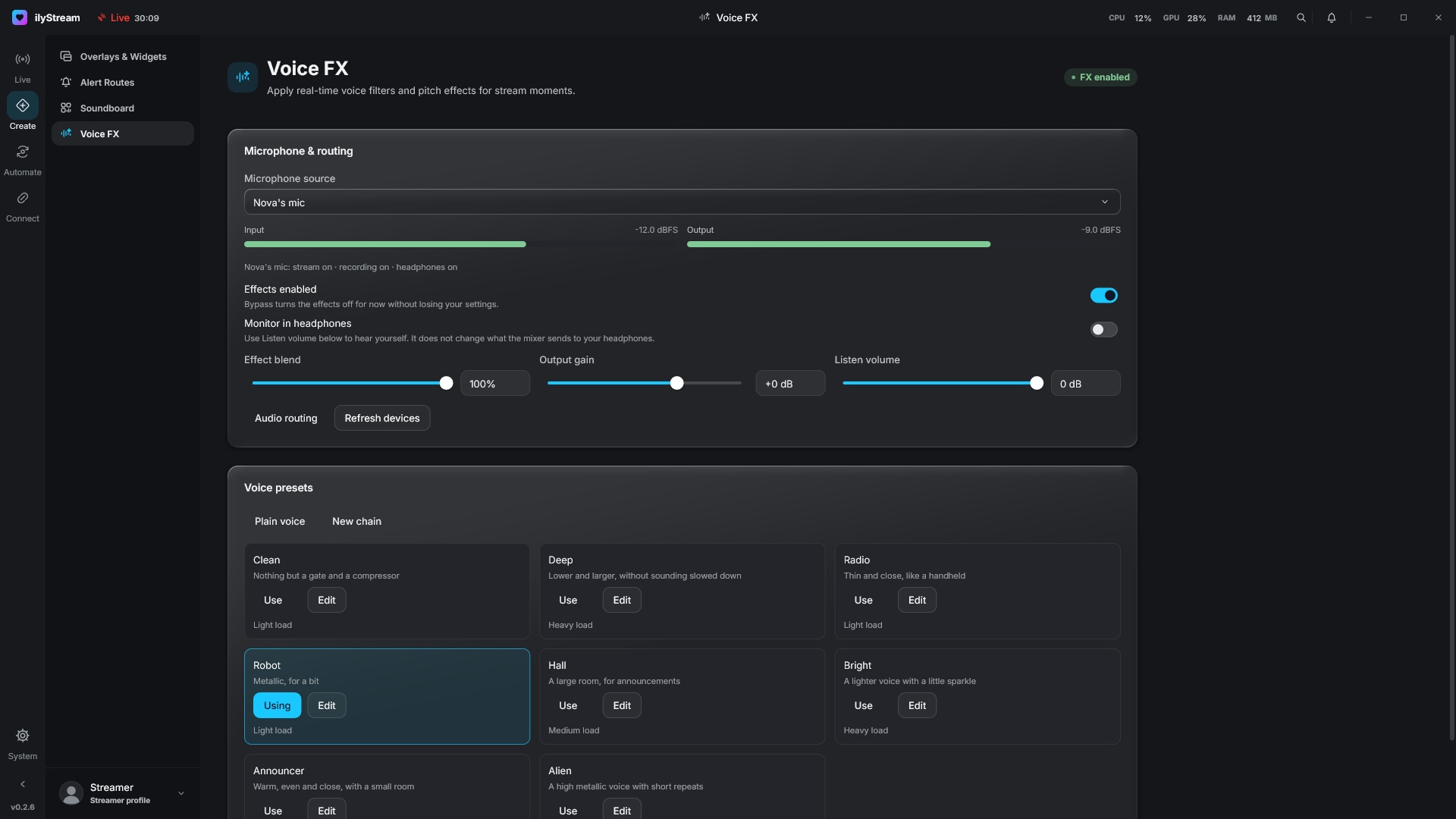
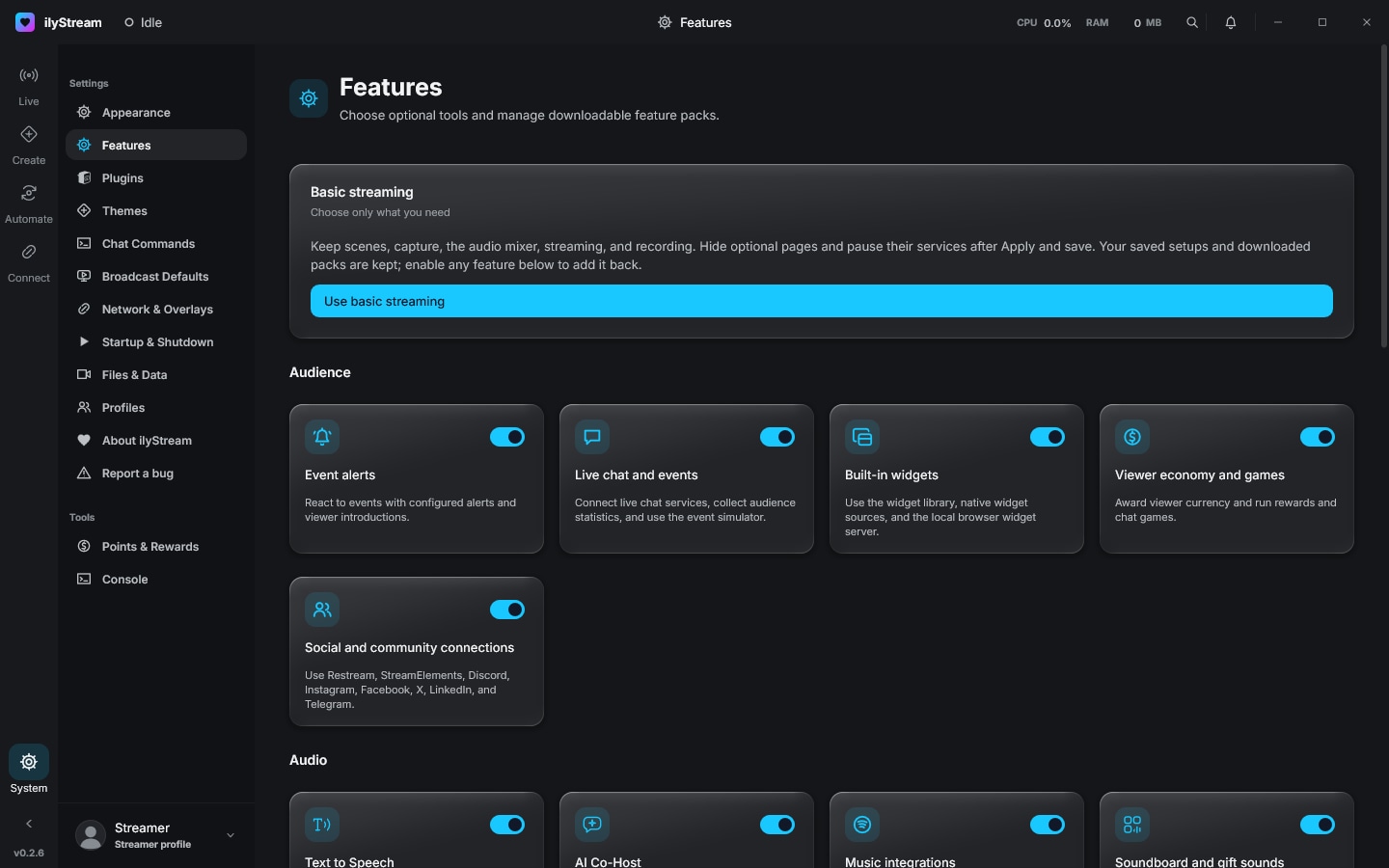
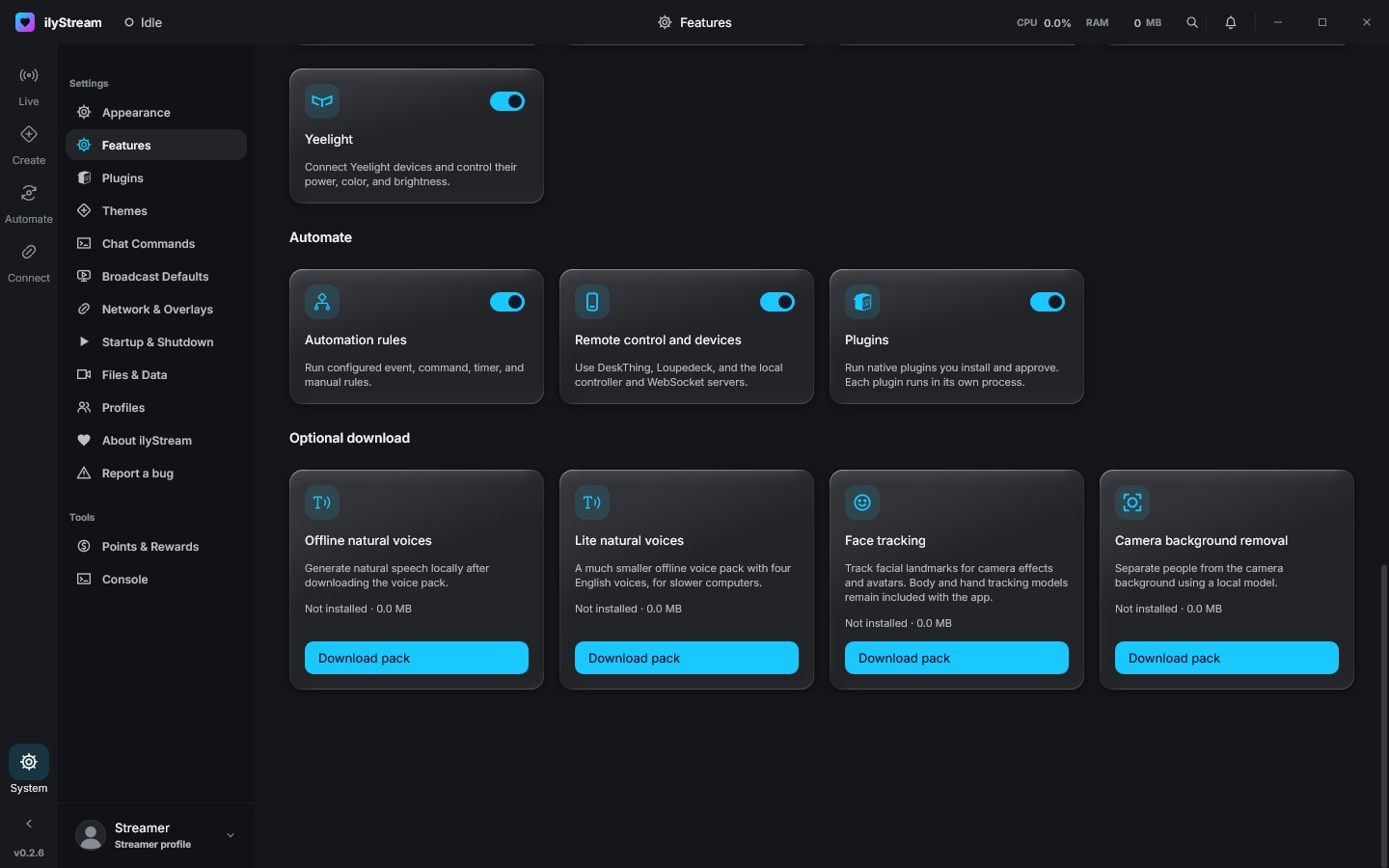
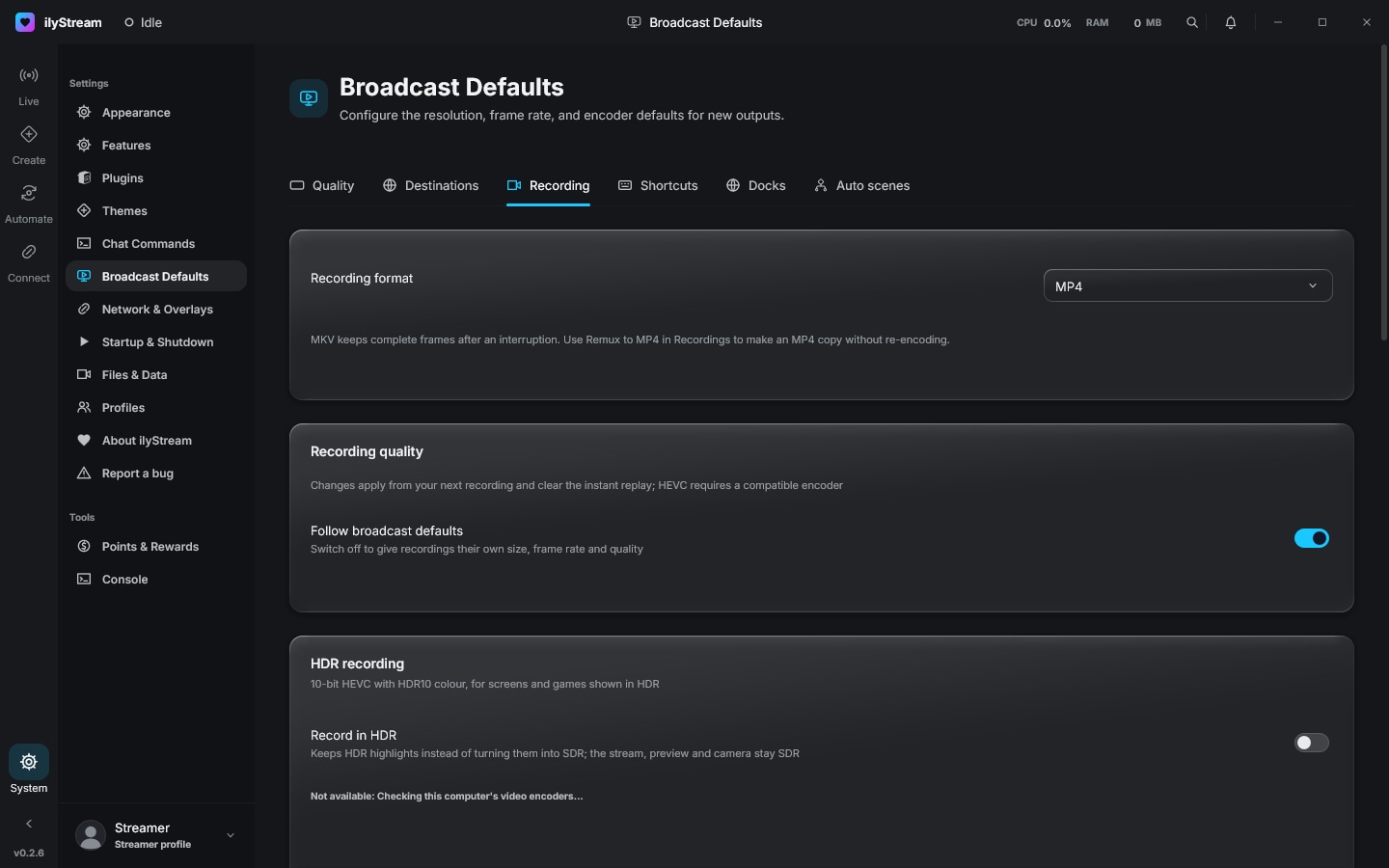
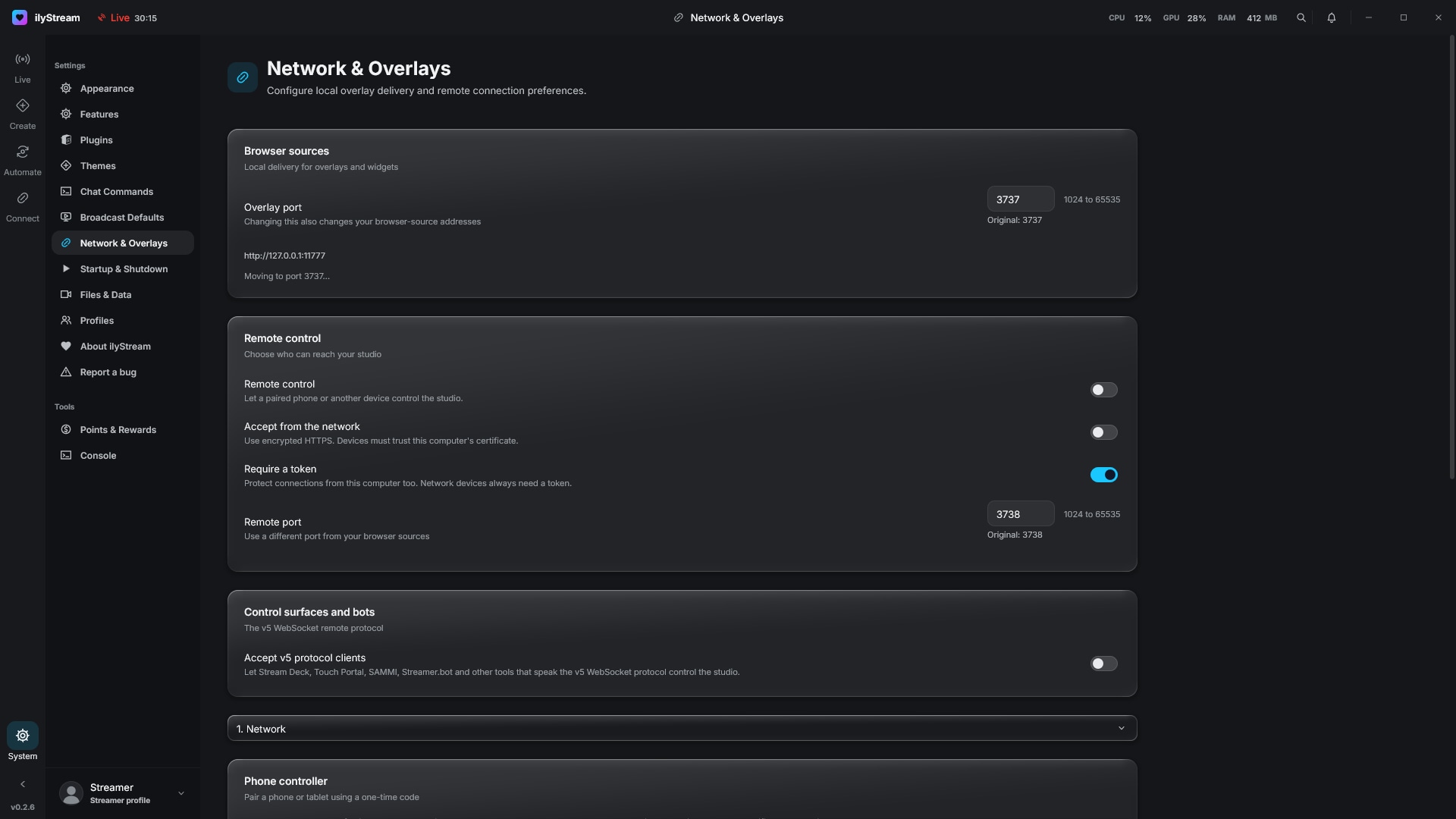
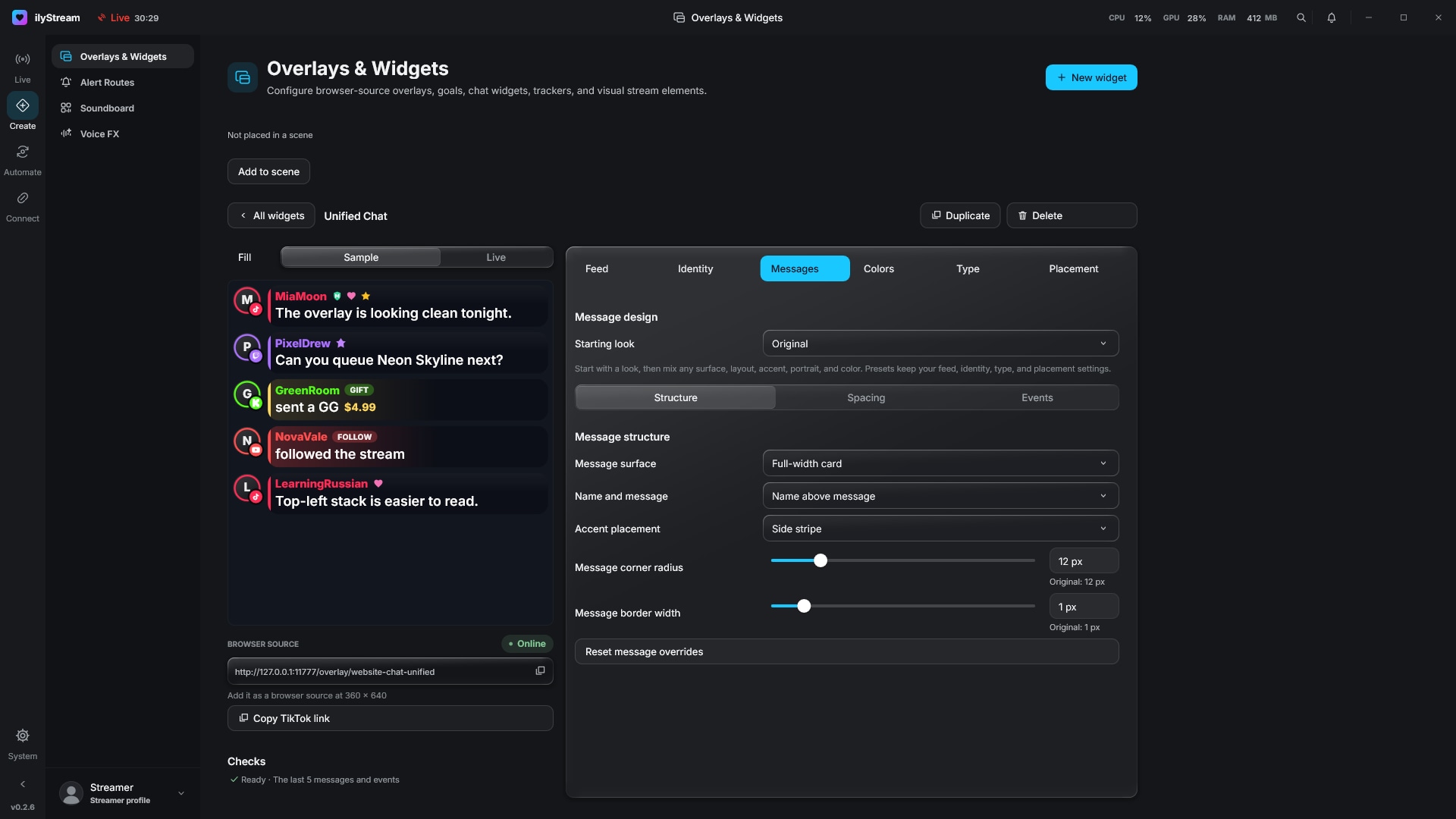
These captures show the native app with fictional sample data. The companion captures show version 0.2.6. Download the originals for your coverage.
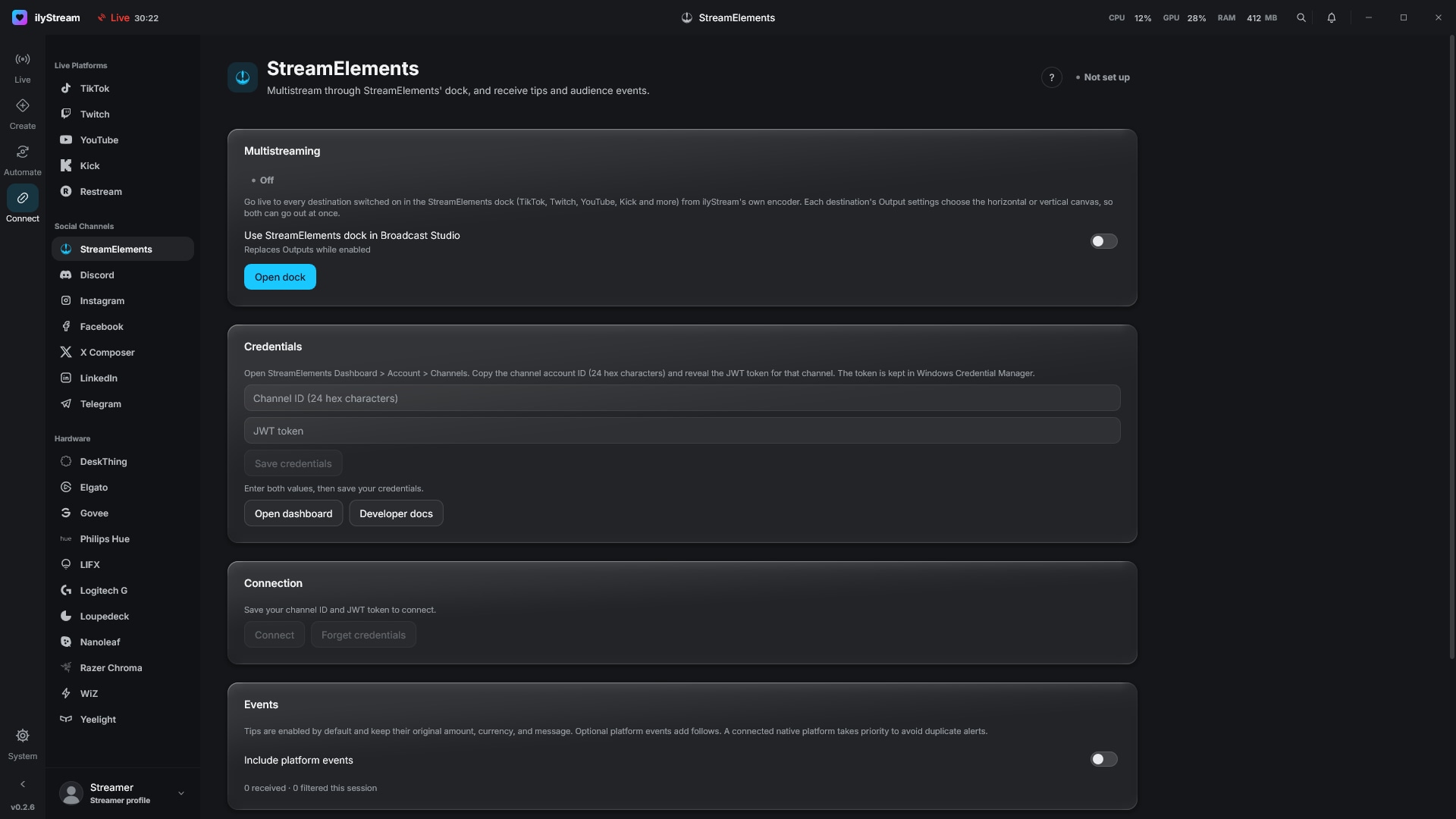
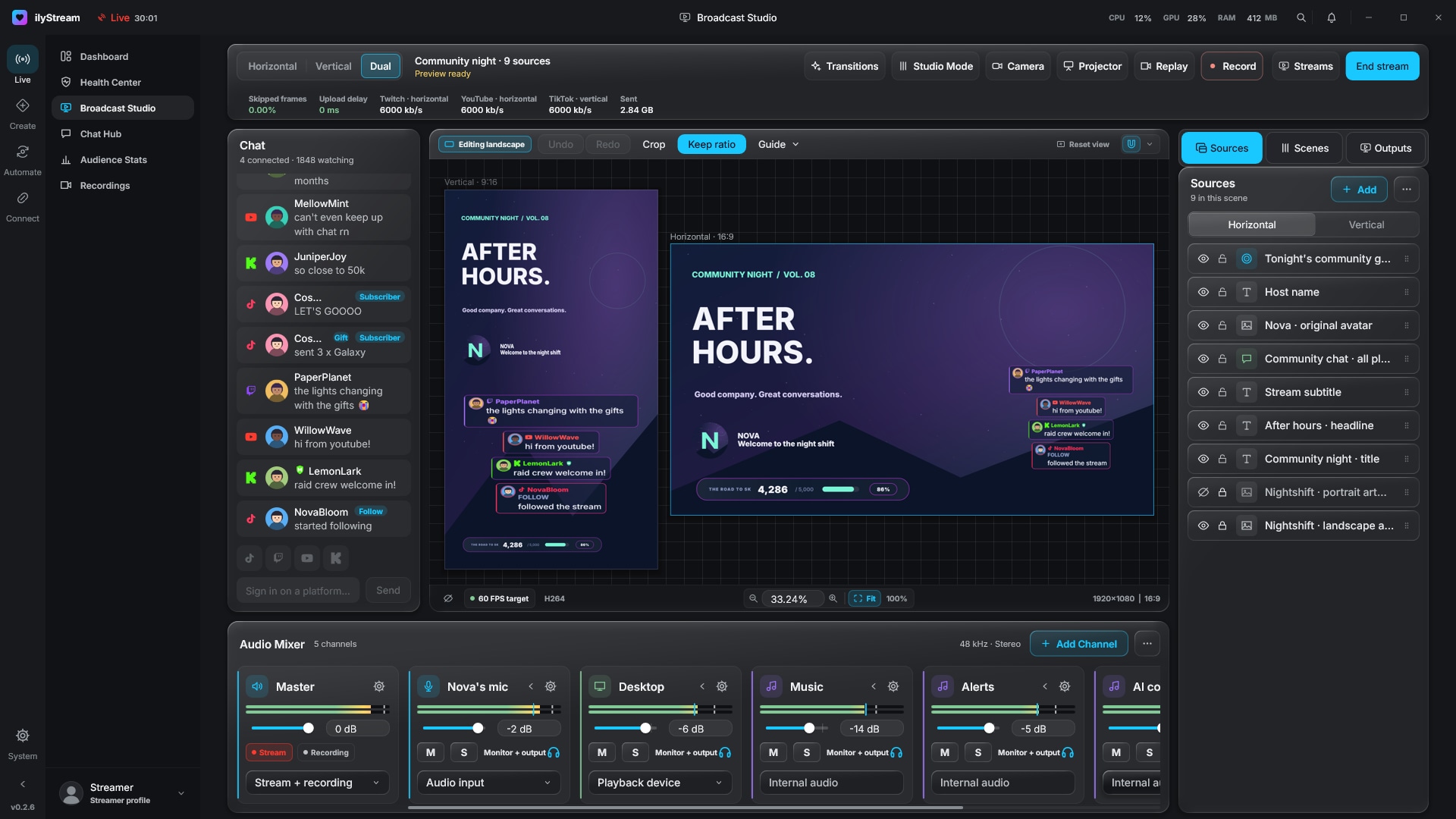
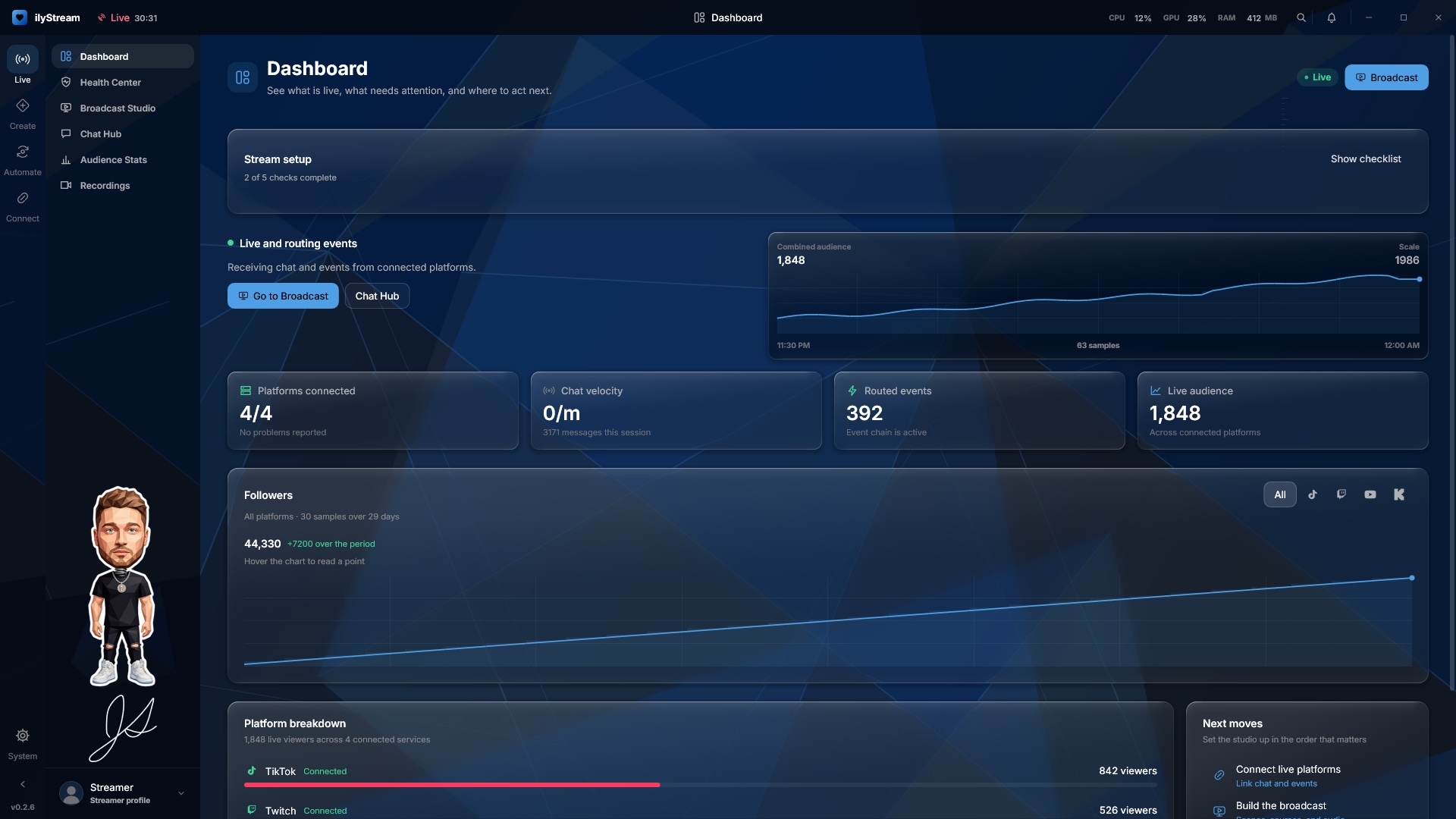
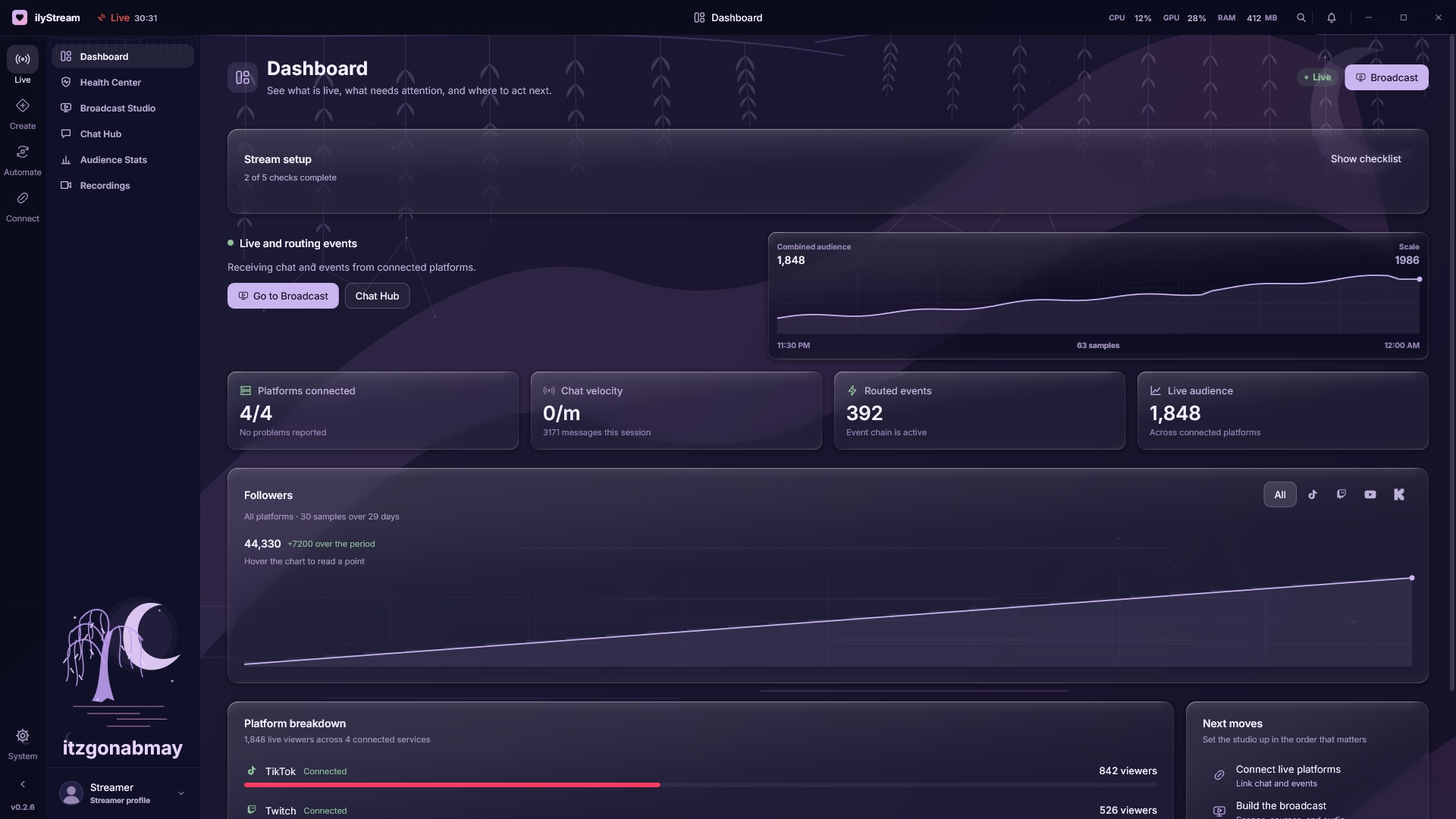
Live screenshots8 screens
ilyStream 0.2.6 preview with fictional sample data. Select a picture to open the full image.
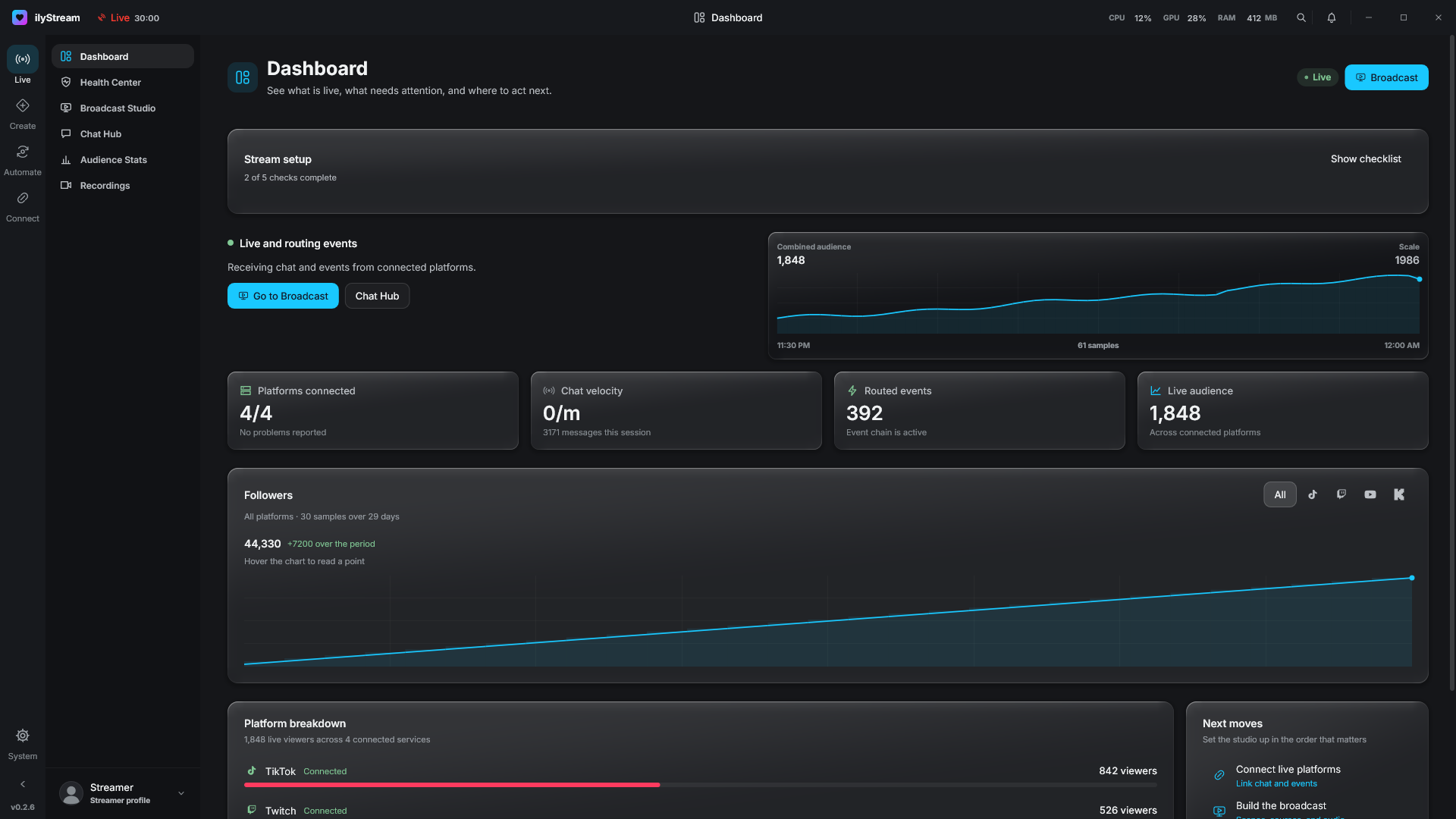
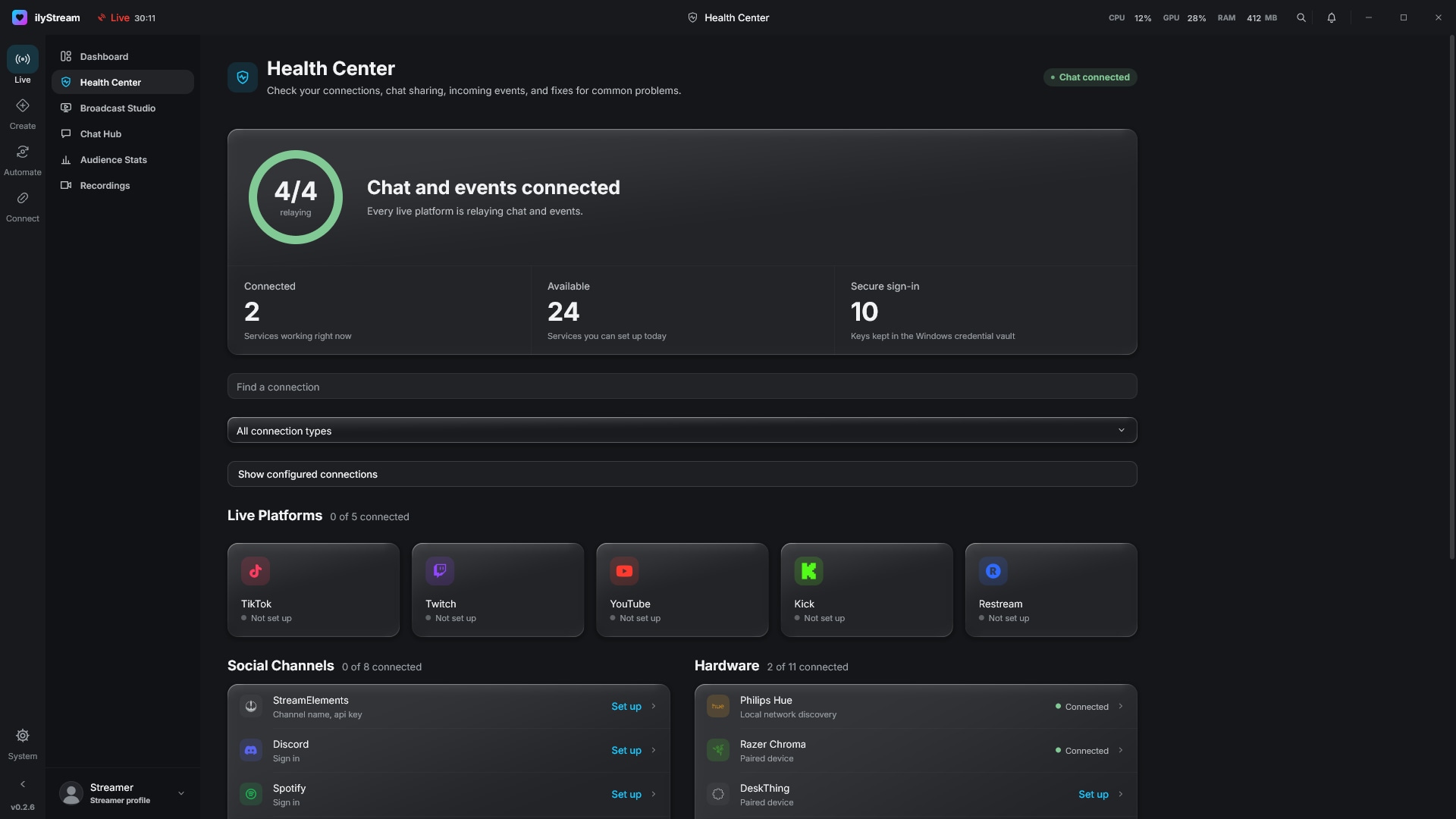
Create screenshots4 screens
ilyStream 0.2.6 preview with fictional sample data. Select a picture to open the full image.
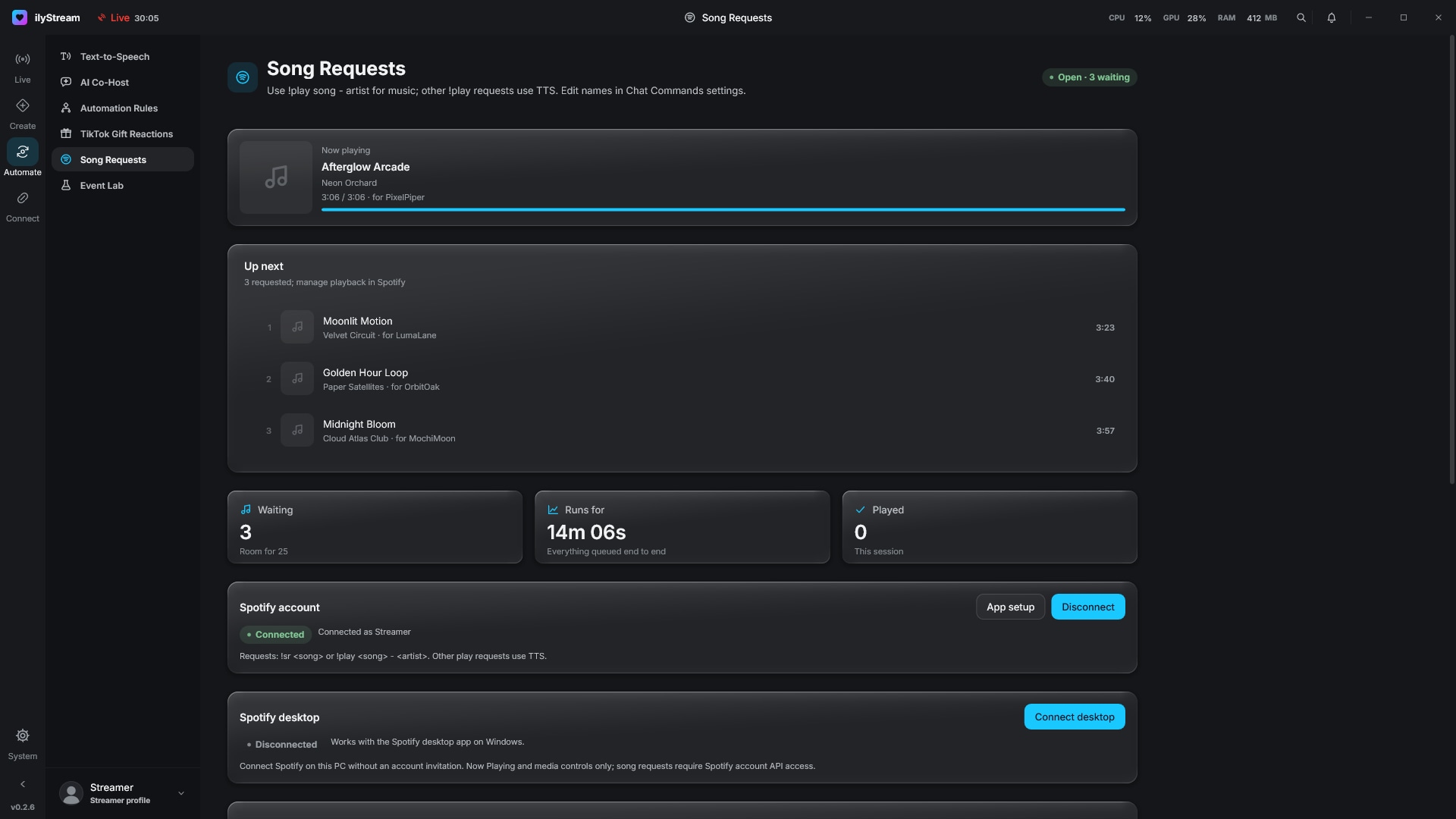
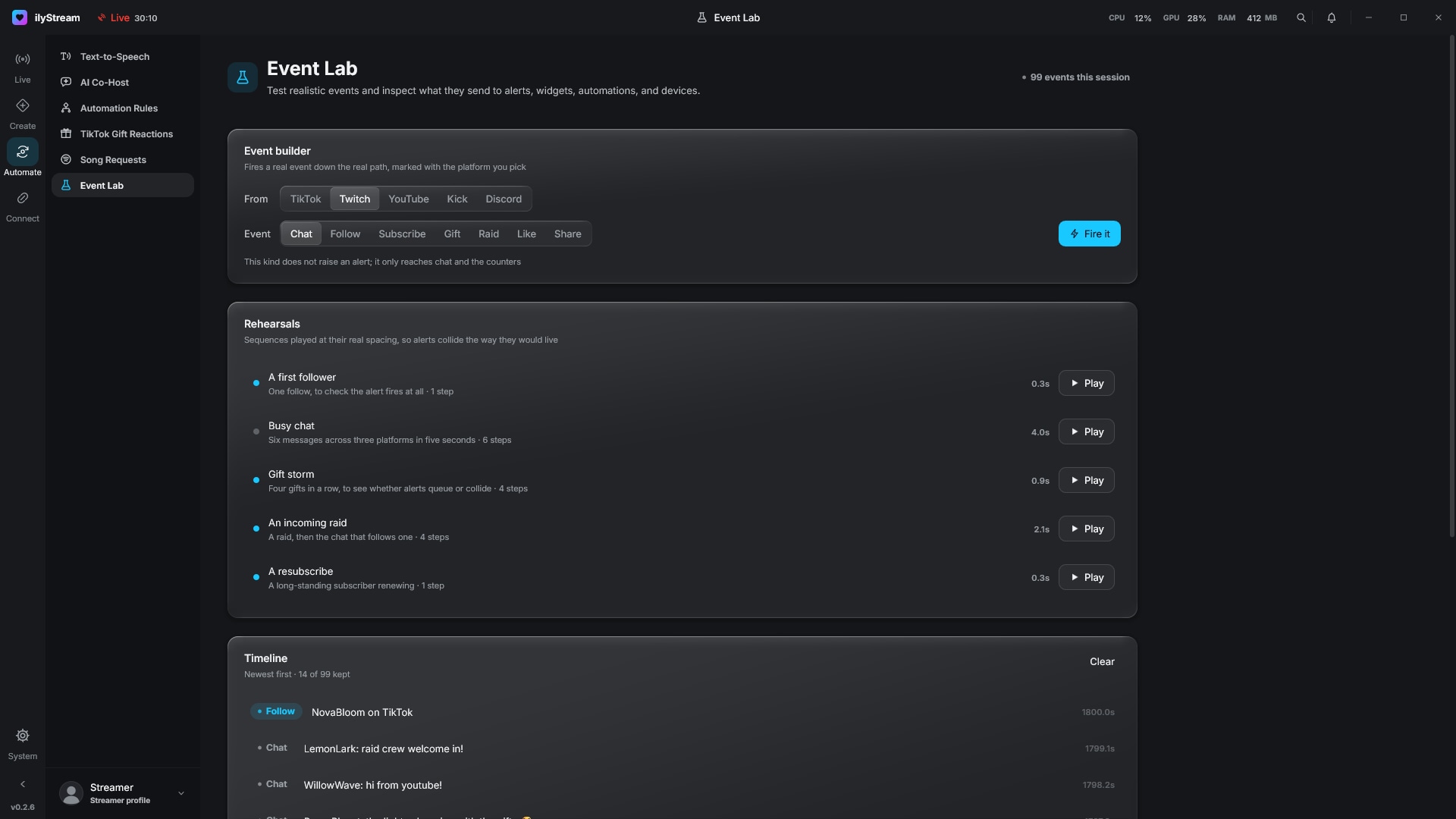
Automate screenshots7 screens
ilyStream 0.2.6 preview with fictional sample data. Select a picture to open the full image.
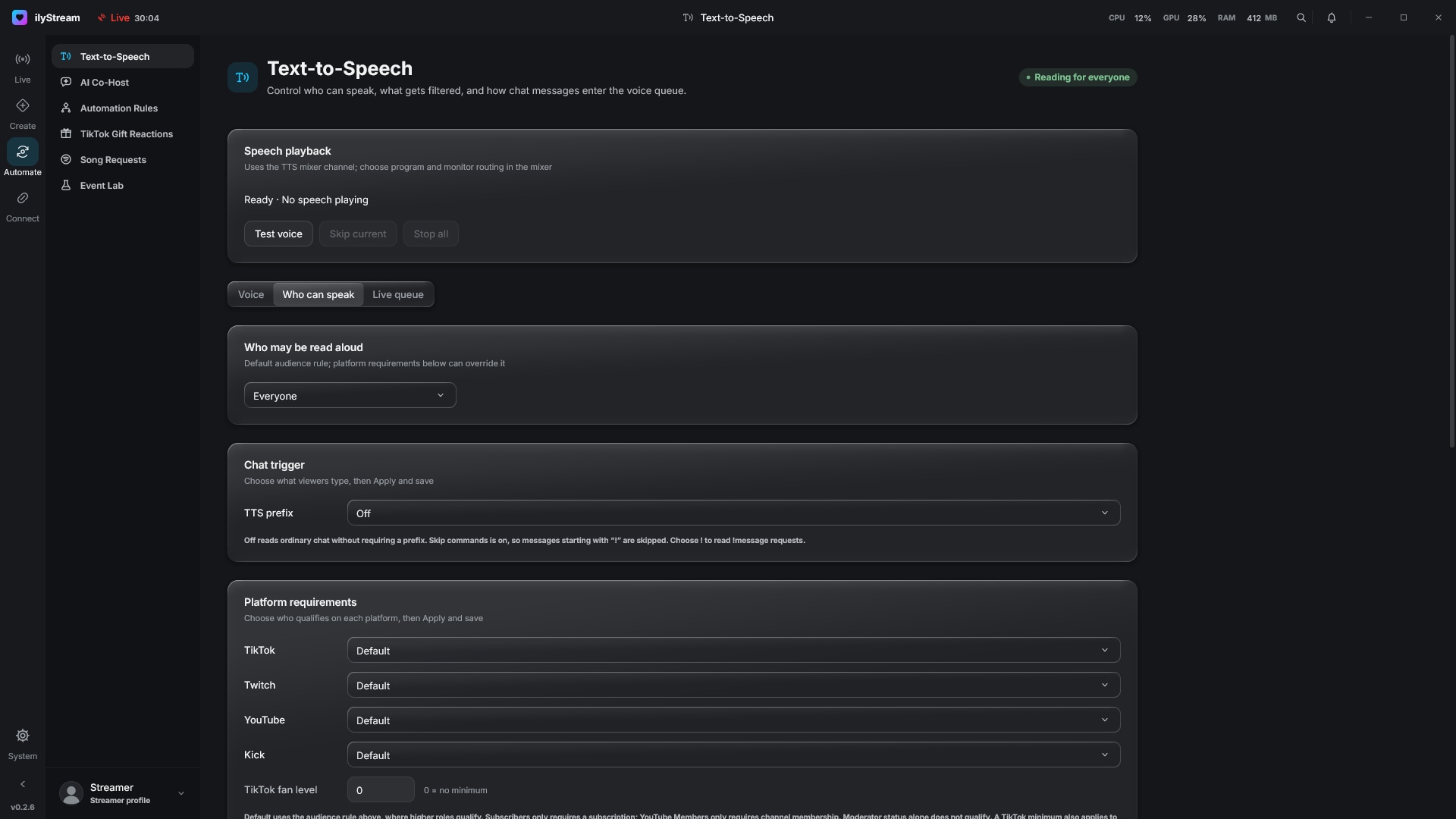
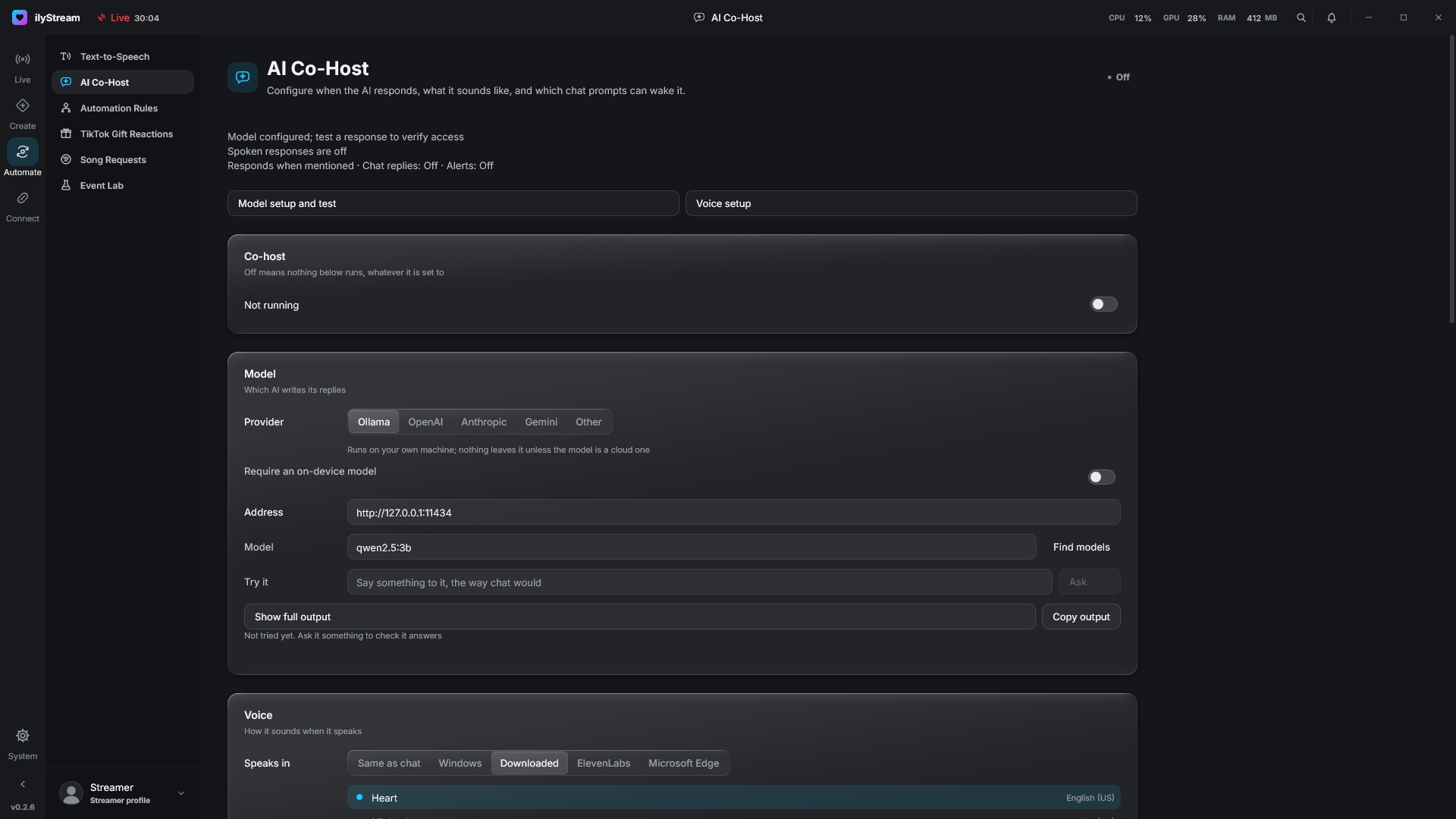
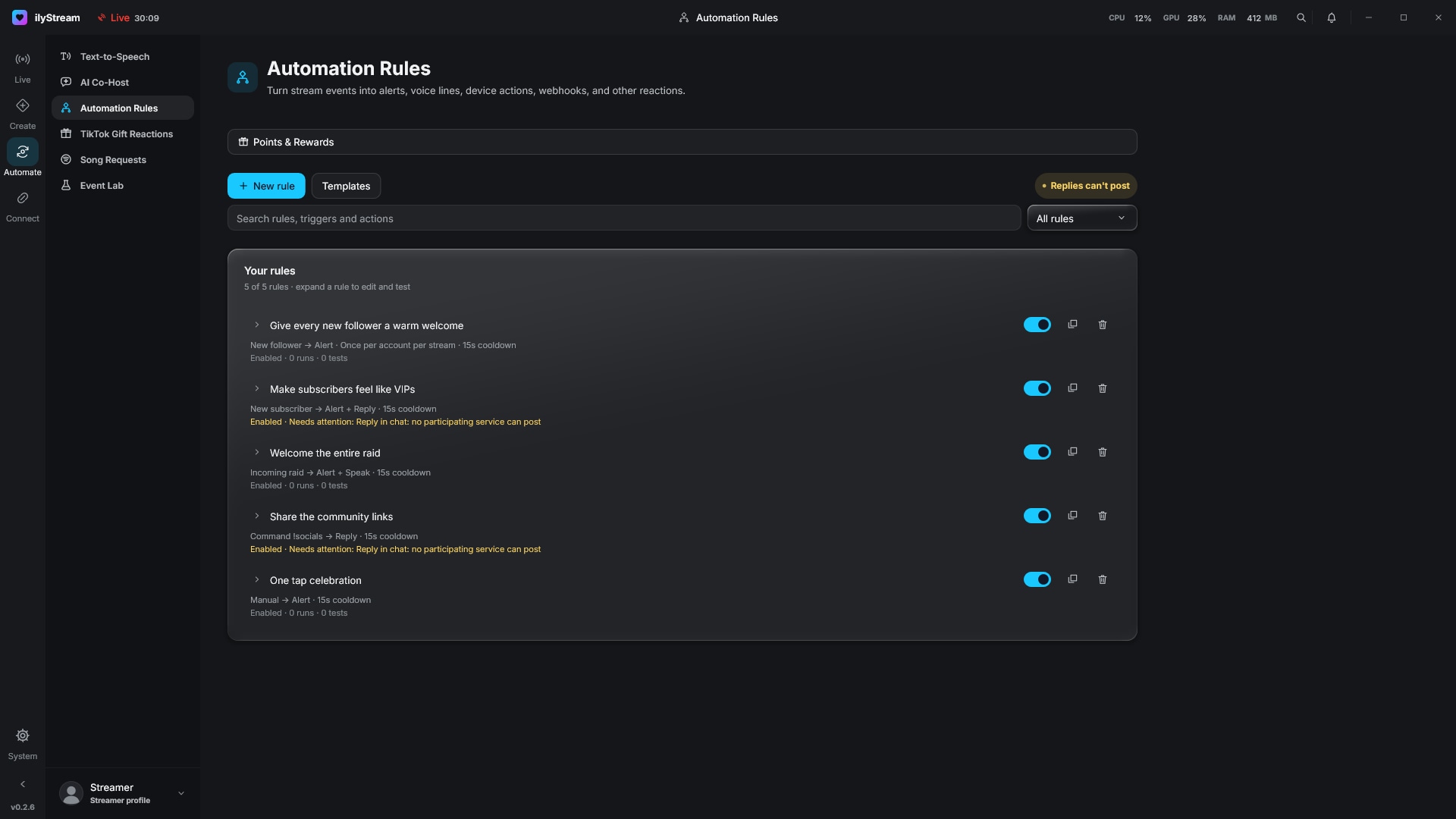
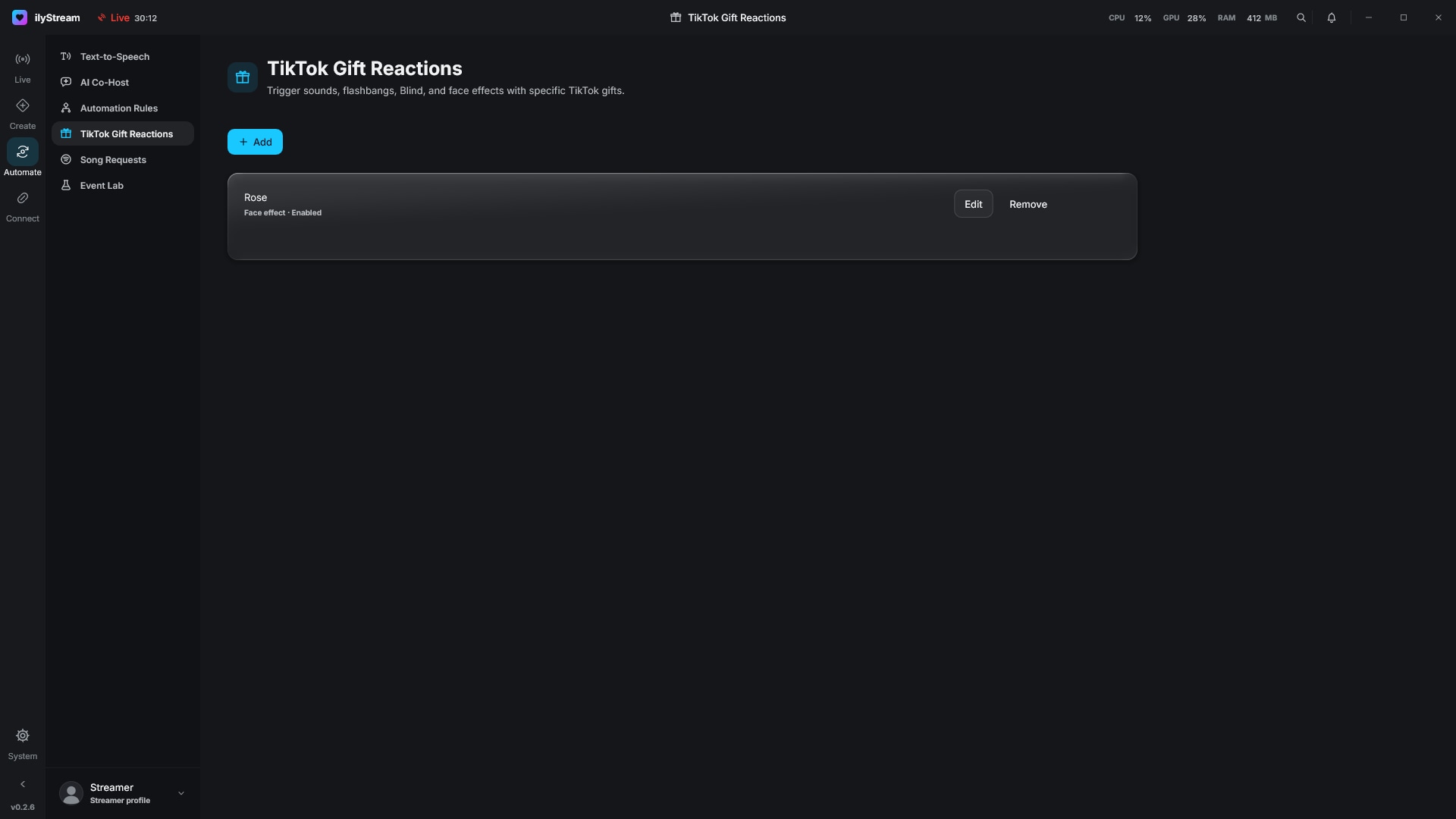
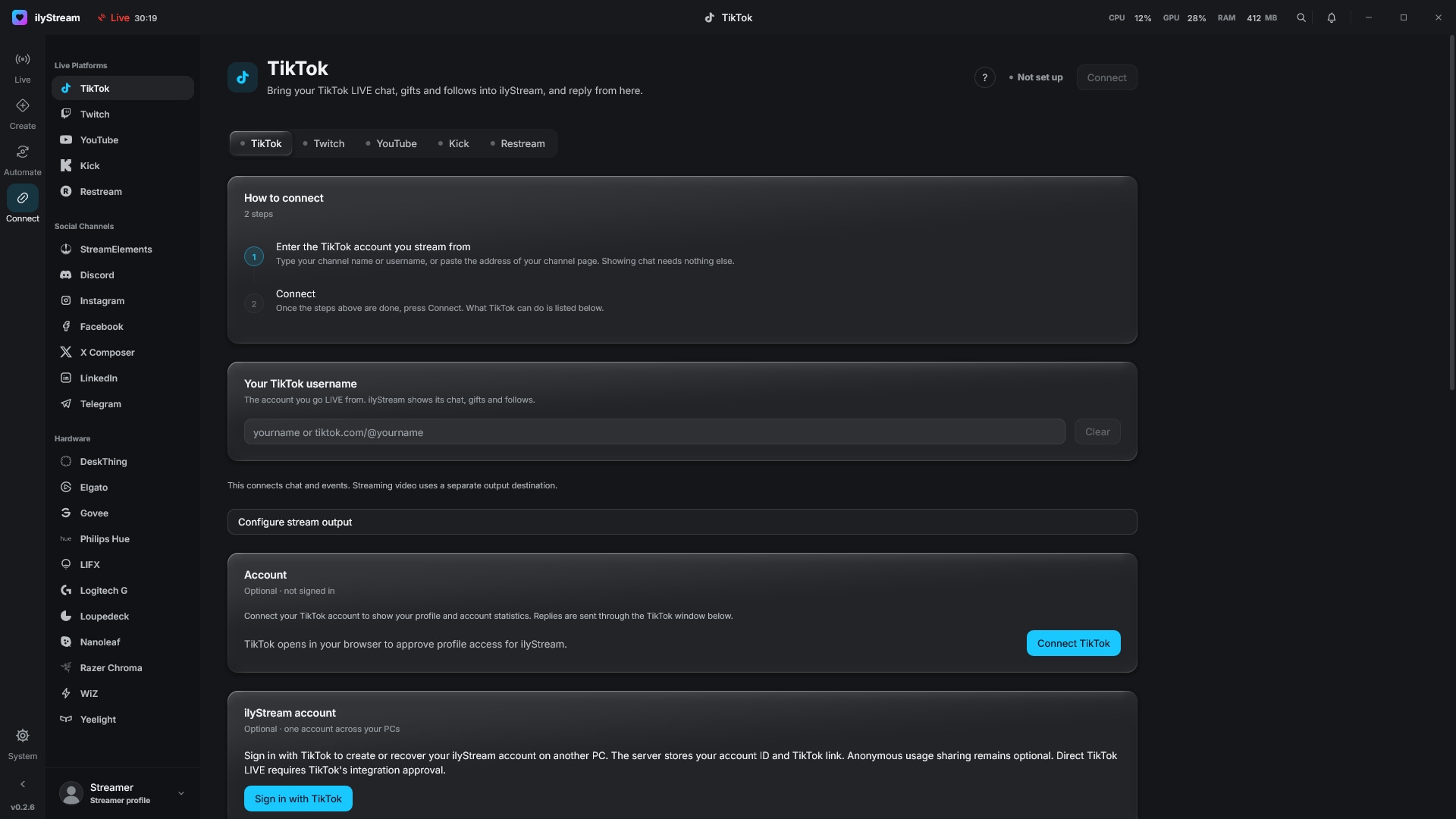
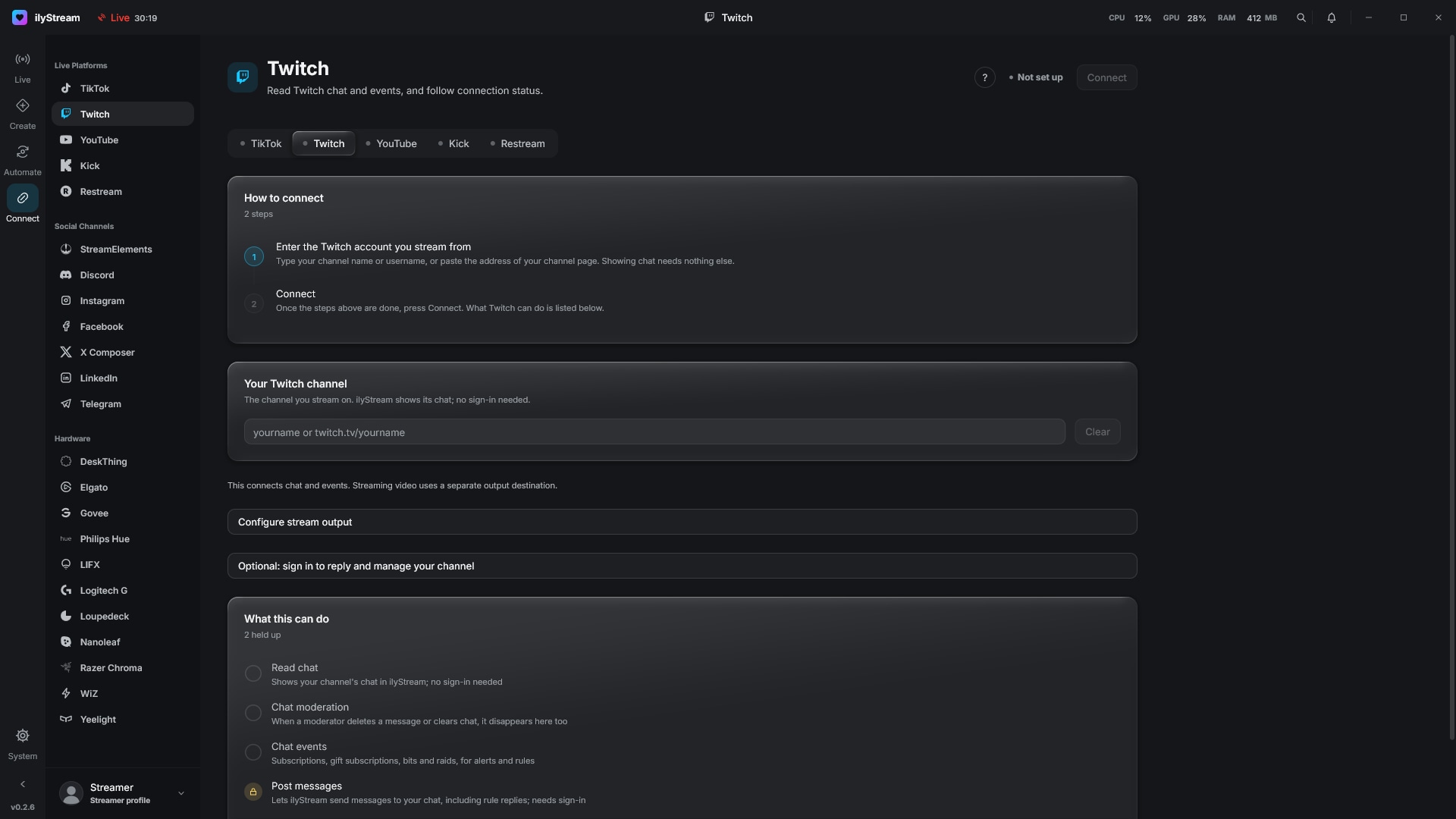
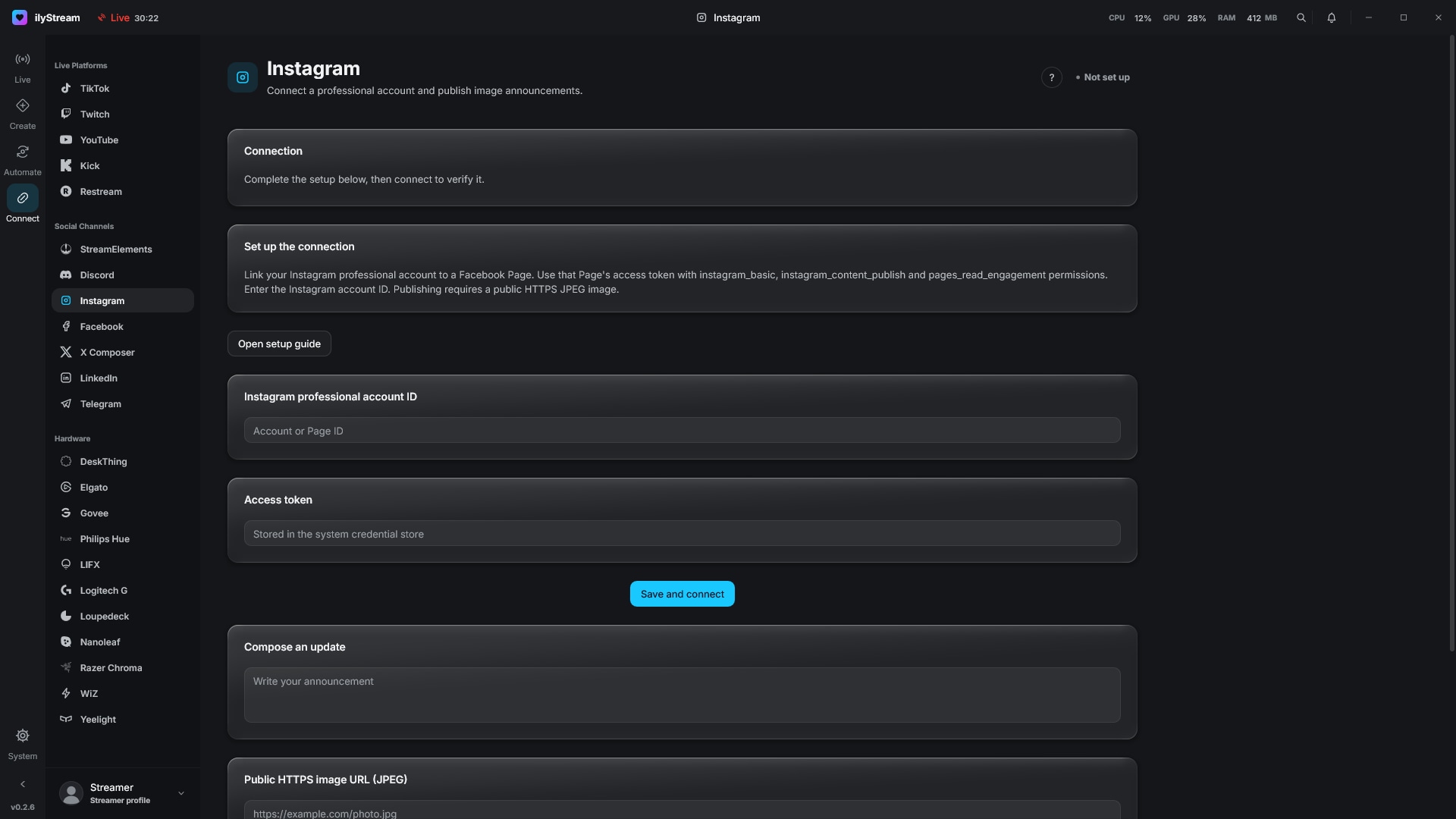
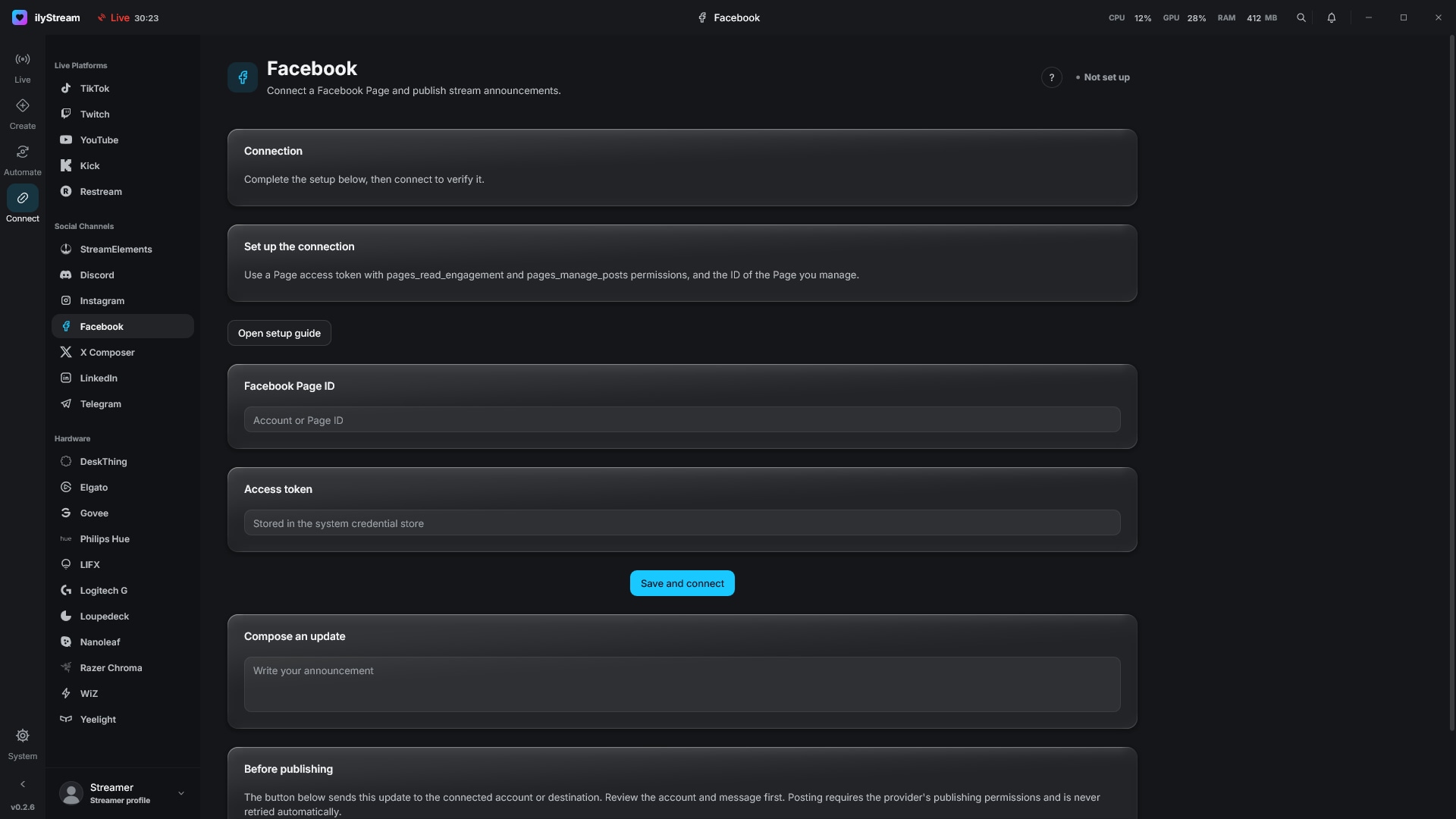
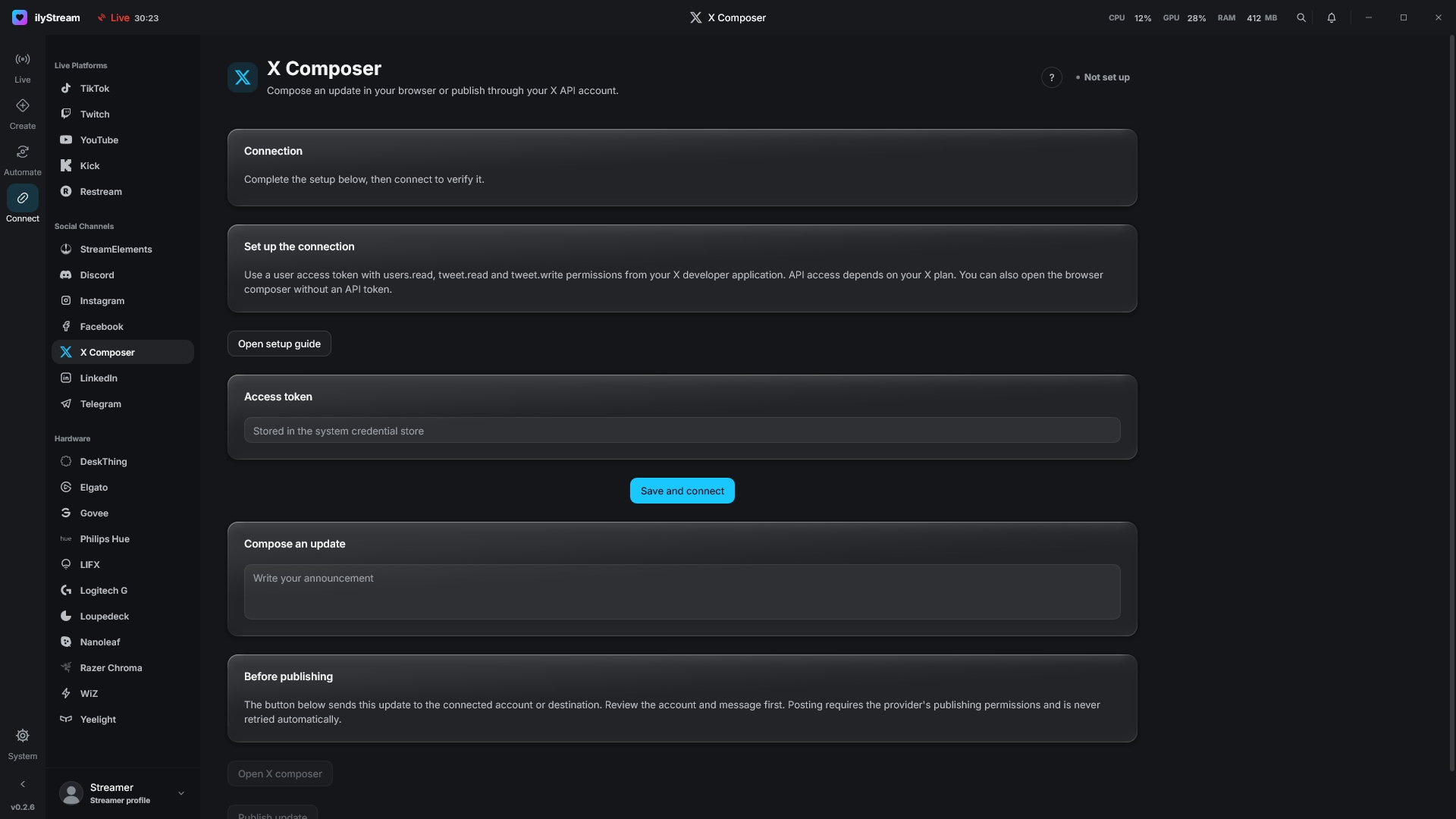
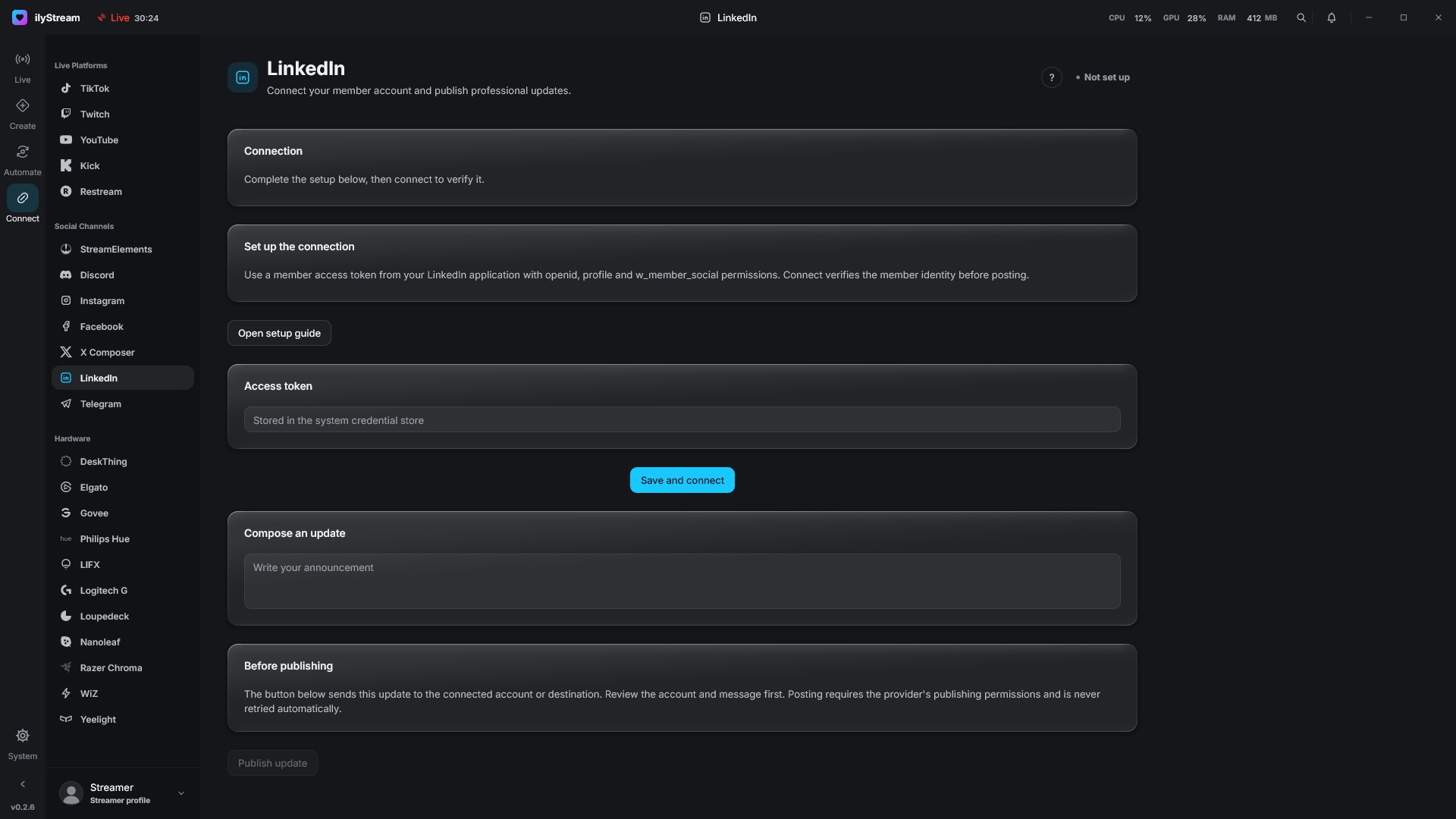
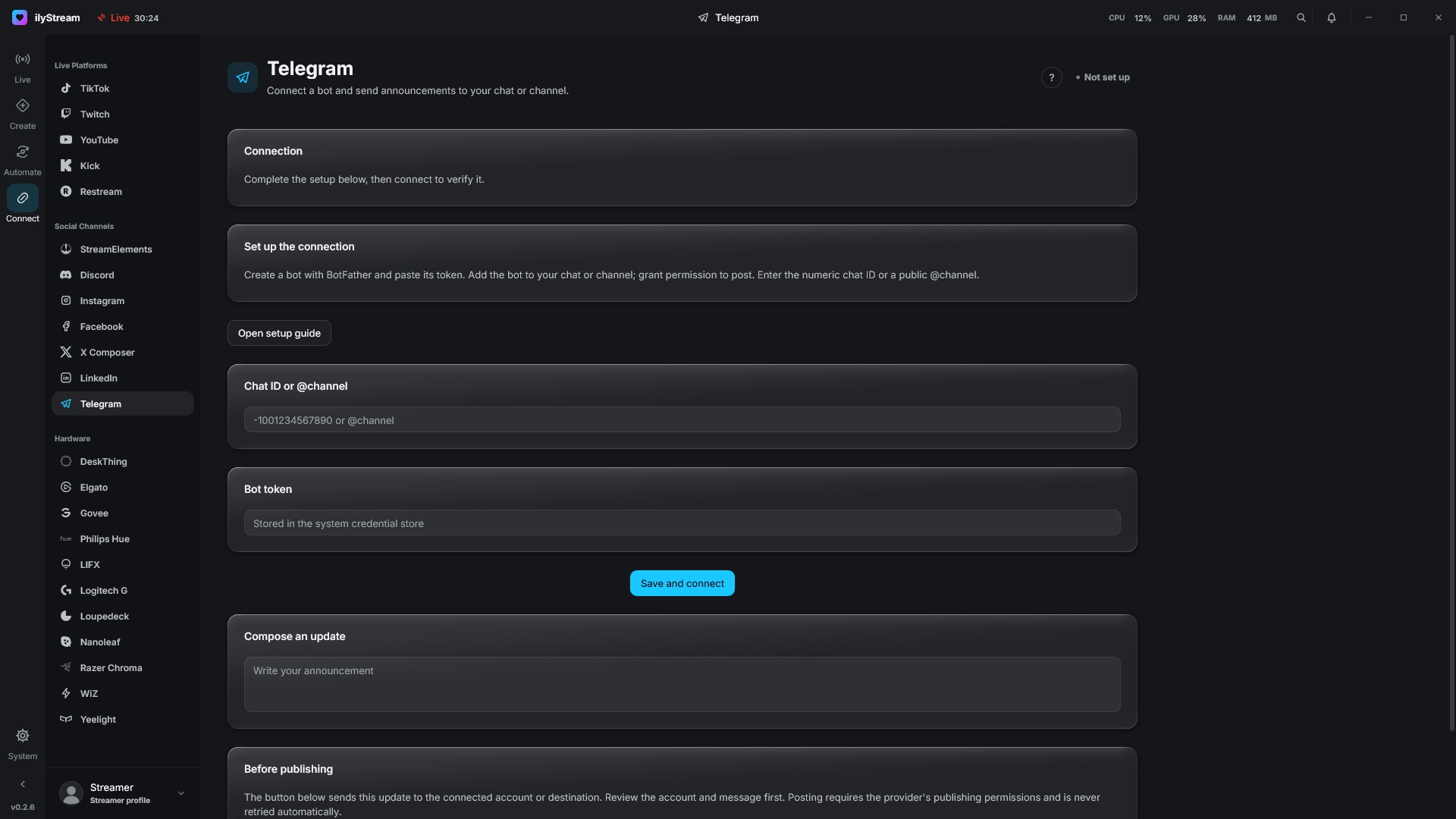
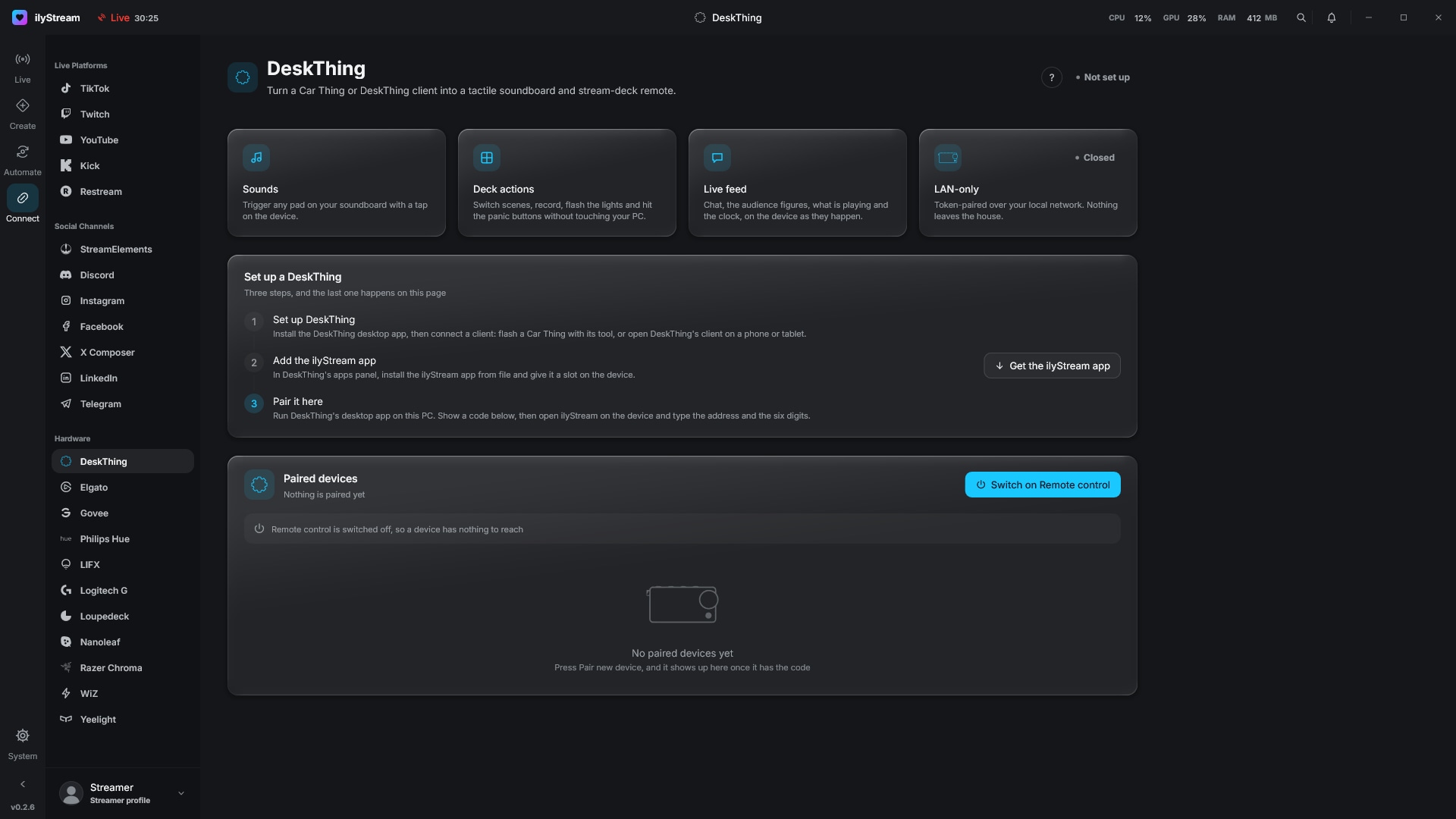
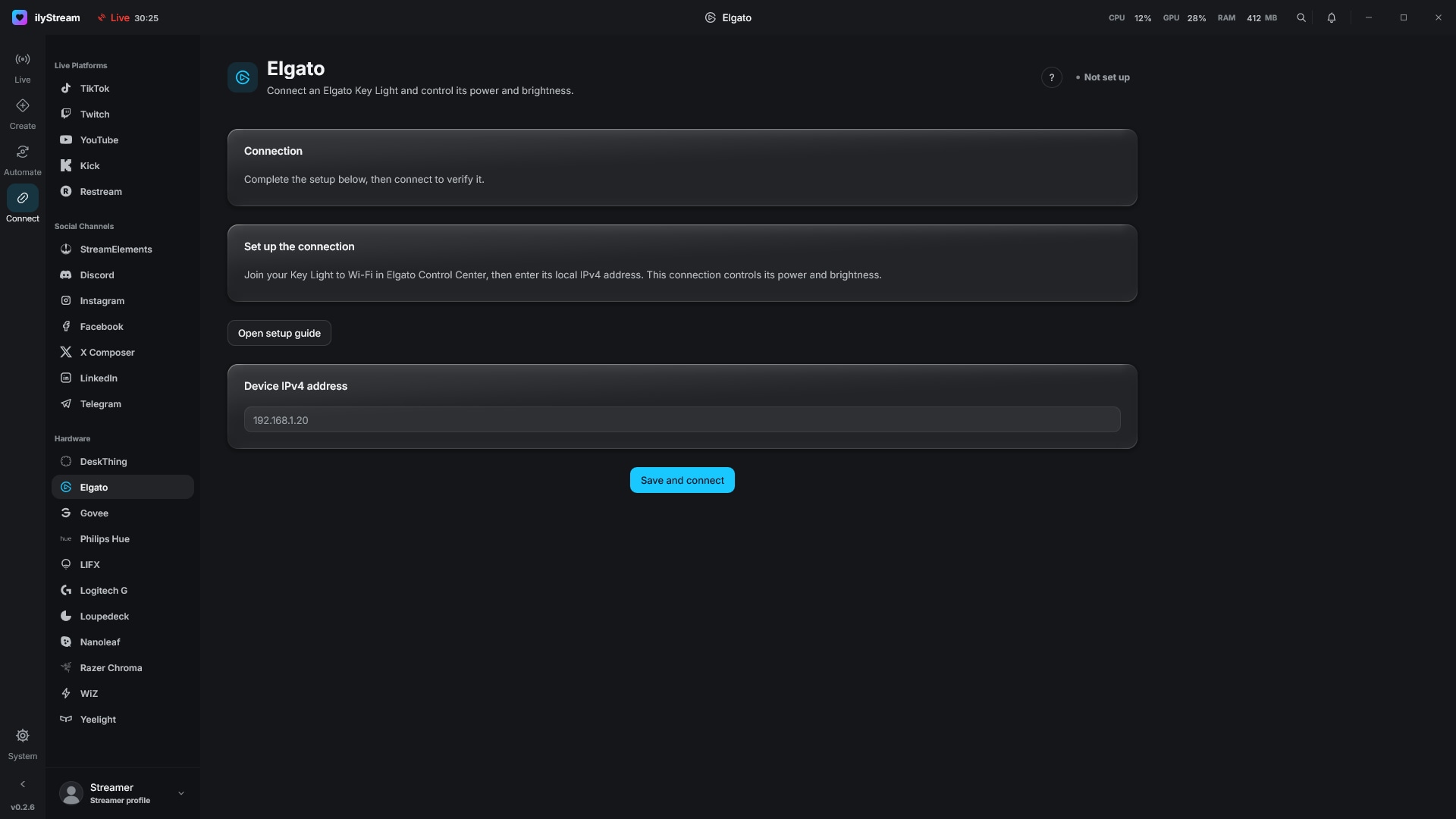
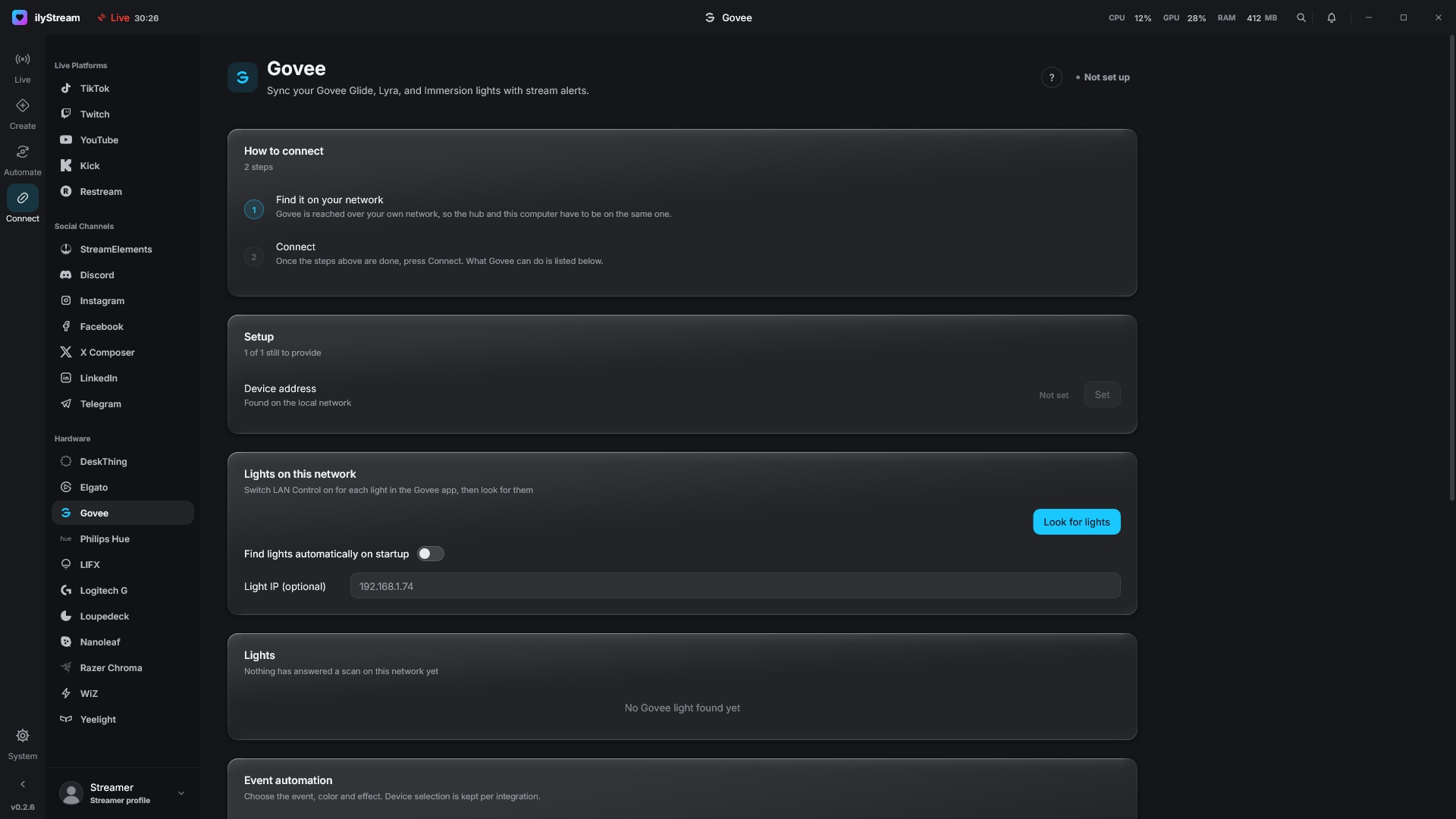
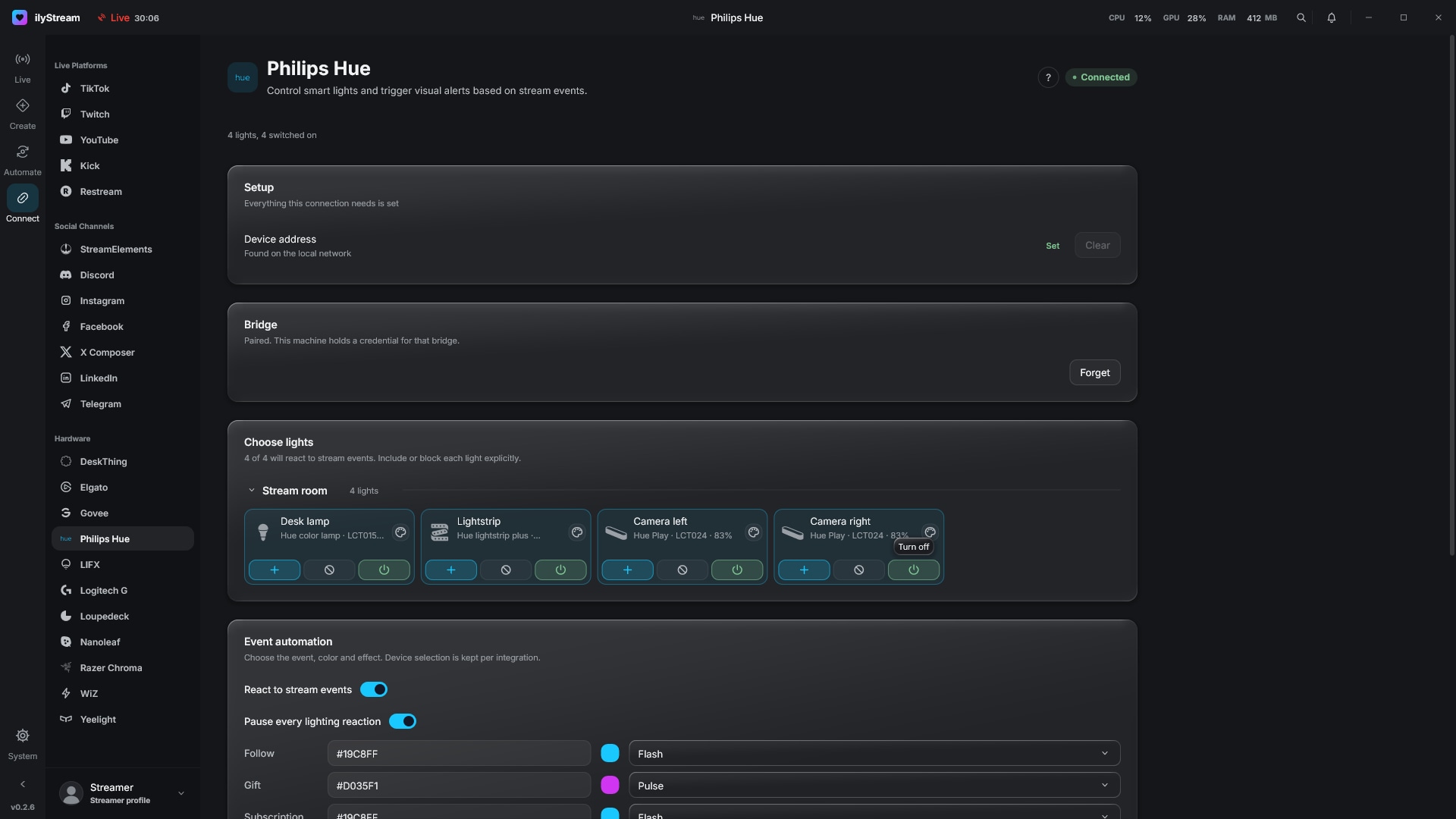
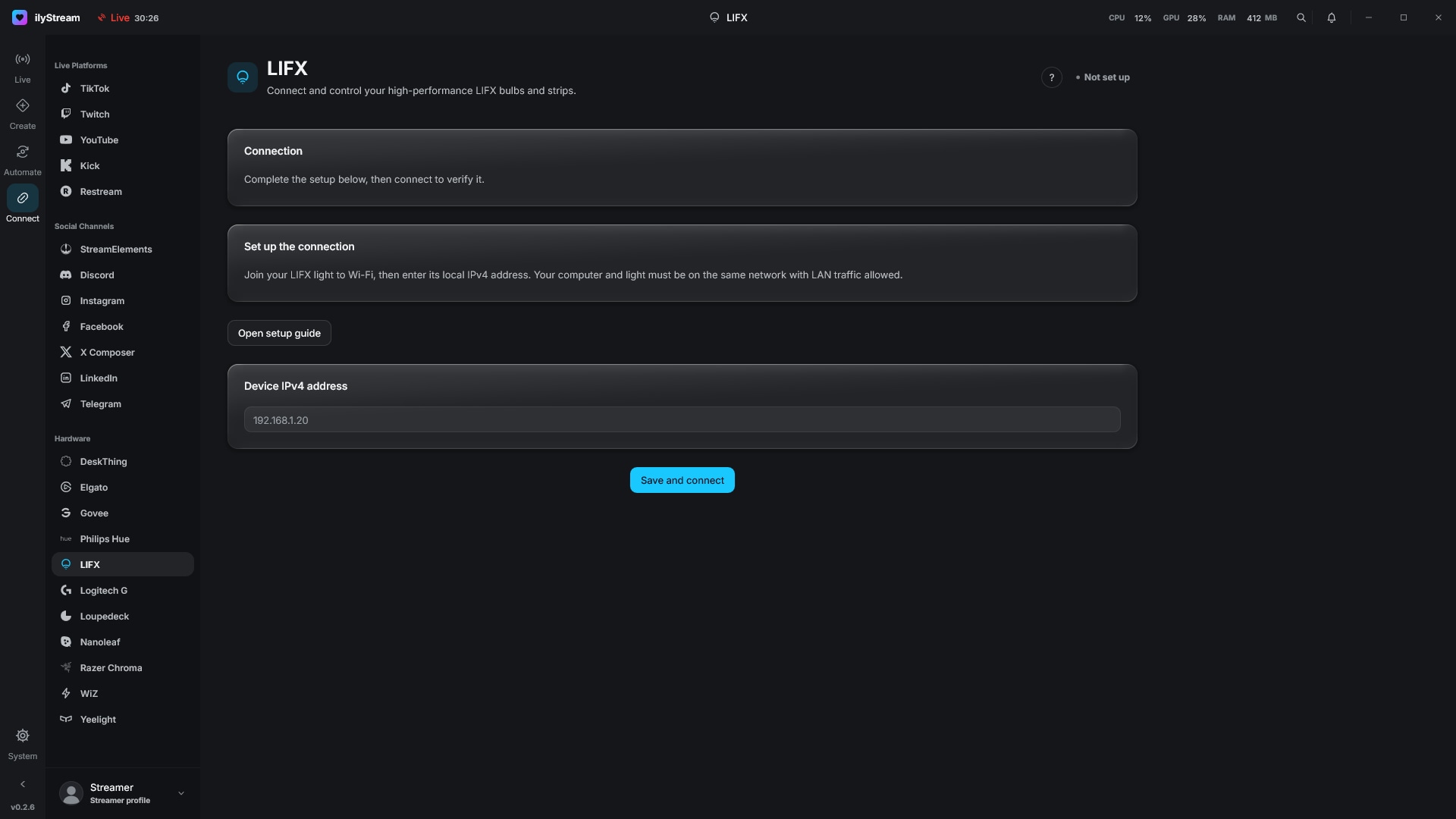
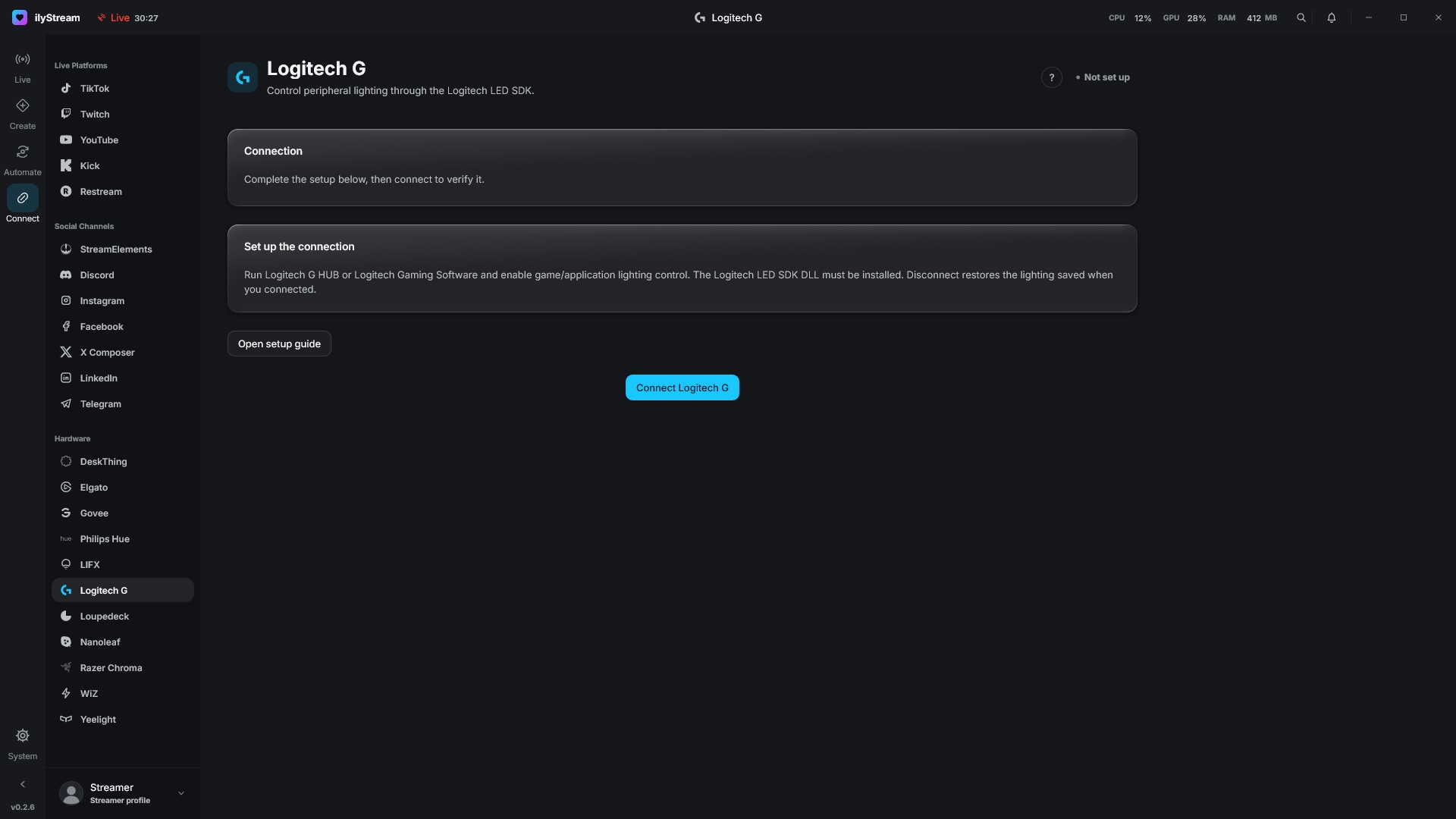
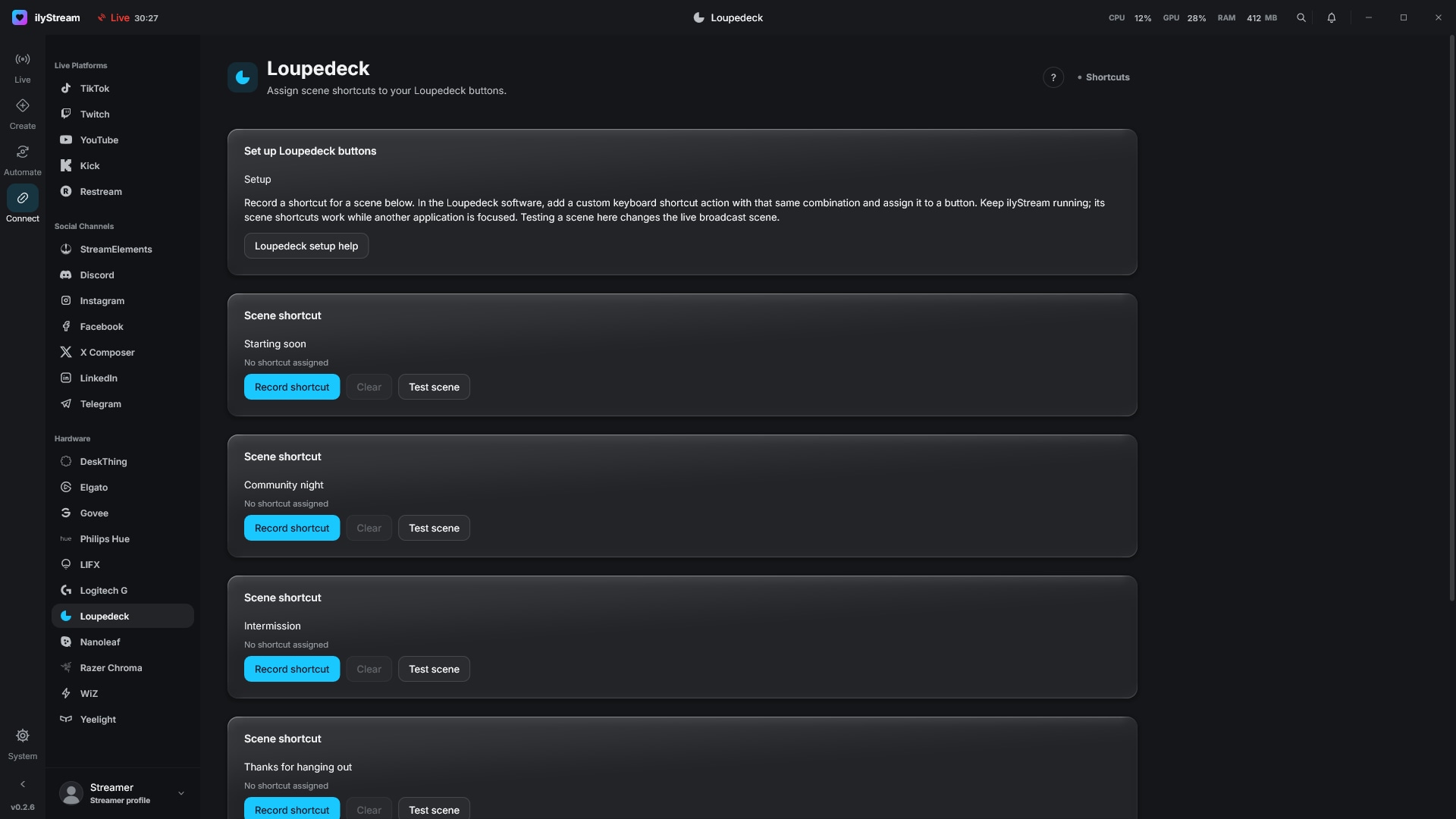
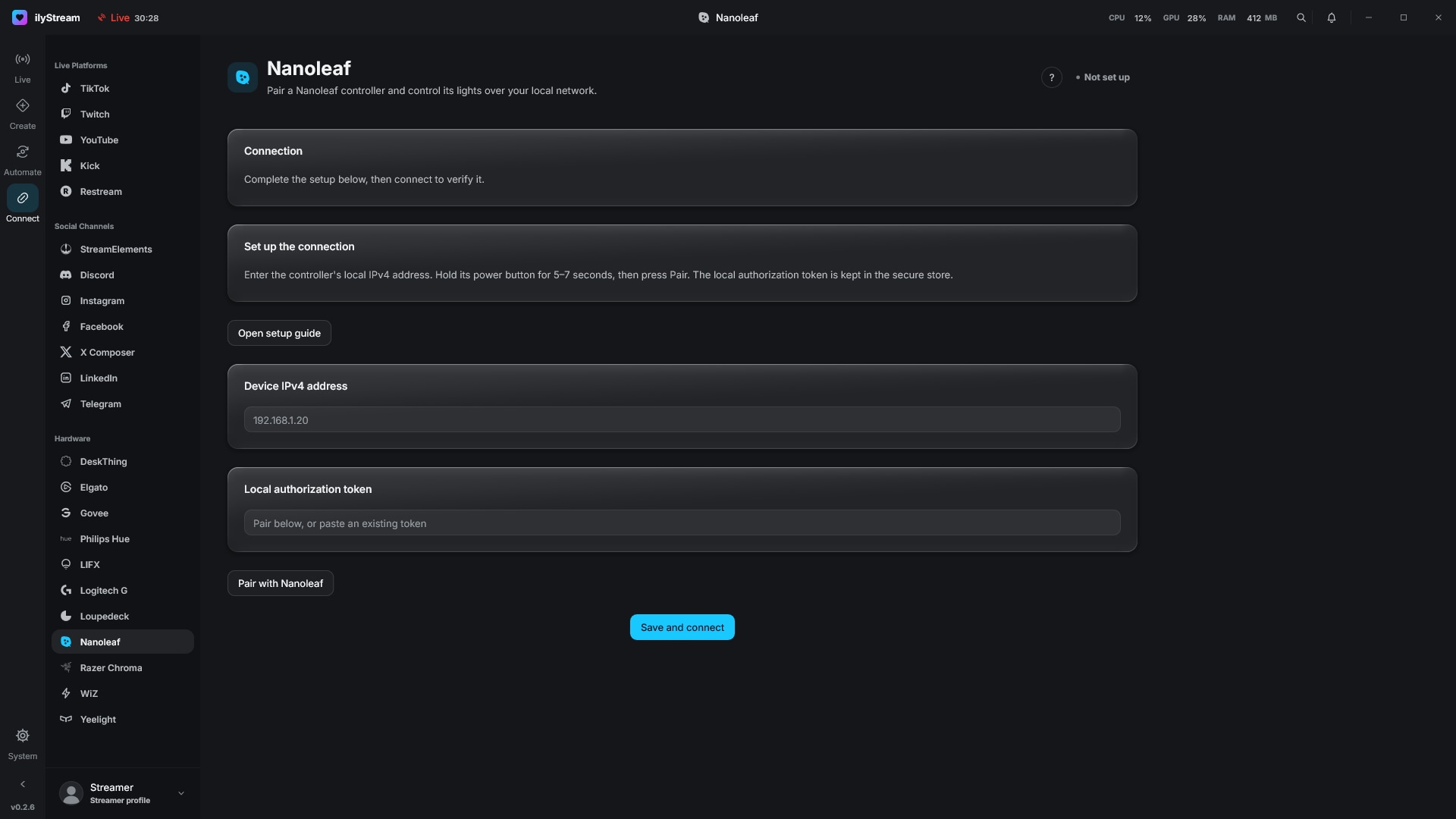
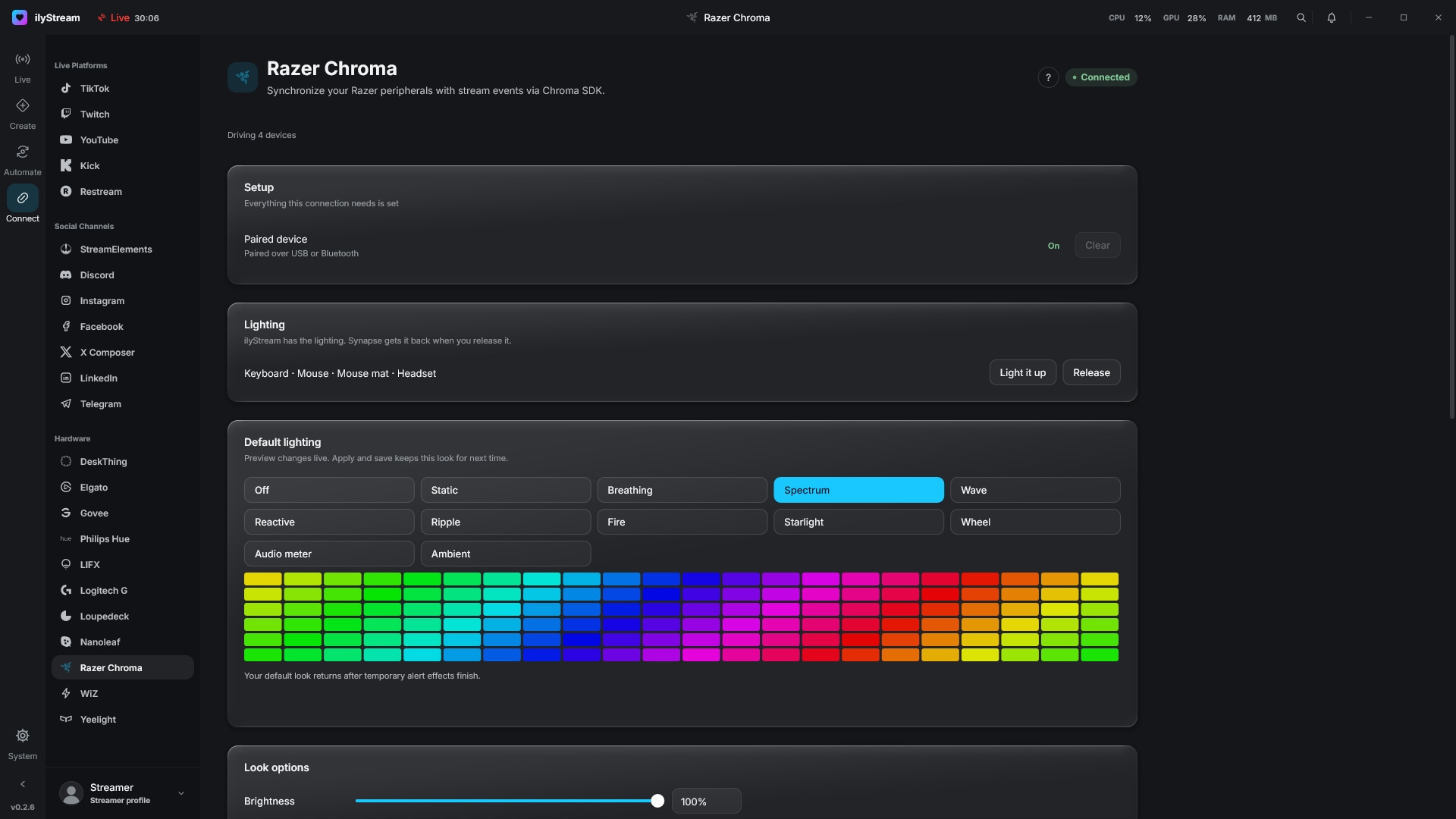
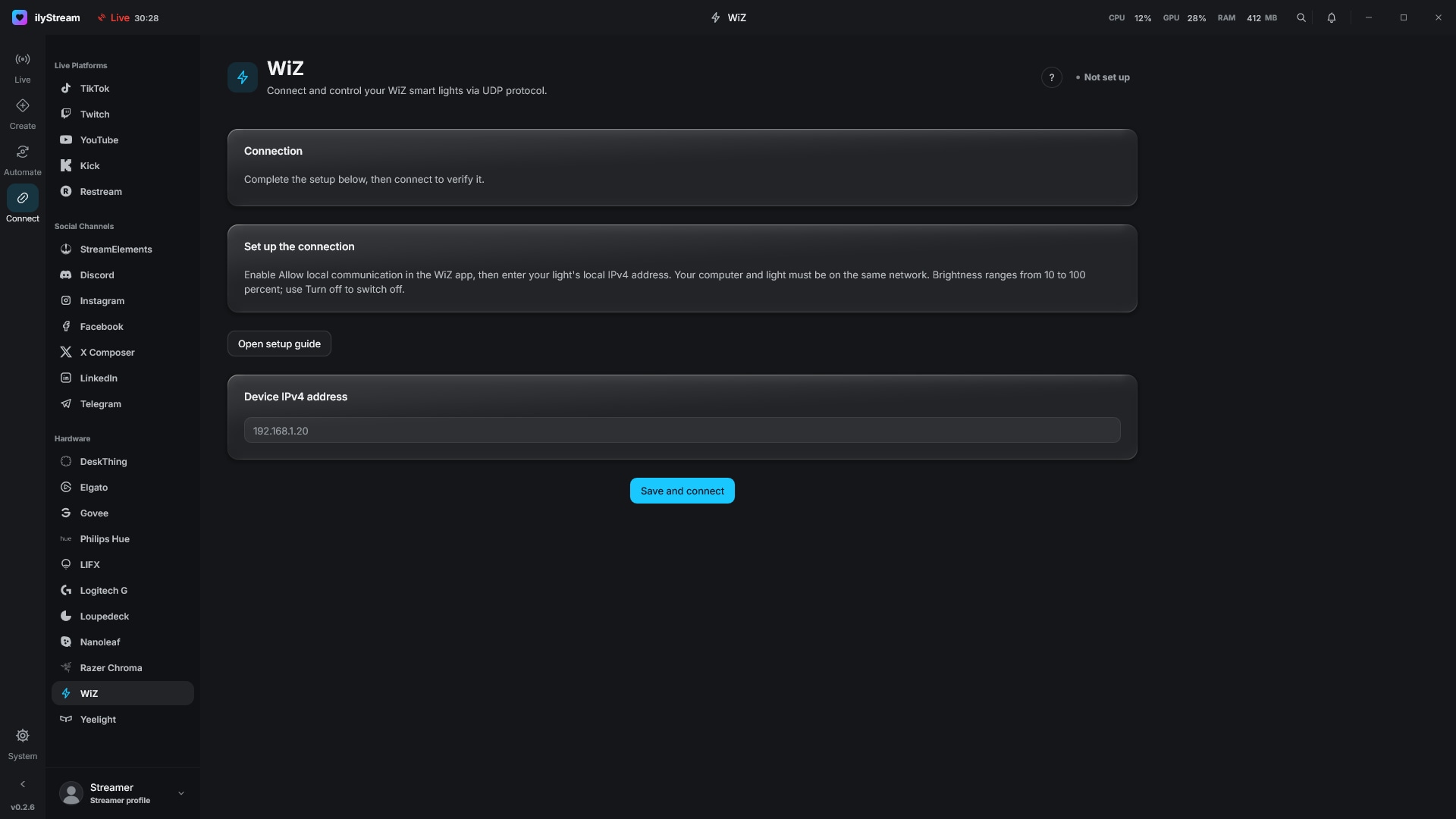
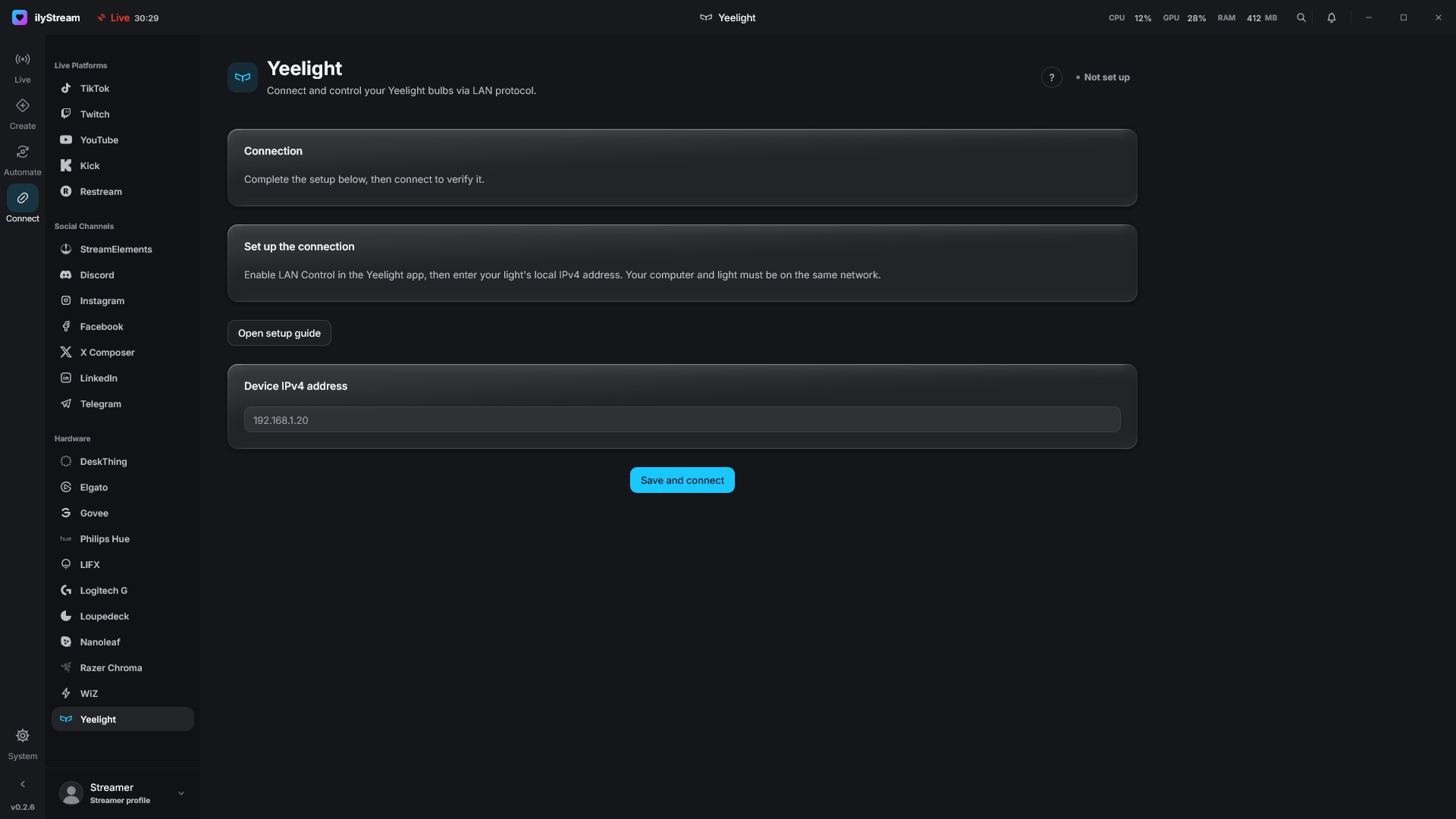
Connect screenshots23 screens
ilyStream 0.2.6 preview with fictional sample data. Select a picture to open the full image.
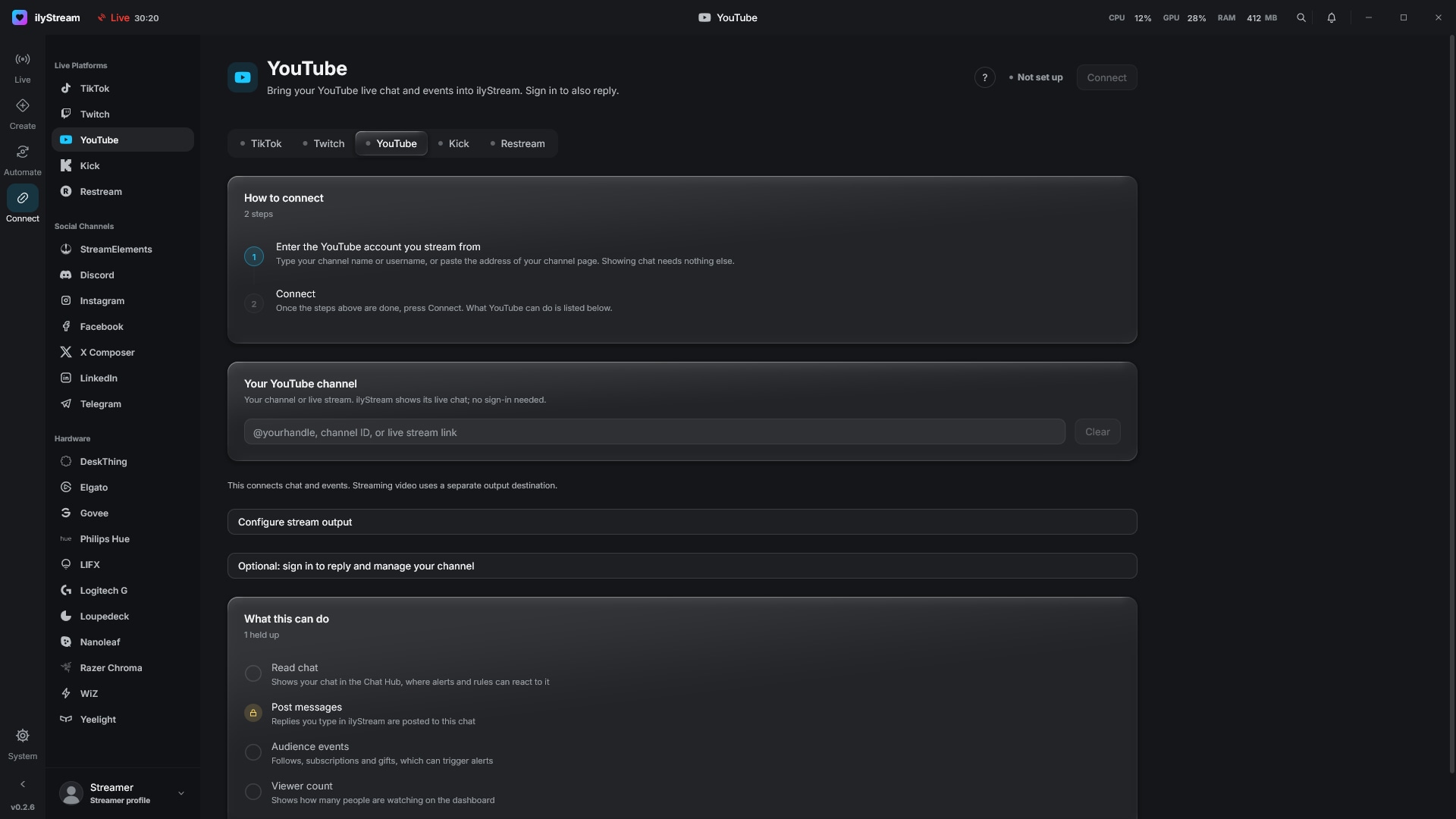
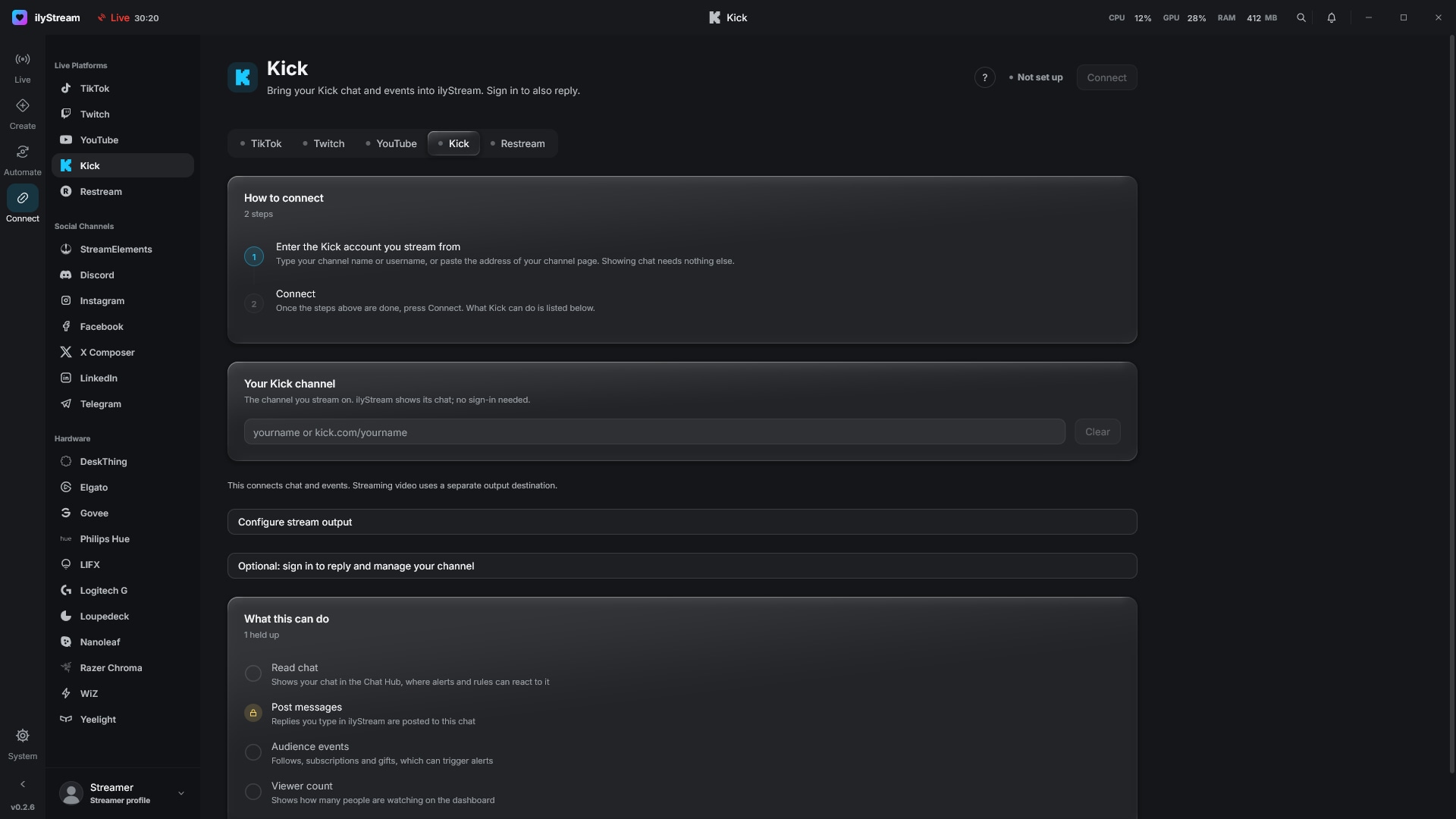
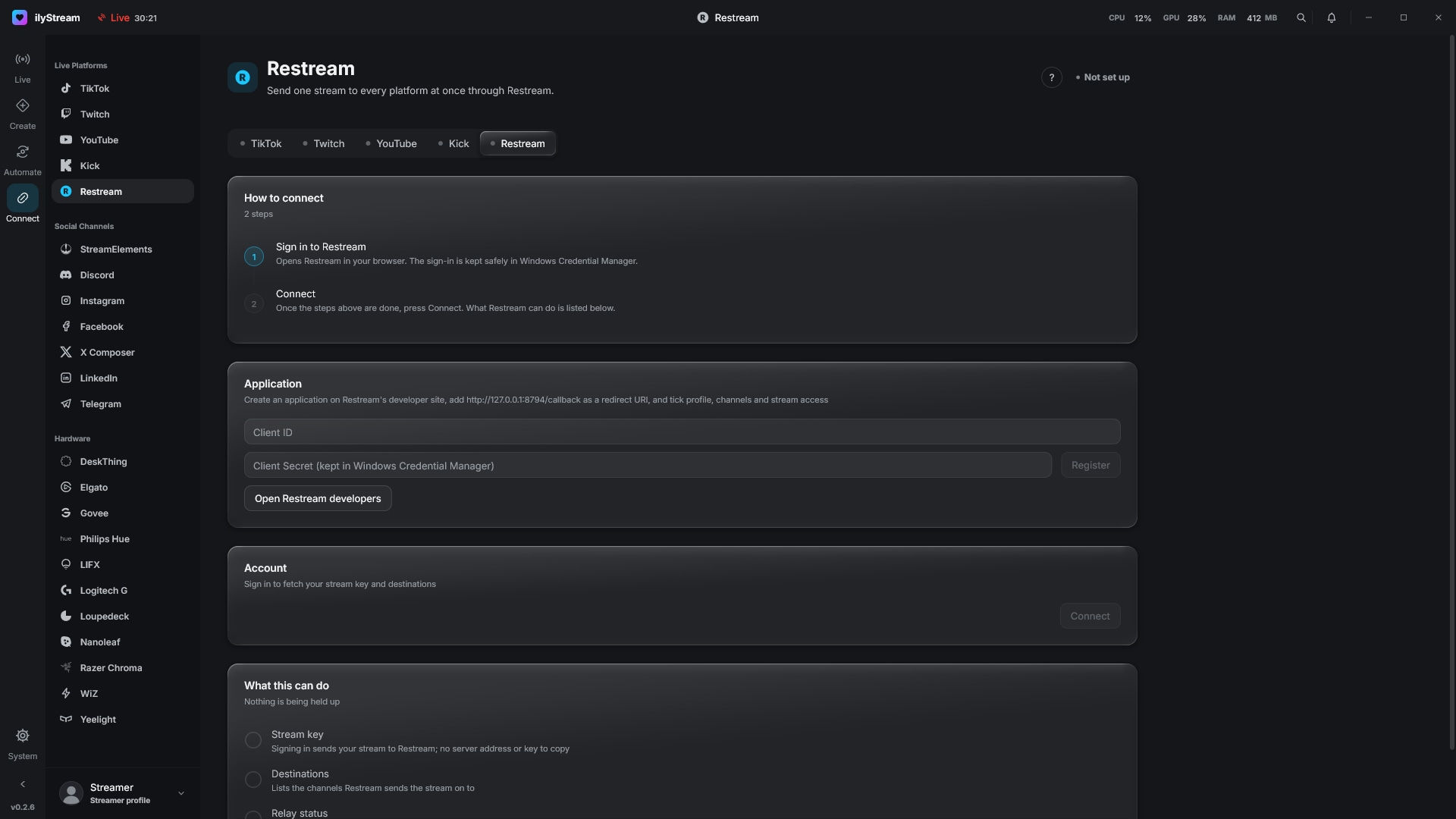
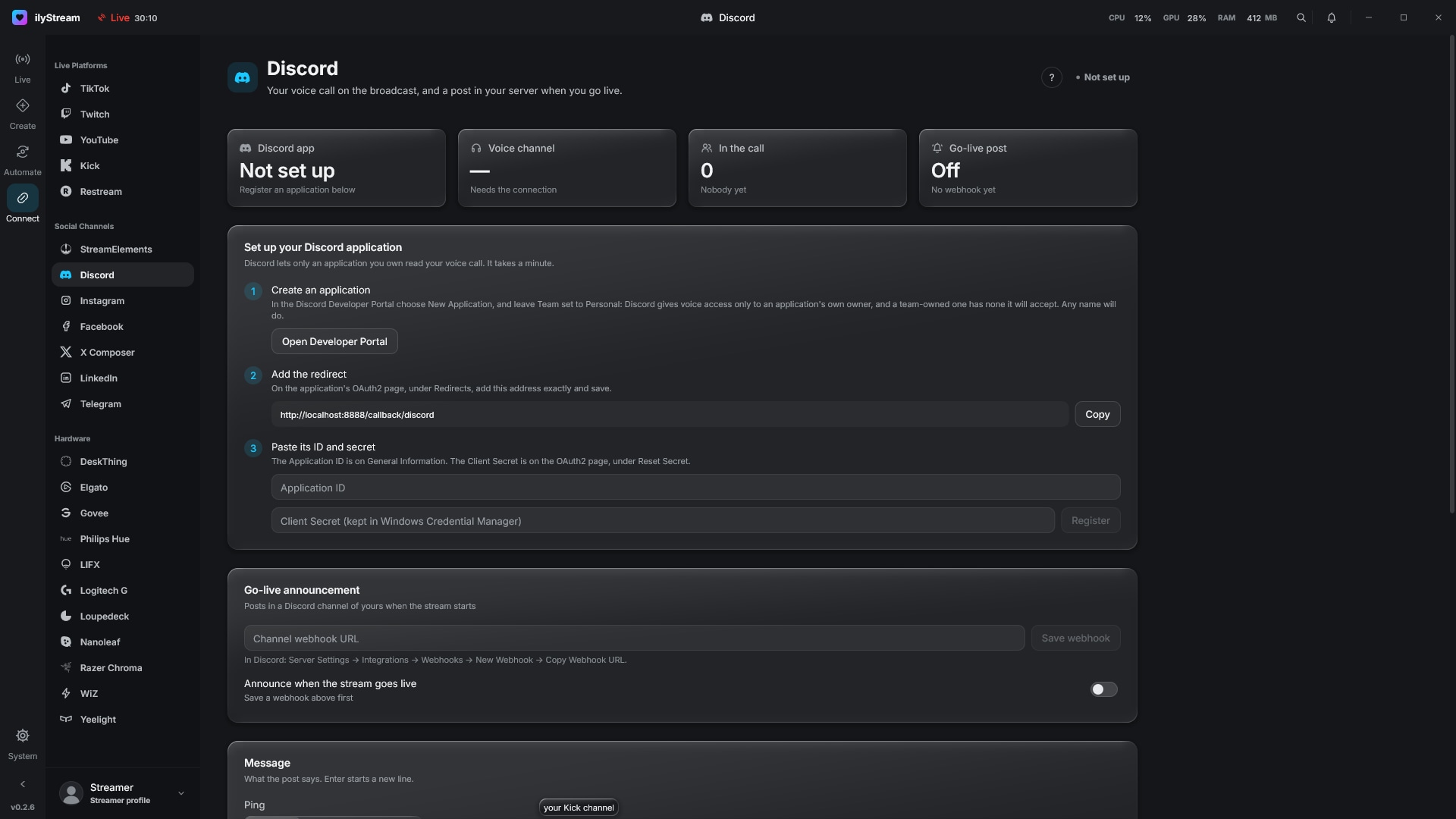
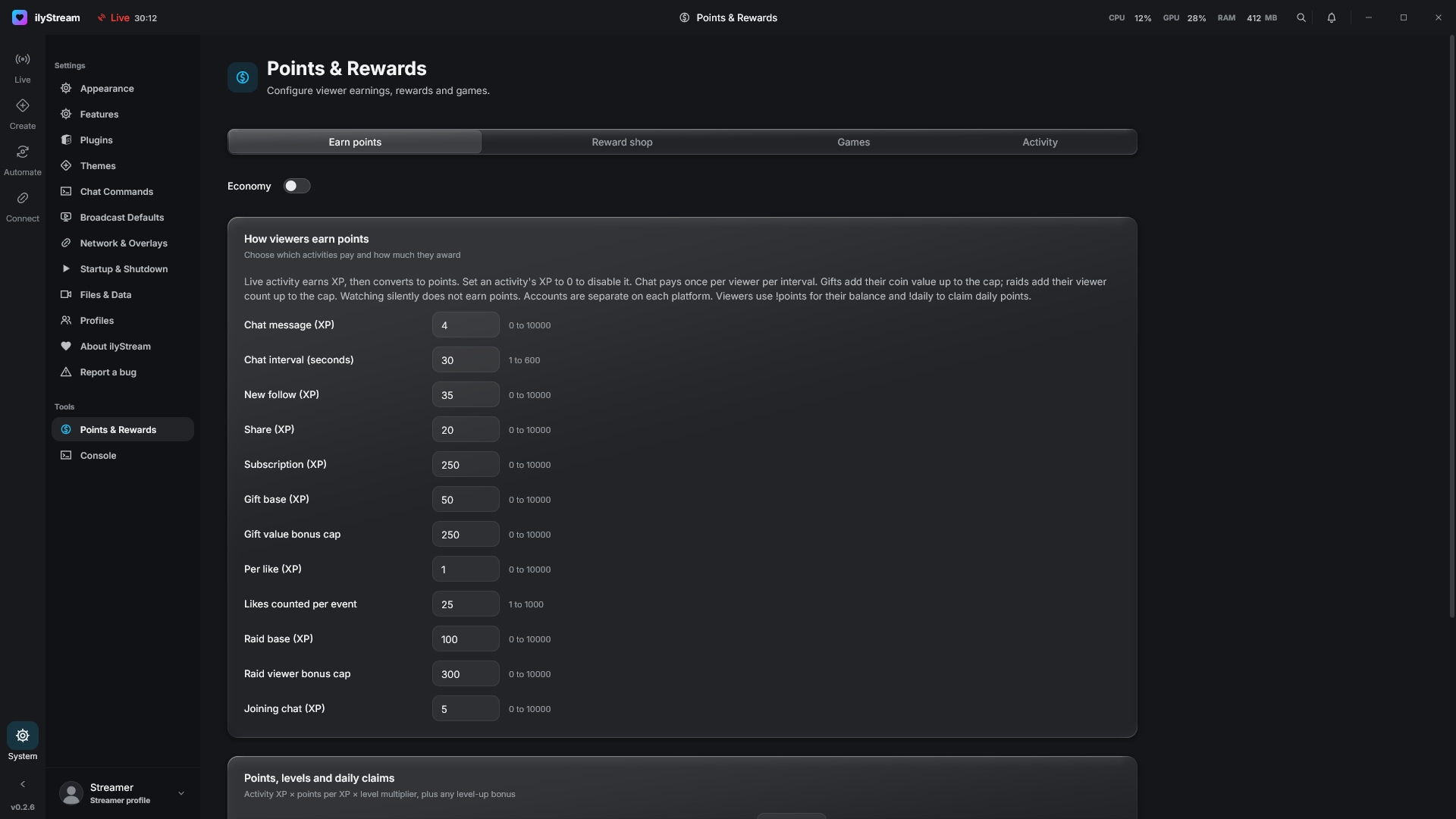
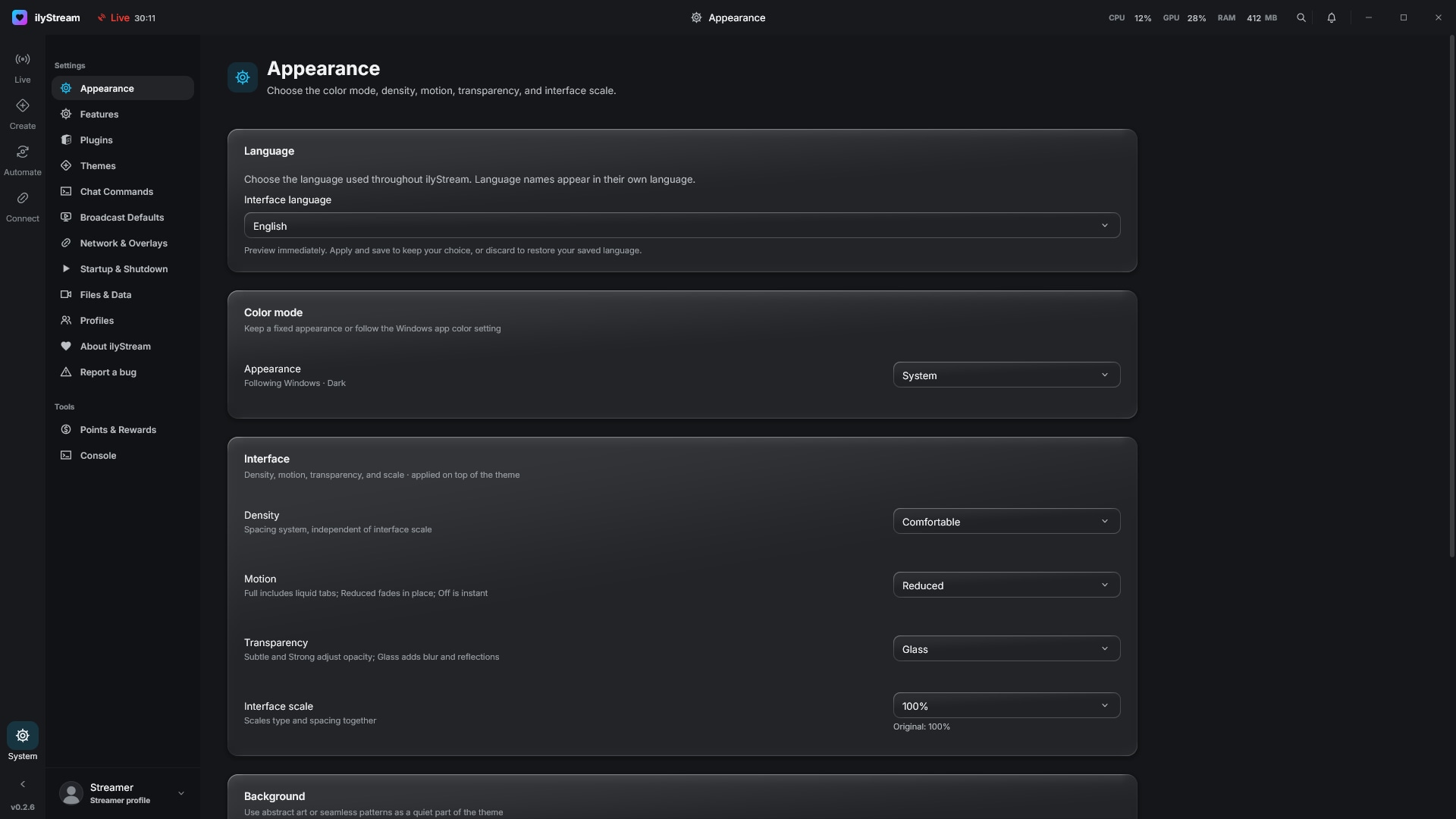
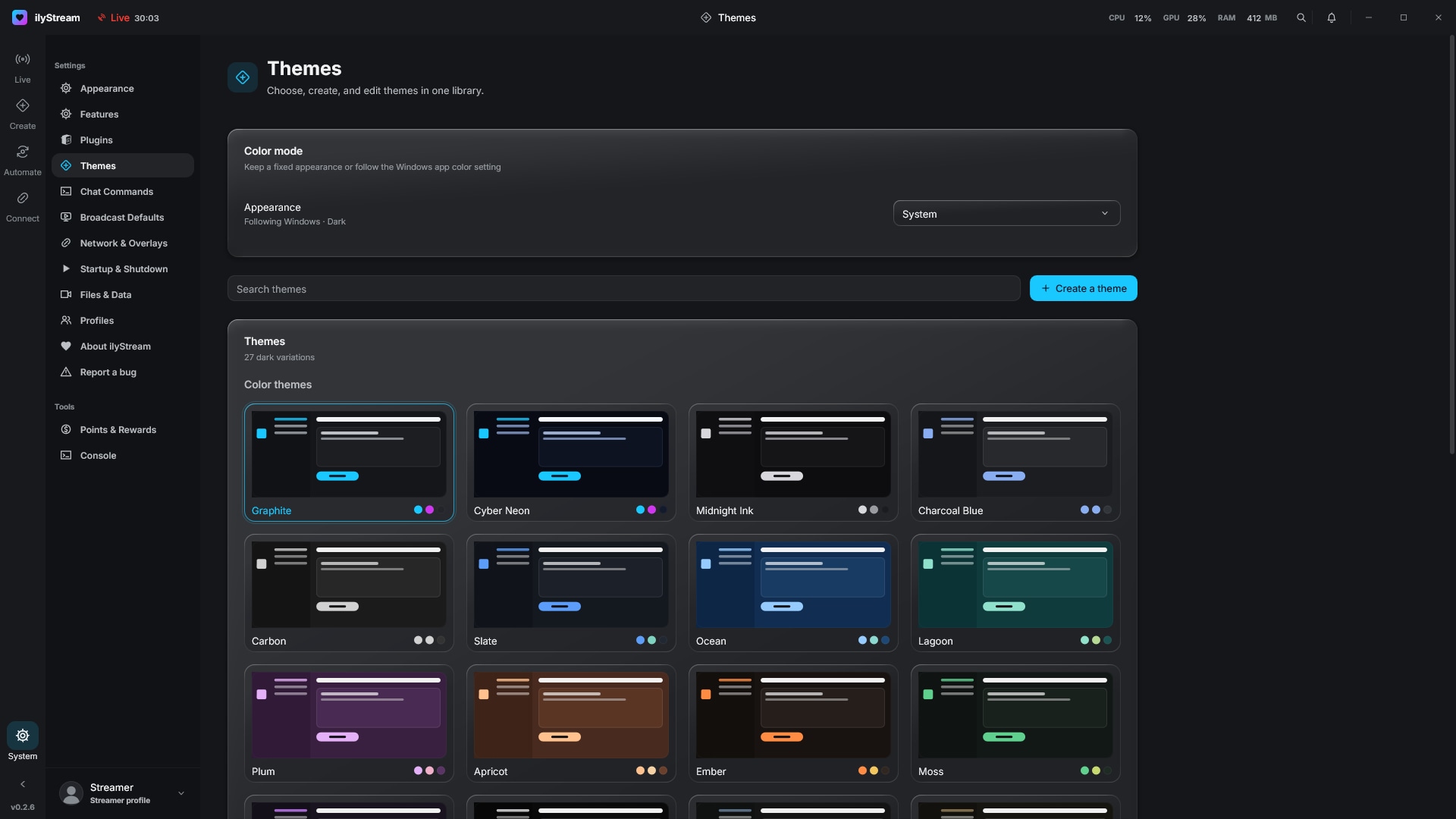
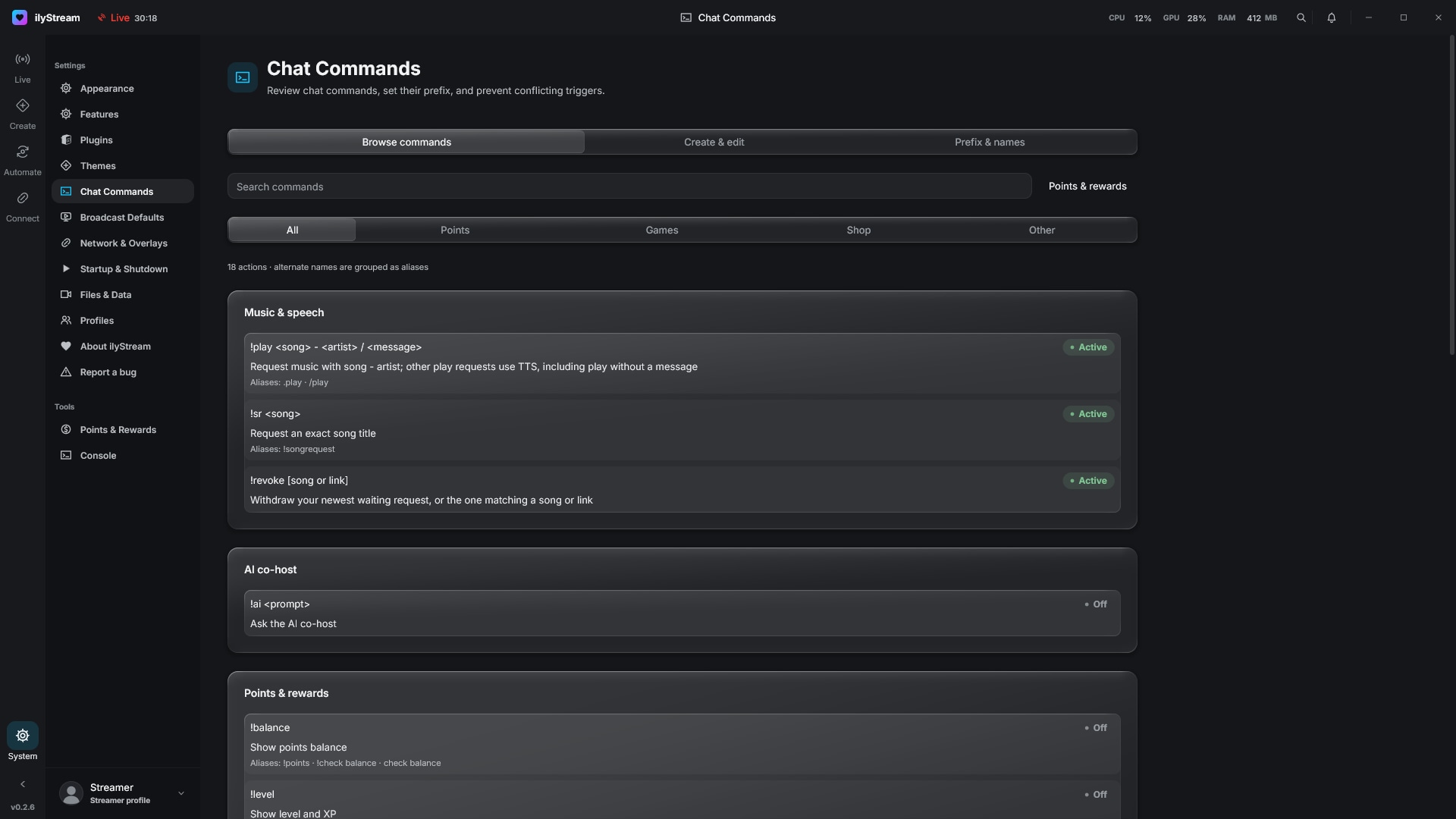
System screenshots18 screens
ilyStream 0.2.6 preview with fictional sample data. Select a picture to open the full image.
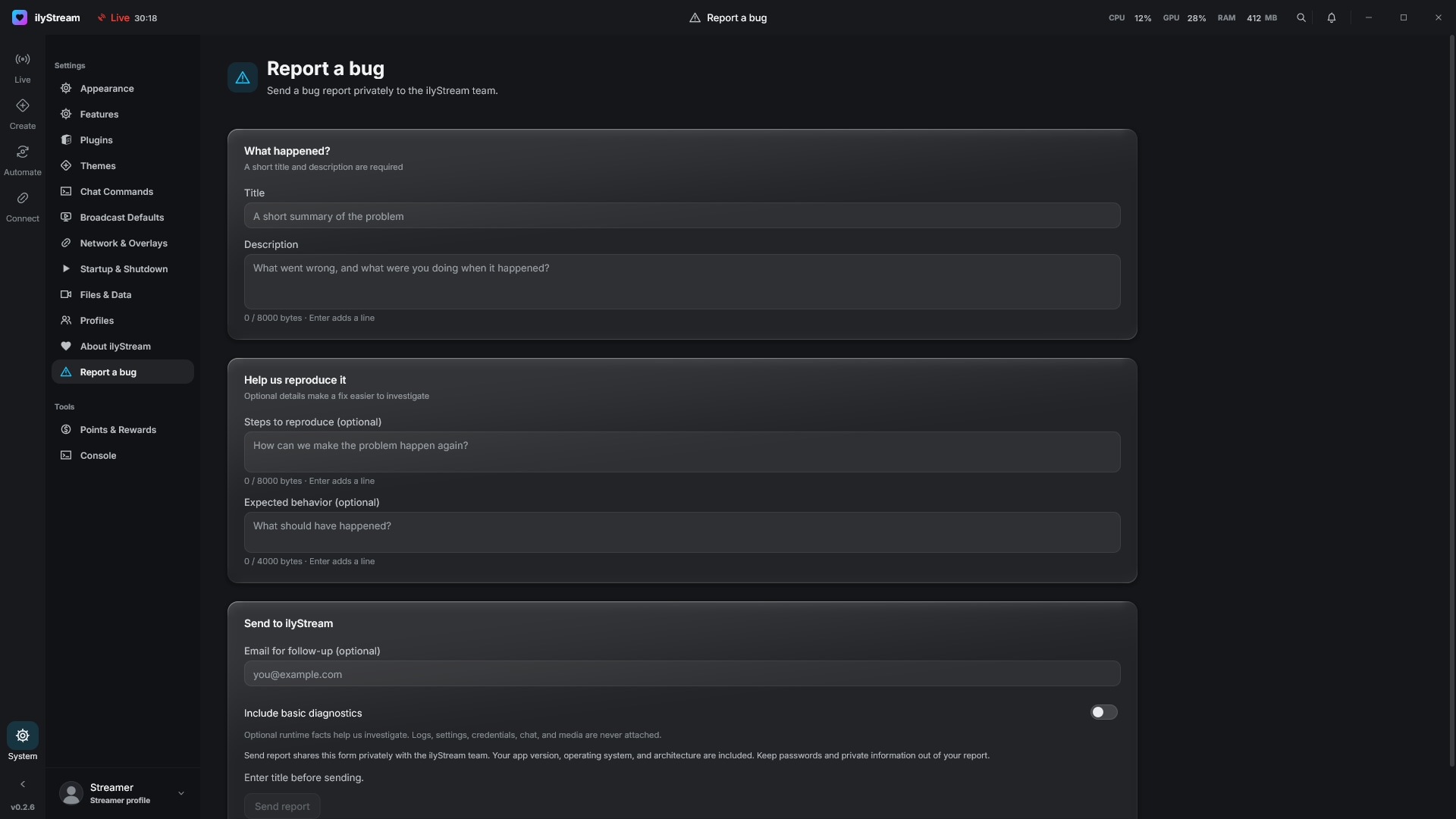
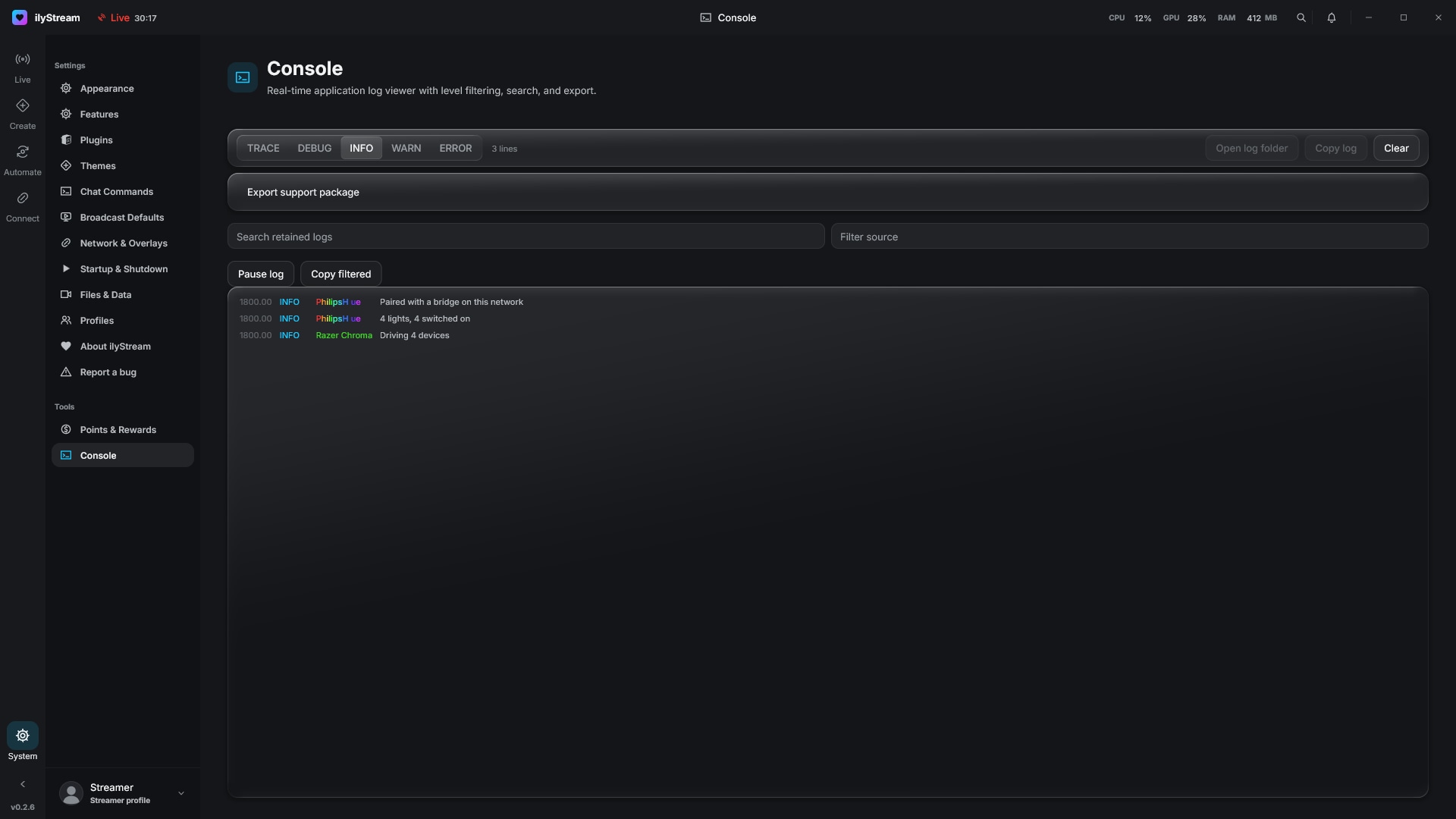
Widget editors and setup screenshots4 screens
ilyStream 0.2.6 preview with fictional sample data. Select a picture to open the full image.
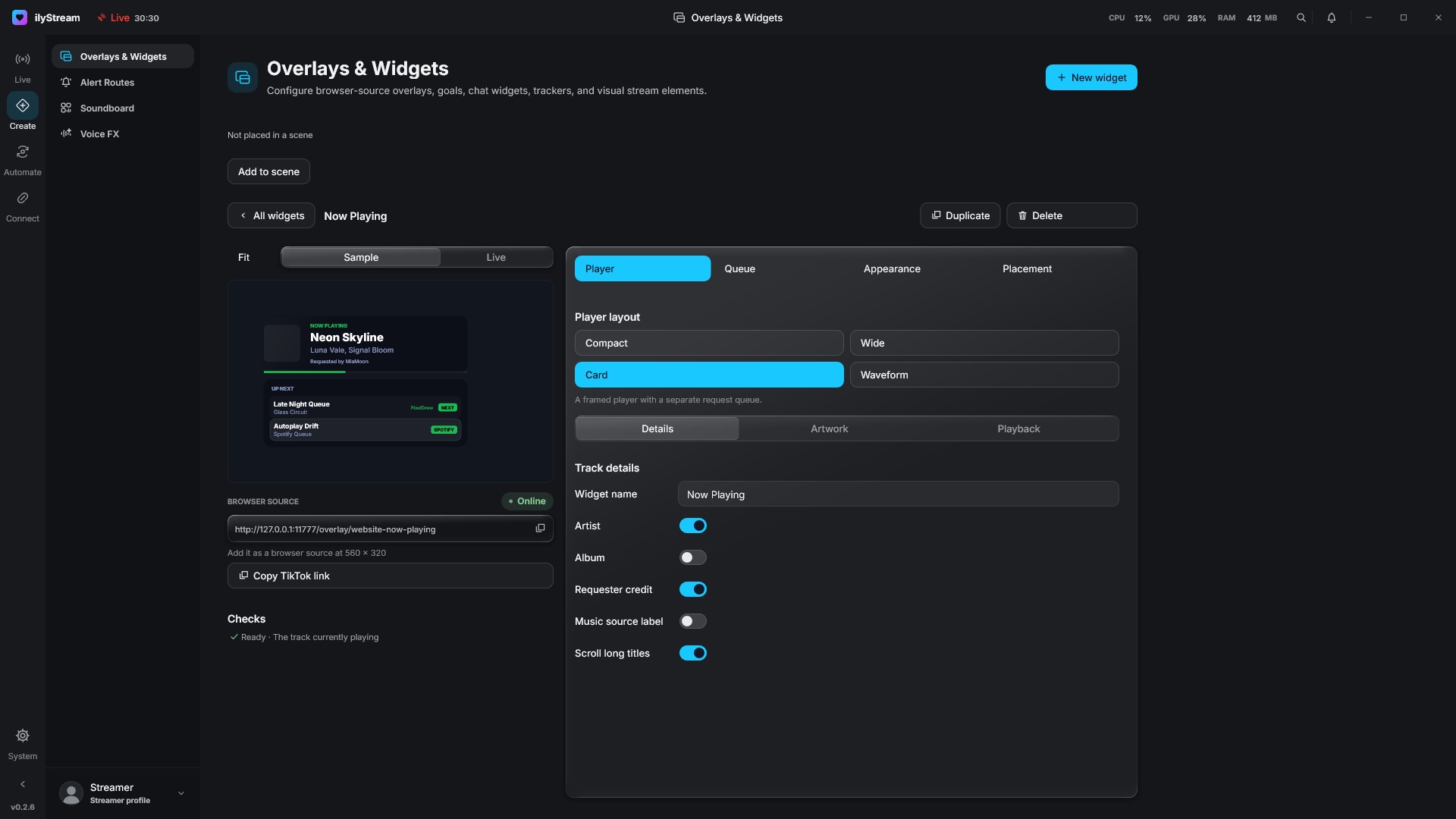
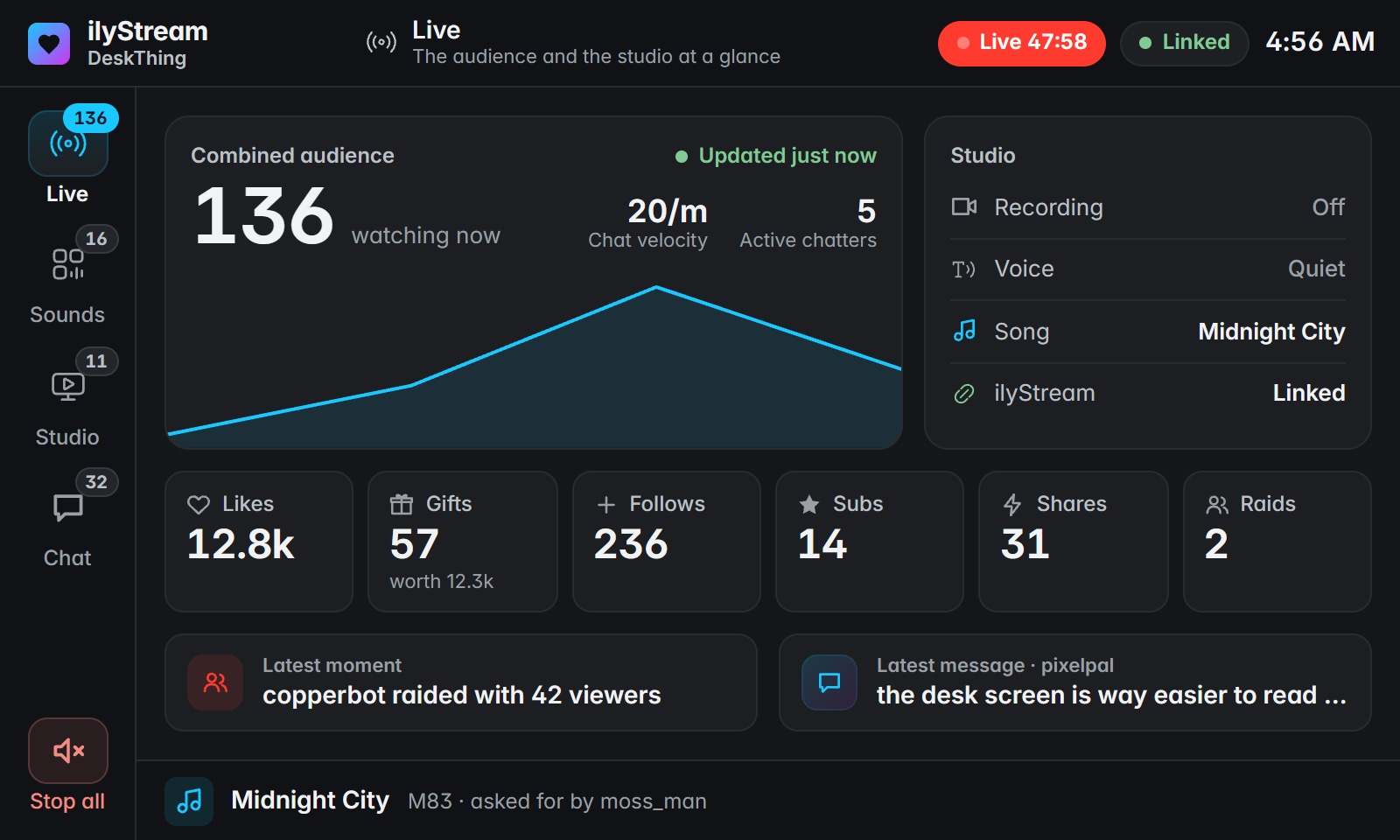
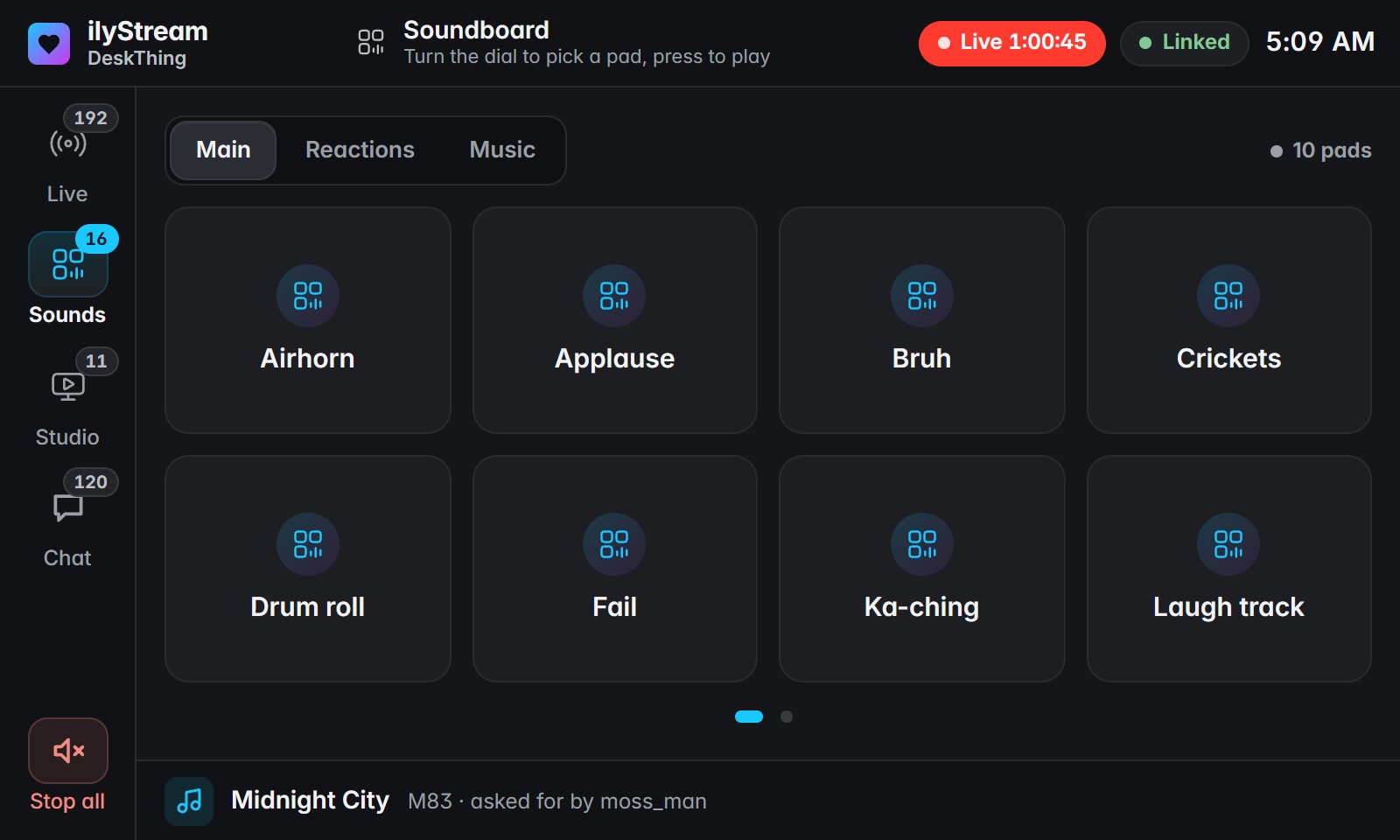
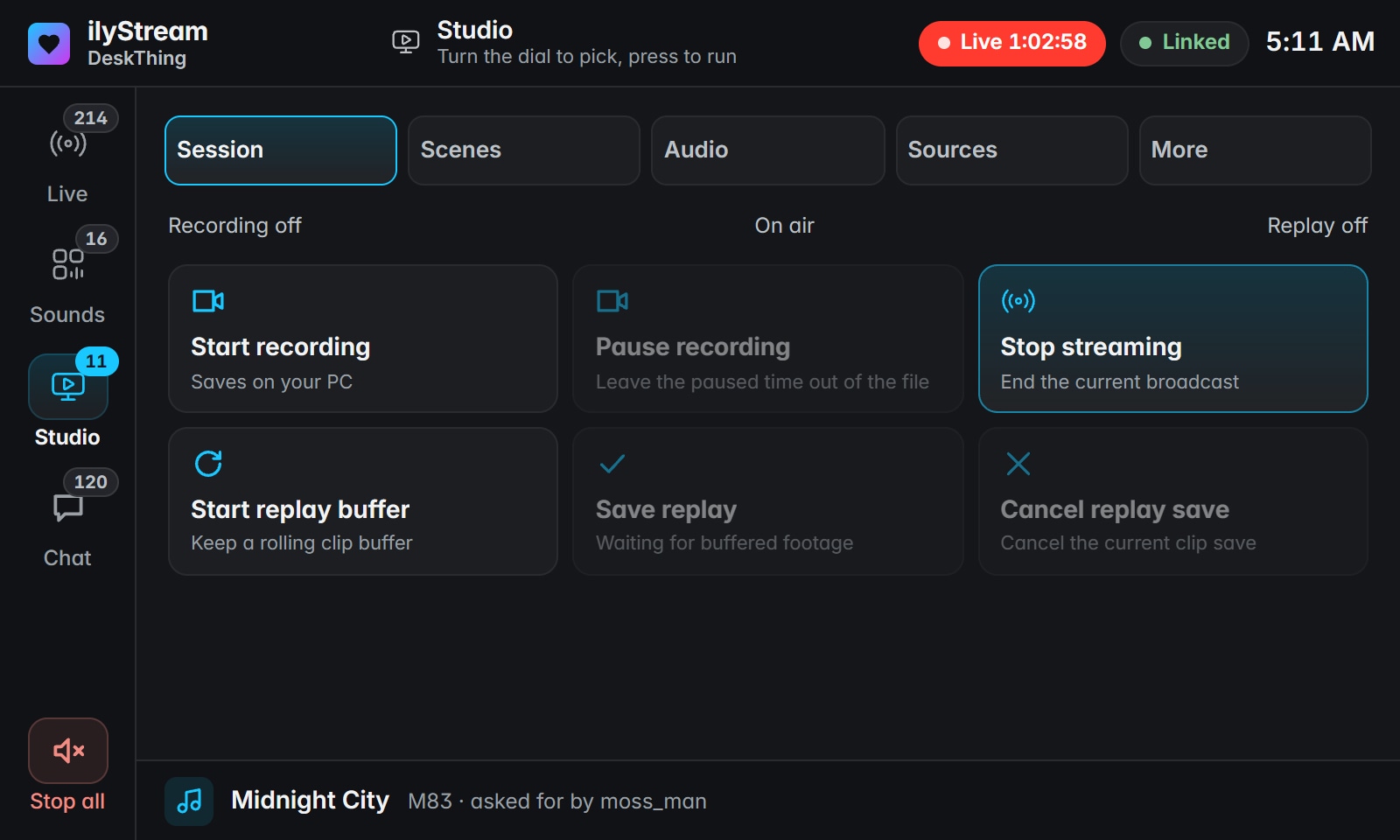
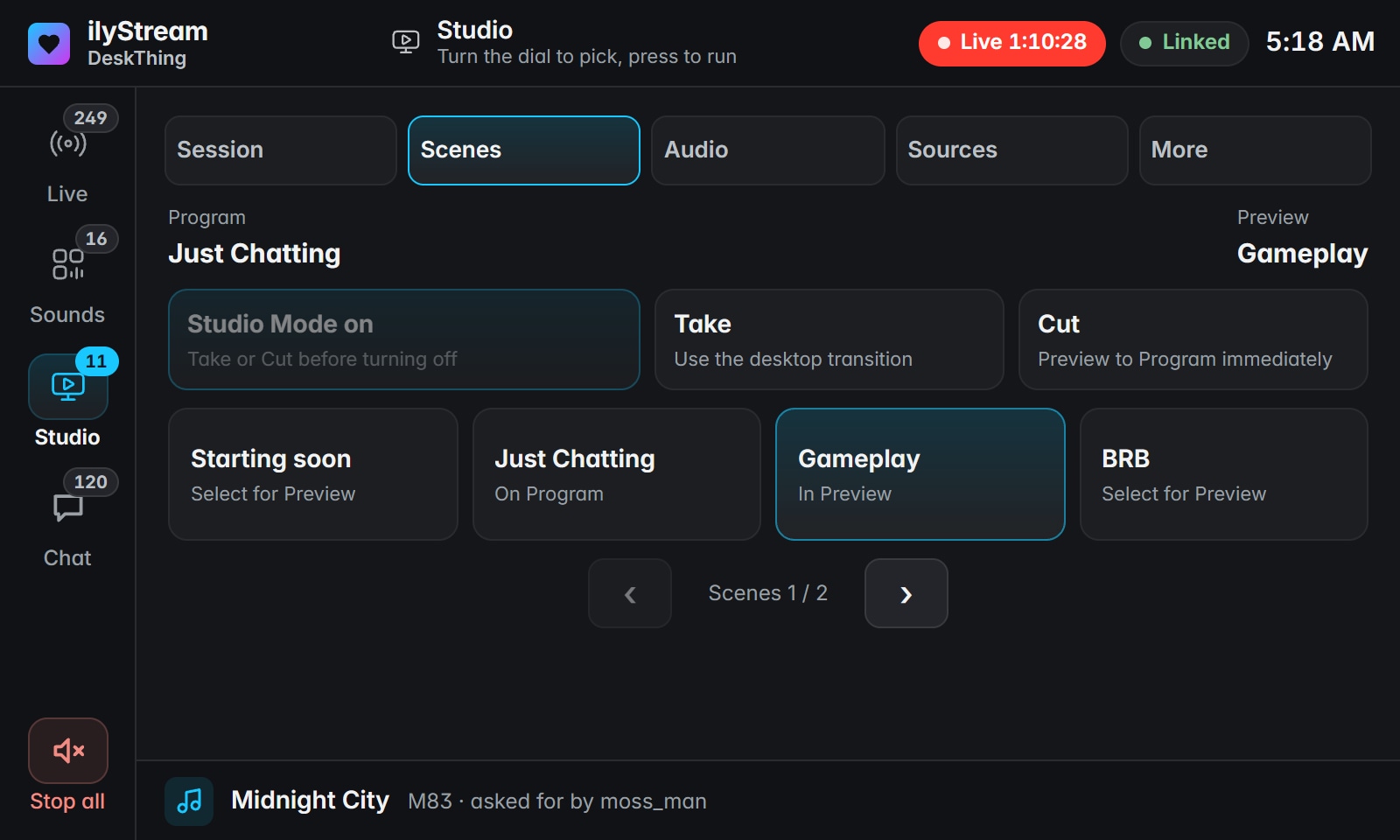
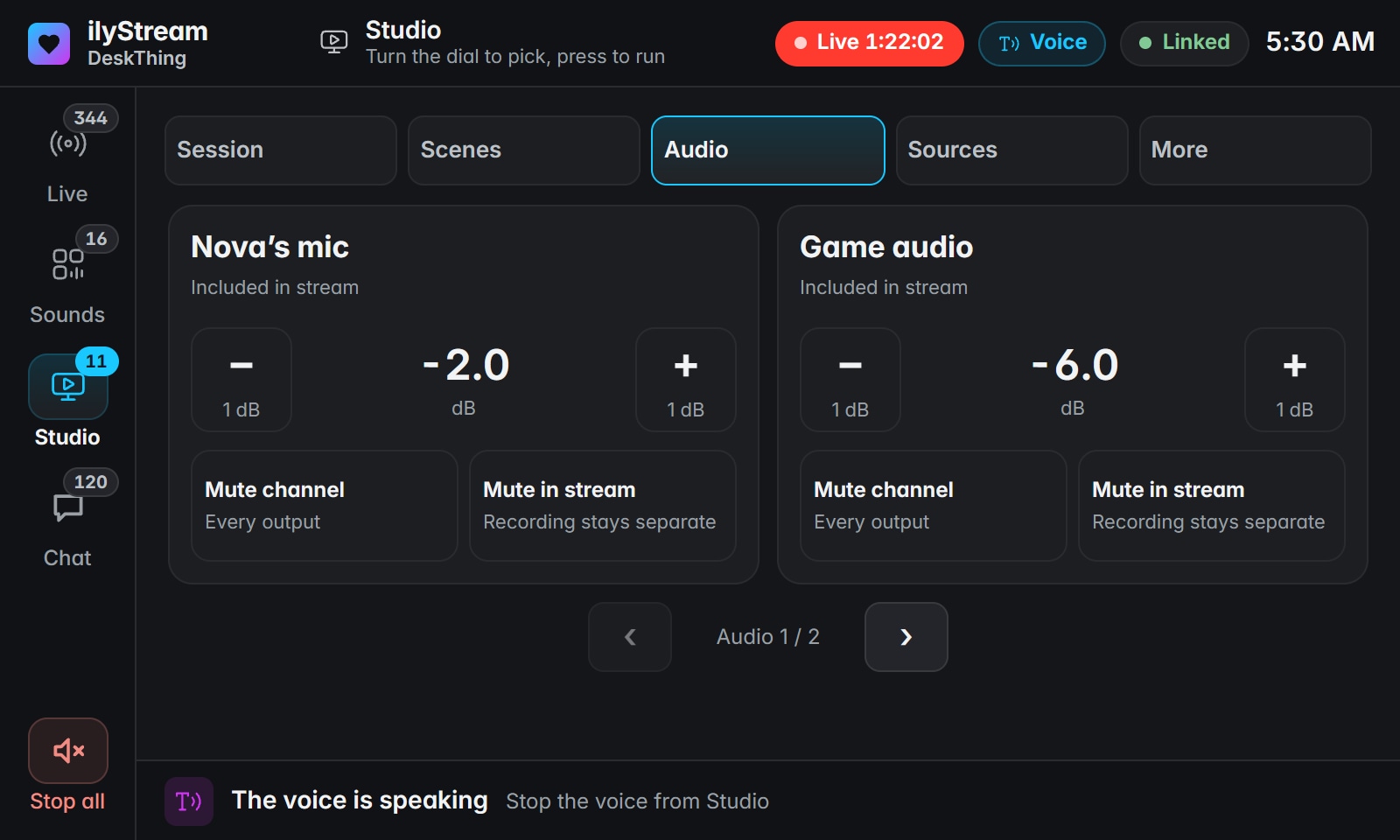
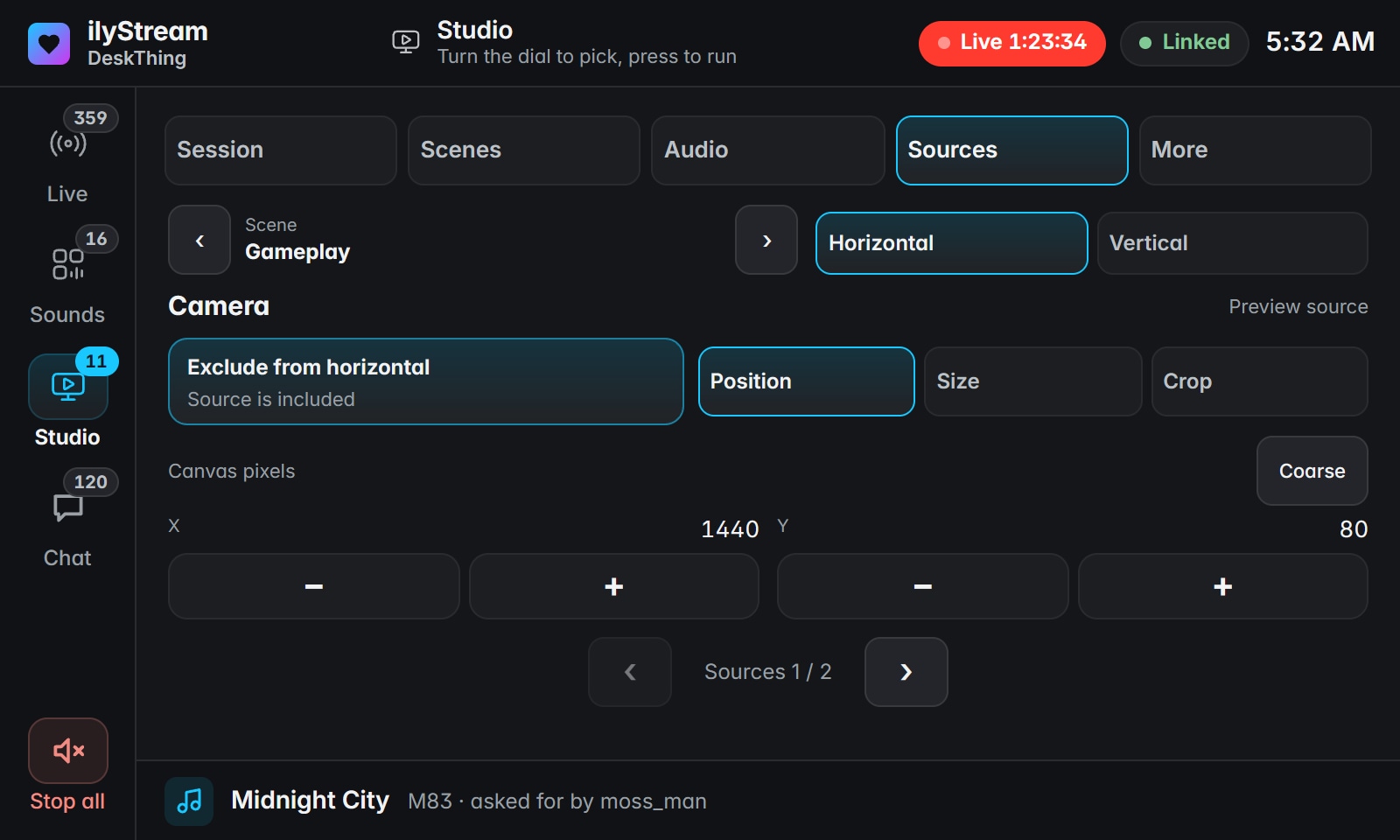
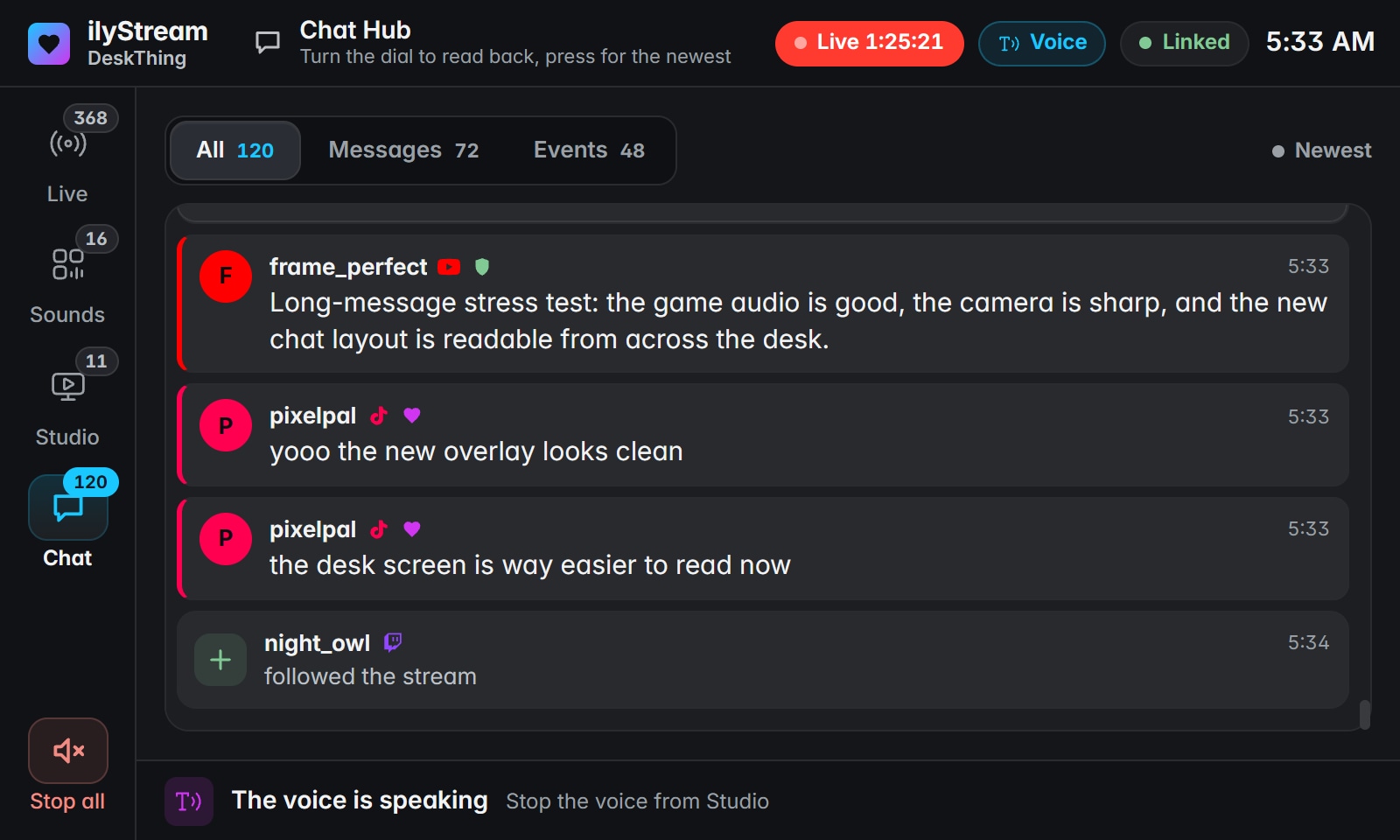
DeskThing companion screenshots7 screens
ilyStream DeskThing 0.2.6 preview with fictional sample data. Select a picture to open the full image.
Brand assets
Use the ilyStream name and mark to identify the product in coverage. Keep the mark recognizable and make any sponsorship or partnership explicit.


Before you review
The Store edition uses Microsoft Store updates. Virtual camera output in Store version 0.2.5 or later requires the separate optional camera add-on; physical webcam input needs no add-on. The direct installer offers its own camera component. Check the download page for editions and release details and the virtual camera guide for setup. Test audio, browser sources, and connected devices in your own setup before going live.
For a creator trial, visit Founding creators. Sponsorship inquiries go through Back ilyStream.