'/%3e%3cpath%20fill='%2305070d'%20d='M32%2044.5c-.9-.6-14-8.6-14-17%200-4.1%203.1-7.3%207-7.3%202.9%200%205.4%201.7%207%204.3%201.6-2.6%204.1-4.3%207-4.3%203.9%200%207%203.2%207%207.3%200%208.4-13.1%2016.4-14%2017z'/%3e%3c/svg%3e)
Everything in ilyStream 0.1.0
Organized the same way as the app, by the five areas in its navigation rail.
Live
Broadcast, follow chat and events, and see your audience across every platform while you are live.
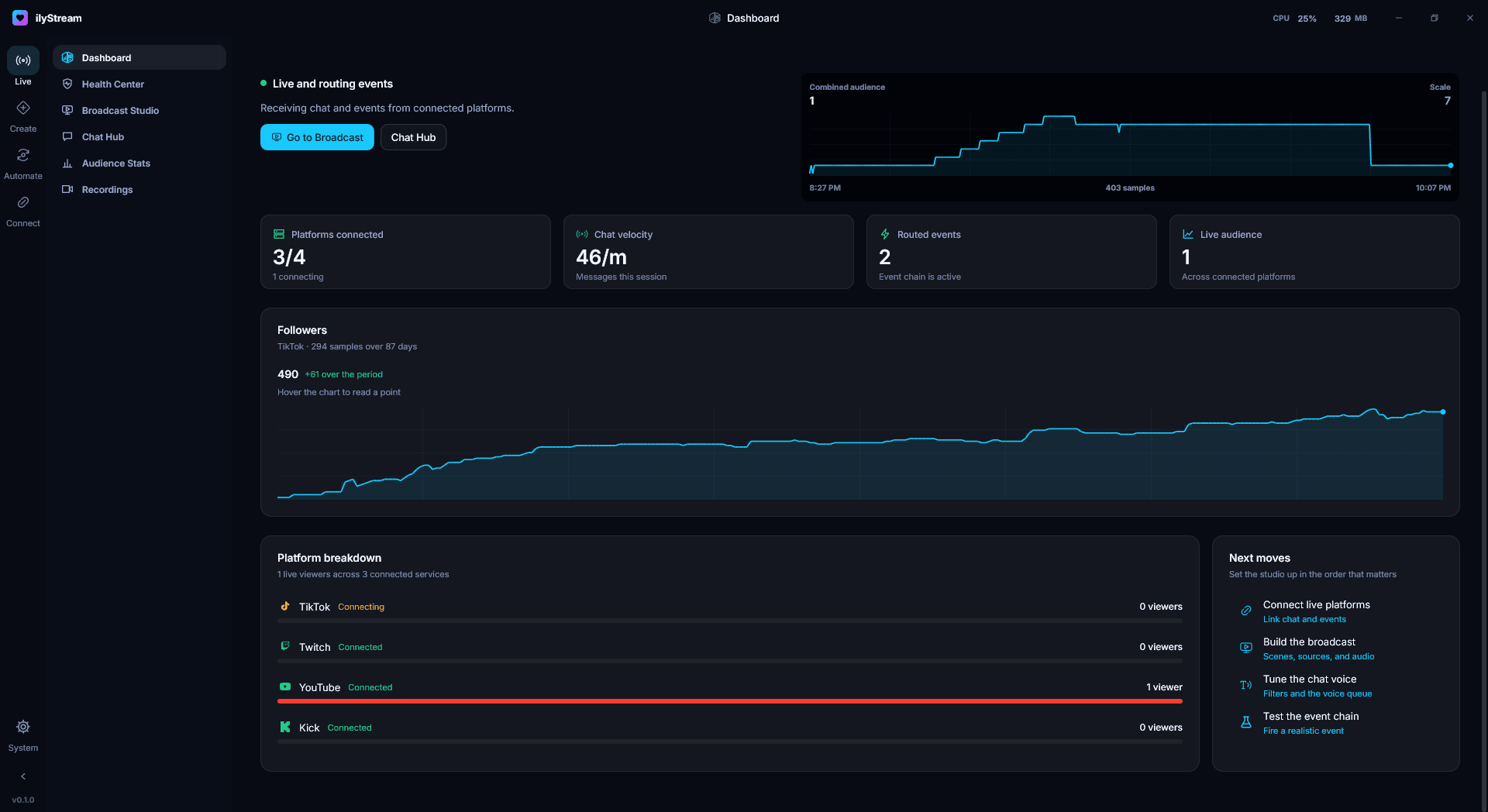
- Dashboard
- See what is live, what needs attention, and where to act next: connected platforms, chat velocity, routed events, combined audience and follower history. Guide to Dashboard
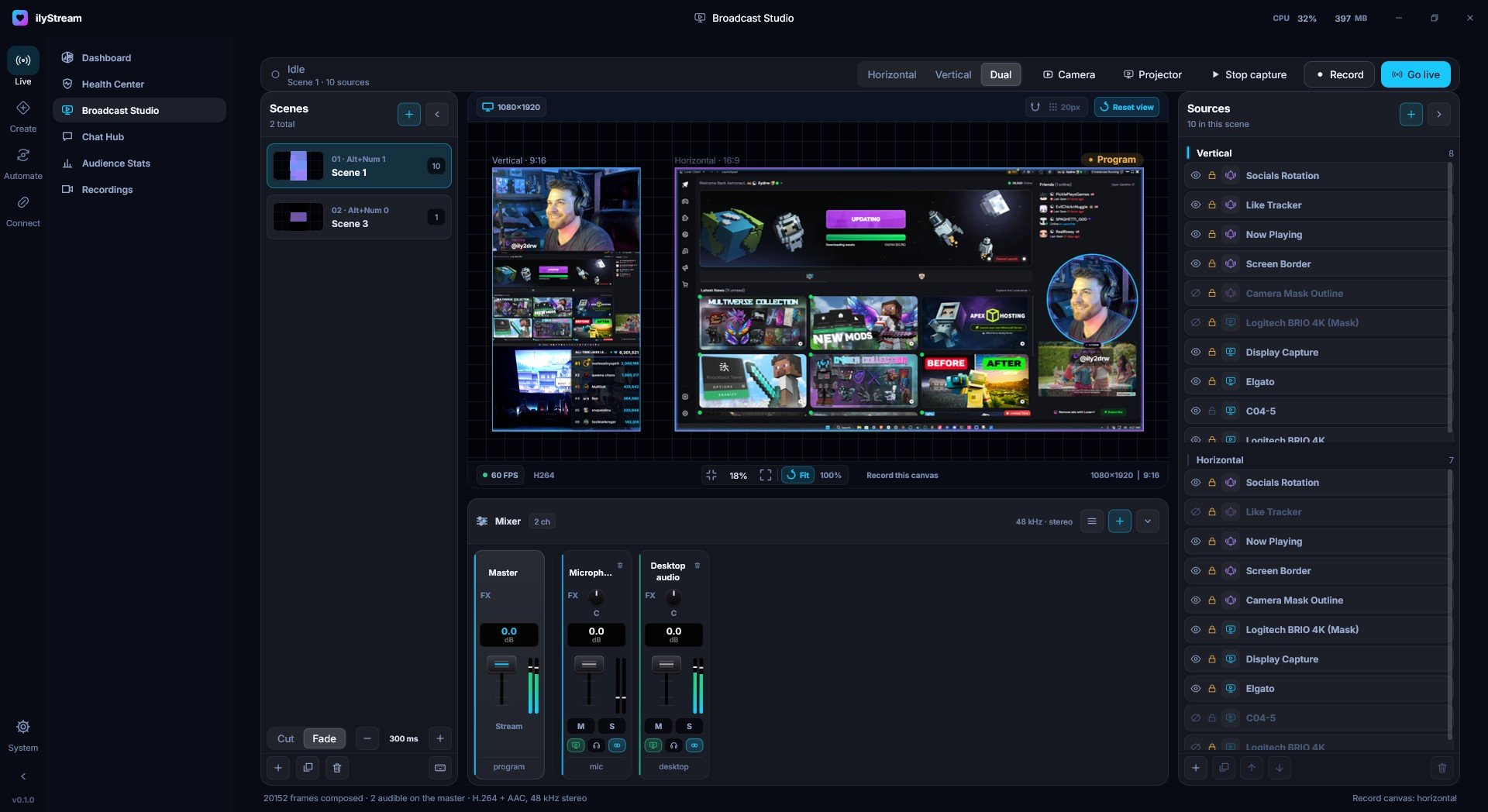
- Broadcast Studio
- Horizontal, vertical and dual layouts with scenes, sources, a built-in mixer, transitions, recording and going live. Guide to Broadcast Studio
- Chat Hub
- Chat from your connected platforms in one place.
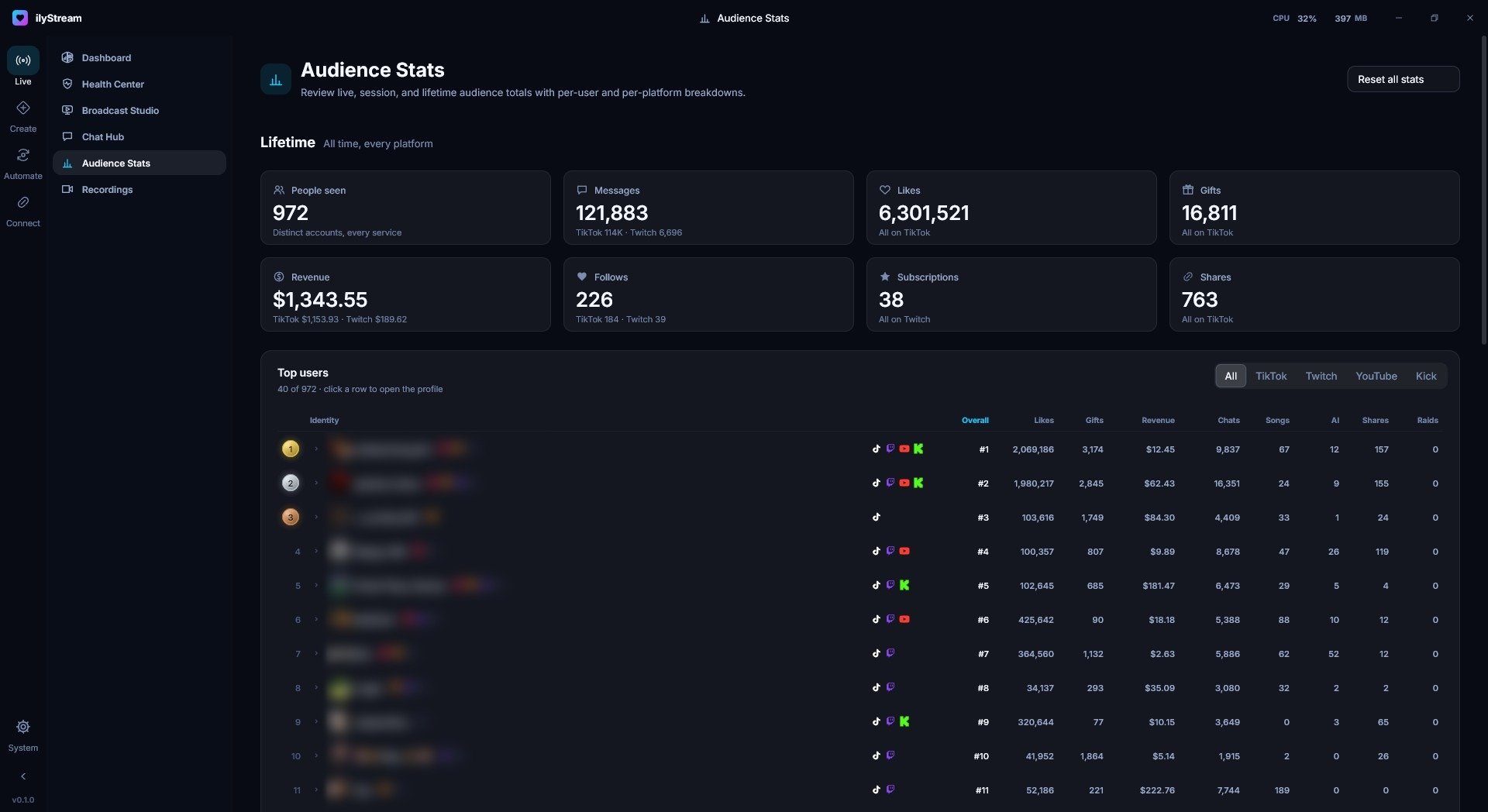
- Audience Stats
- Live, session and lifetime audience totals with per-person and per-platform breakdowns. Guide to Audience Stats
- Health Center
- A single place to check on your setup.
- Recordings
- The recordings you make in Broadcast Studio.
Create
Overlays, widgets, alerts and sound, built inside the same app that broadcasts them.
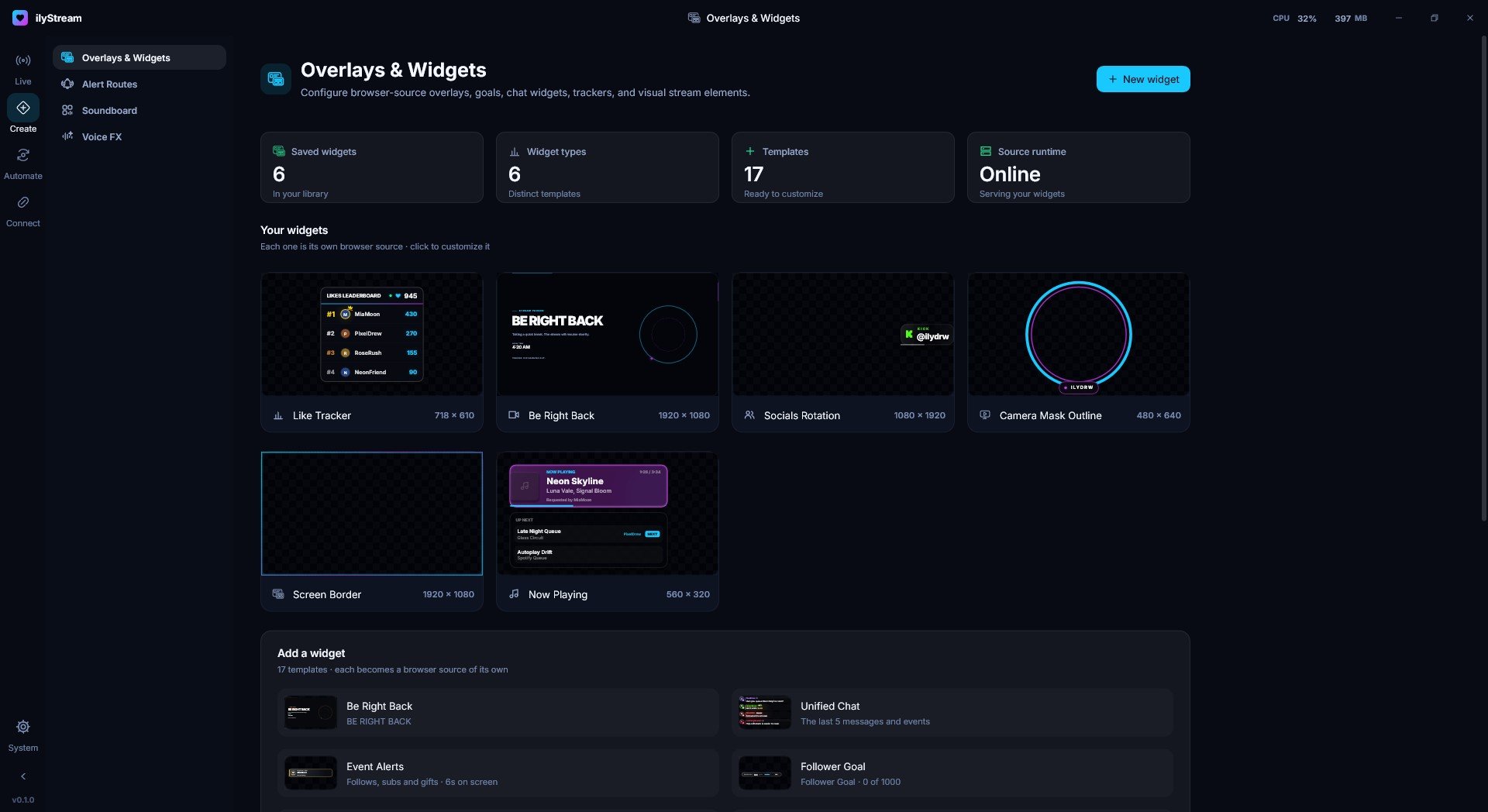
- Overlays & Widgets
- Browser-source overlays, goals, chat widgets, trackers and visual stream elements, started from 17 templates. Each widget is its own browser source. Guide to Overlays & Widgets
- Alert Routes
- Decide where your stream events go.
- Soundboard
- Your stream sounds, a click away.
- Voice FX
- Voice effects for your stream.
Automate
Text-to-speech, an AI co-host, song requests and event automation that run alongside your broadcast.
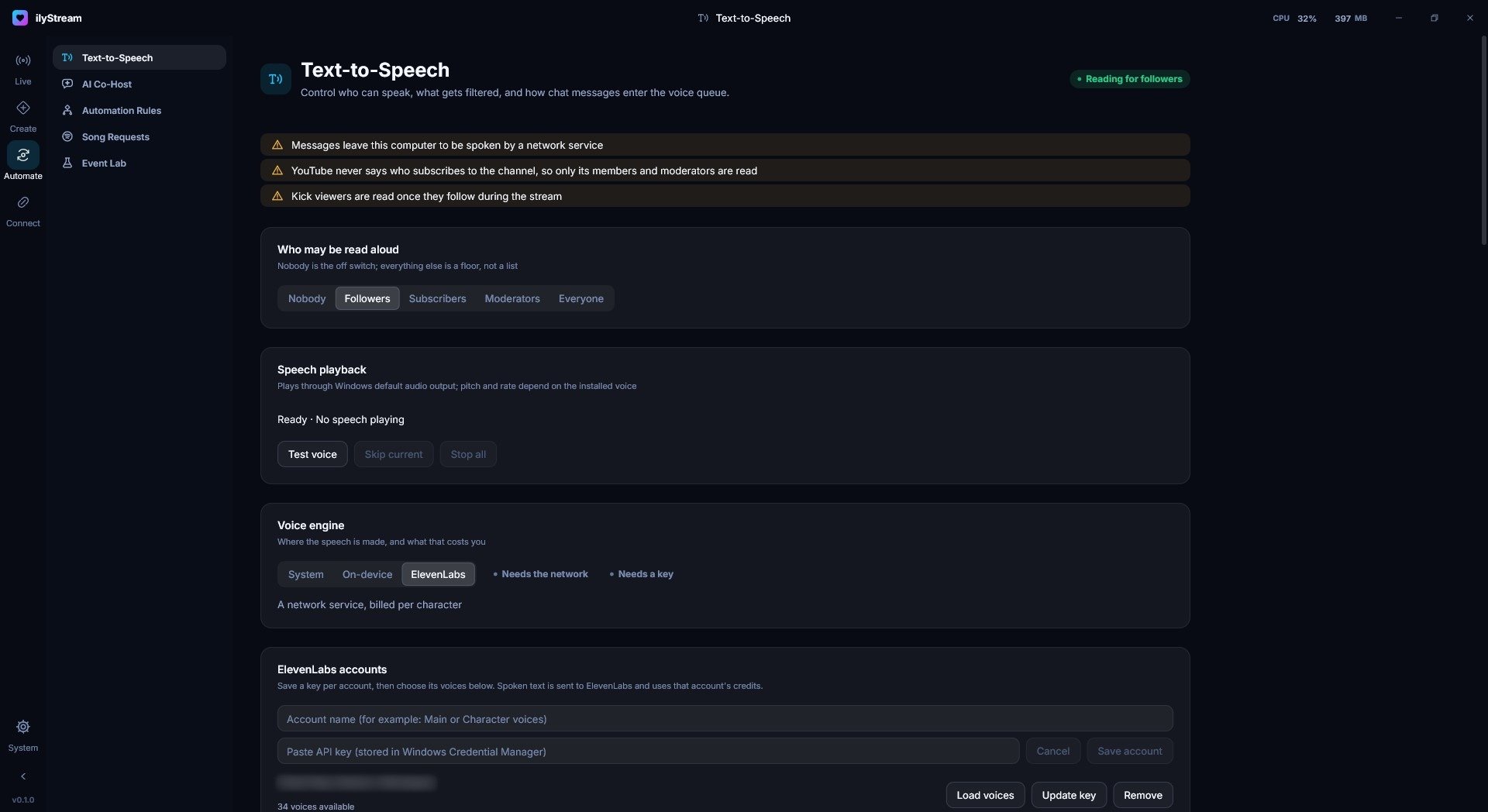
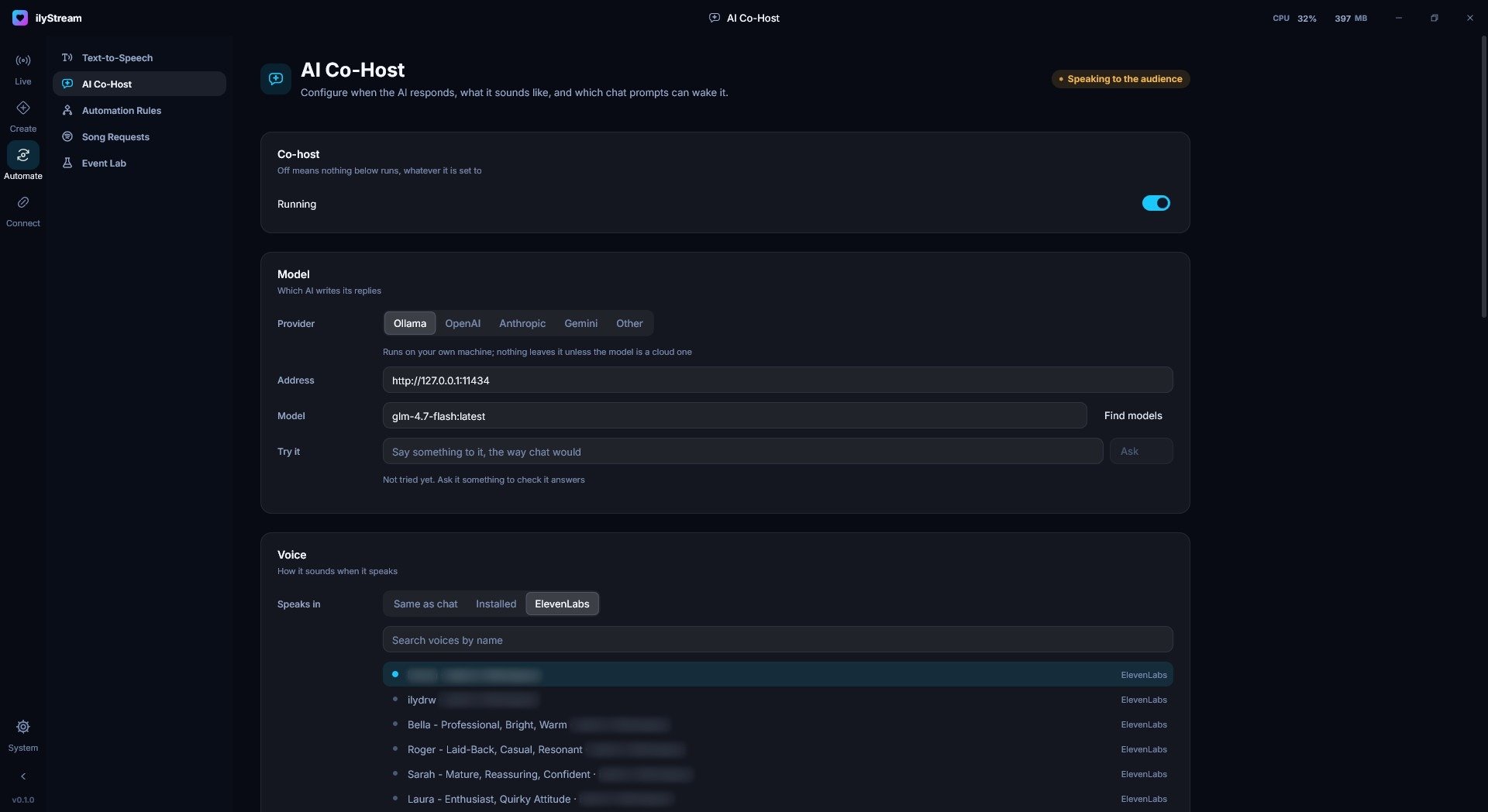
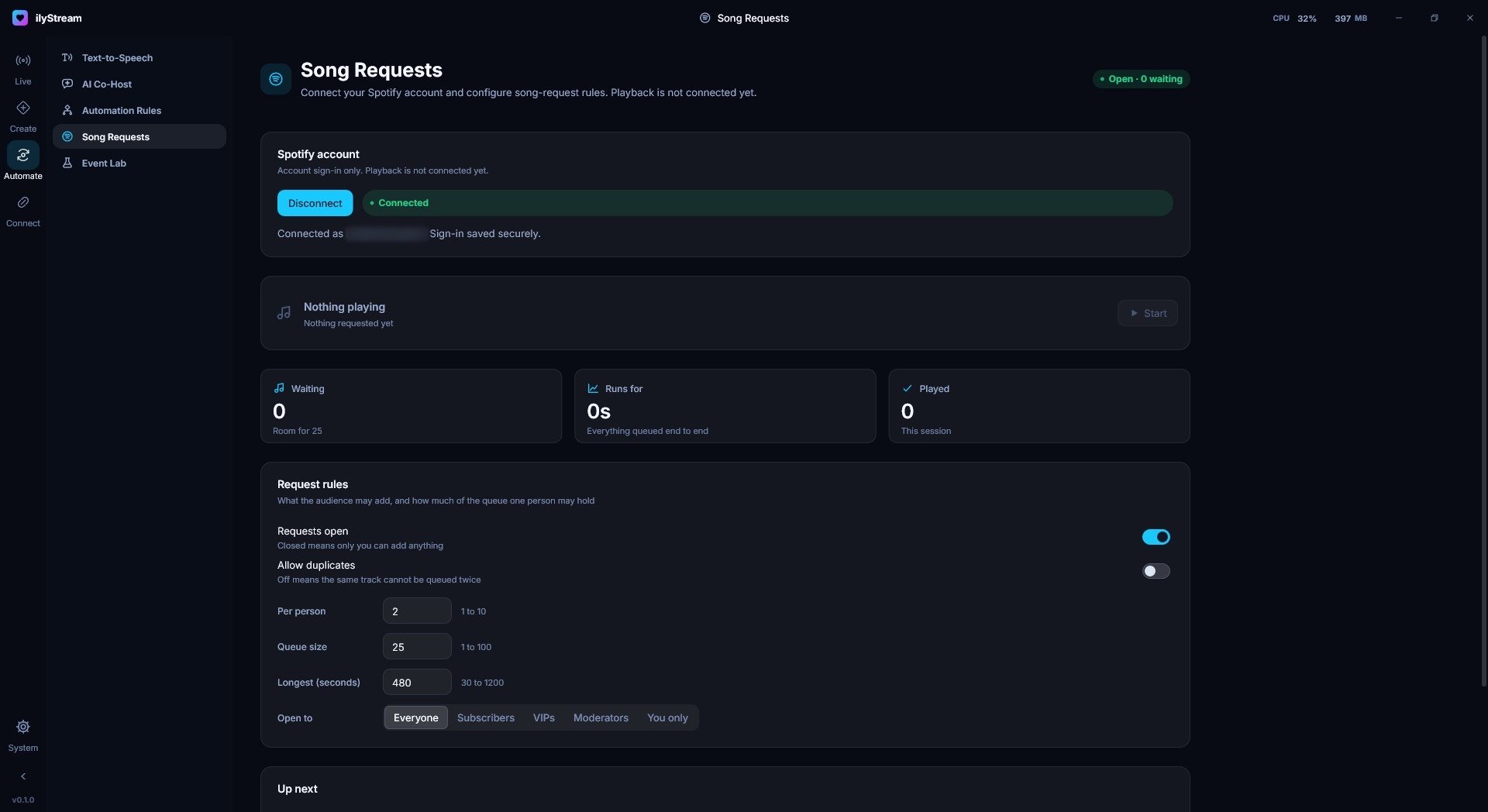
- Text-to-Speech
- Control who can speak, what gets filtered, and how chat messages enter the voice queue. Guide to Text-to-Speech
- AI Co-Host
- Configure when the AI responds, what it sounds like, and which chat prompts can wake it. Run it locally with Ollama or use OpenAI, Anthropic or Gemini. Guide to AI Co-Host
- Song Requests
- Connect Spotify and set request rules: who may request, how many per person, and how long a track may be. Guide to Song Requests
- Automation Rules
- Rules that respond to what happens on stream.
- Event Lab
- Fire a realistic test event to check your alerts and automations before you go live.
Connect
Live platforms, community channels, smart lights and peripherals, connected to the same event stream.
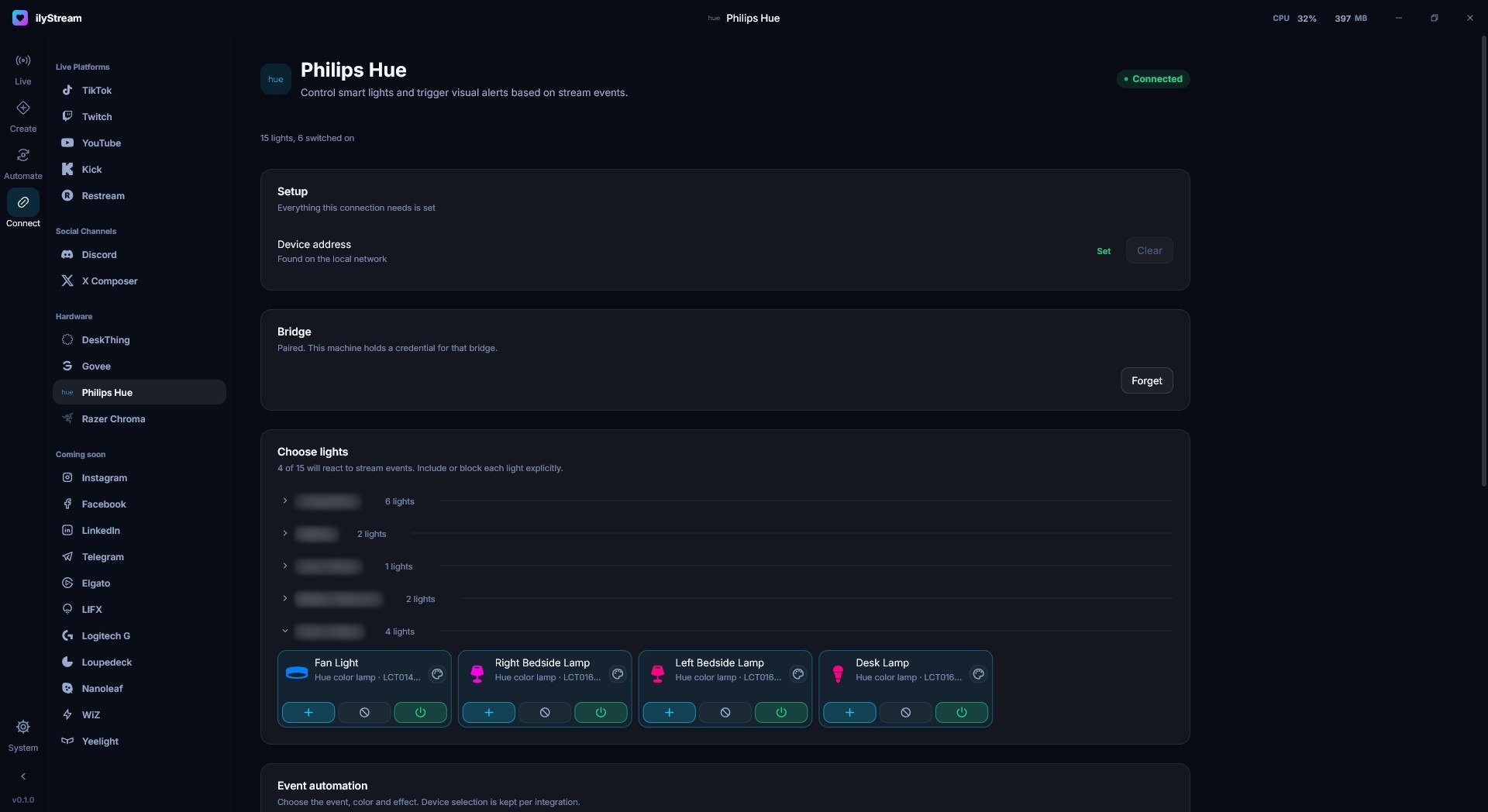
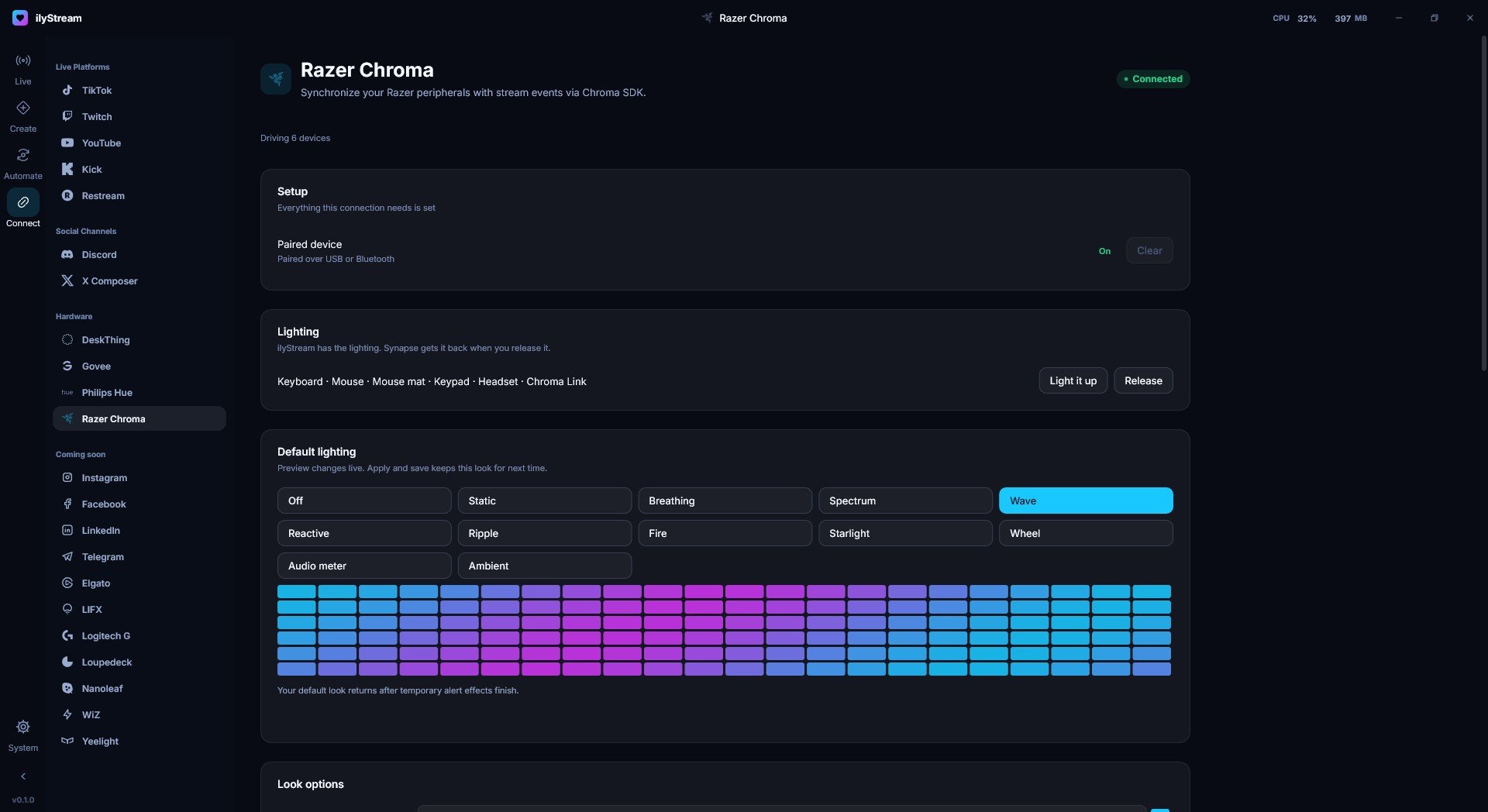
- TikTok
- Twitch
- YouTube
- Kick
- Restream
- Discord
- X
- ElevenLabs
- AI models
- Spotify
- Philips Hue
- Razer Chroma
- Govee
- DeskThing
- Live platforms
- TikTok, Twitch, YouTube, Kick and Restream bring their chat and events into ilyStream. Guide to Live platforms
- Social channels
- Discord, plus an X composer for posting from the studio.
- Hardware
- Philips Hue, Razer Chroma, Govee and DeskThing react to your stream. Guide to Hardware
System
Themes, appearance and the settings that keep the studio running the way you like.
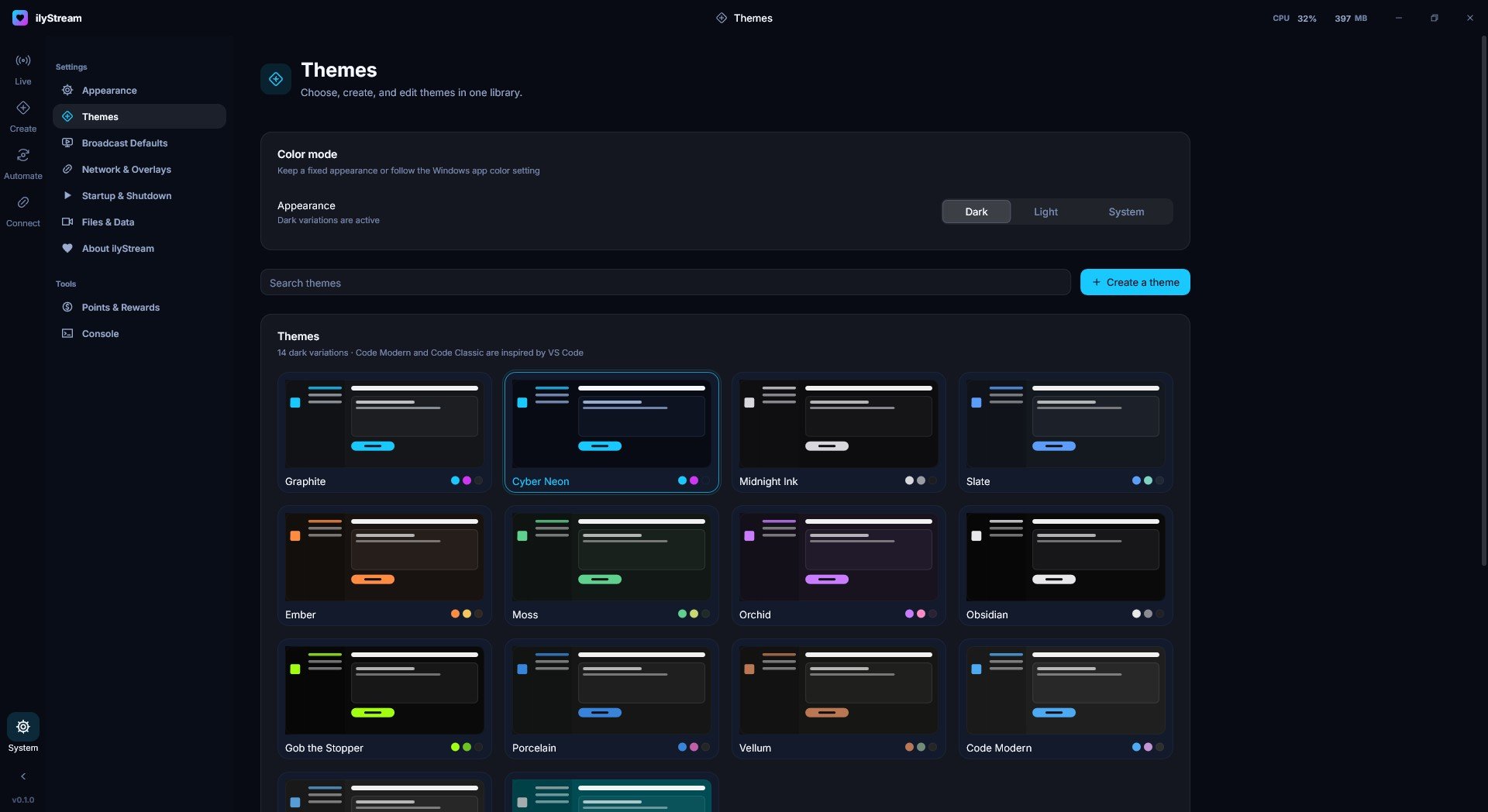
- Themes
- Choose, create and edit themes in one library, or follow the Windows light/dark setting. Guide to Themes
- Settings
- Appearance, broadcast defaults, network and overlays, startup and shutdown, and files and data.
- Points & Rewards
- Points and rewards for your community.
- Console
- A look at what ilyStream is doing behind the scenes.
Your stream deserves better software
Broadcast, create, automate and connect from one studio.