

ilyStream + LinkedIn
Manually publish text updates to your personal LinkedIn feed from ilyStream.
What LinkedIn does in ilyStream
- Verify your member identity with a LinkedIn application token.
- Publish a public text update to your personal feed only when you explicitly send it.
Where to find it
- 1Open ilyStream
Start from the app’s main navigation.
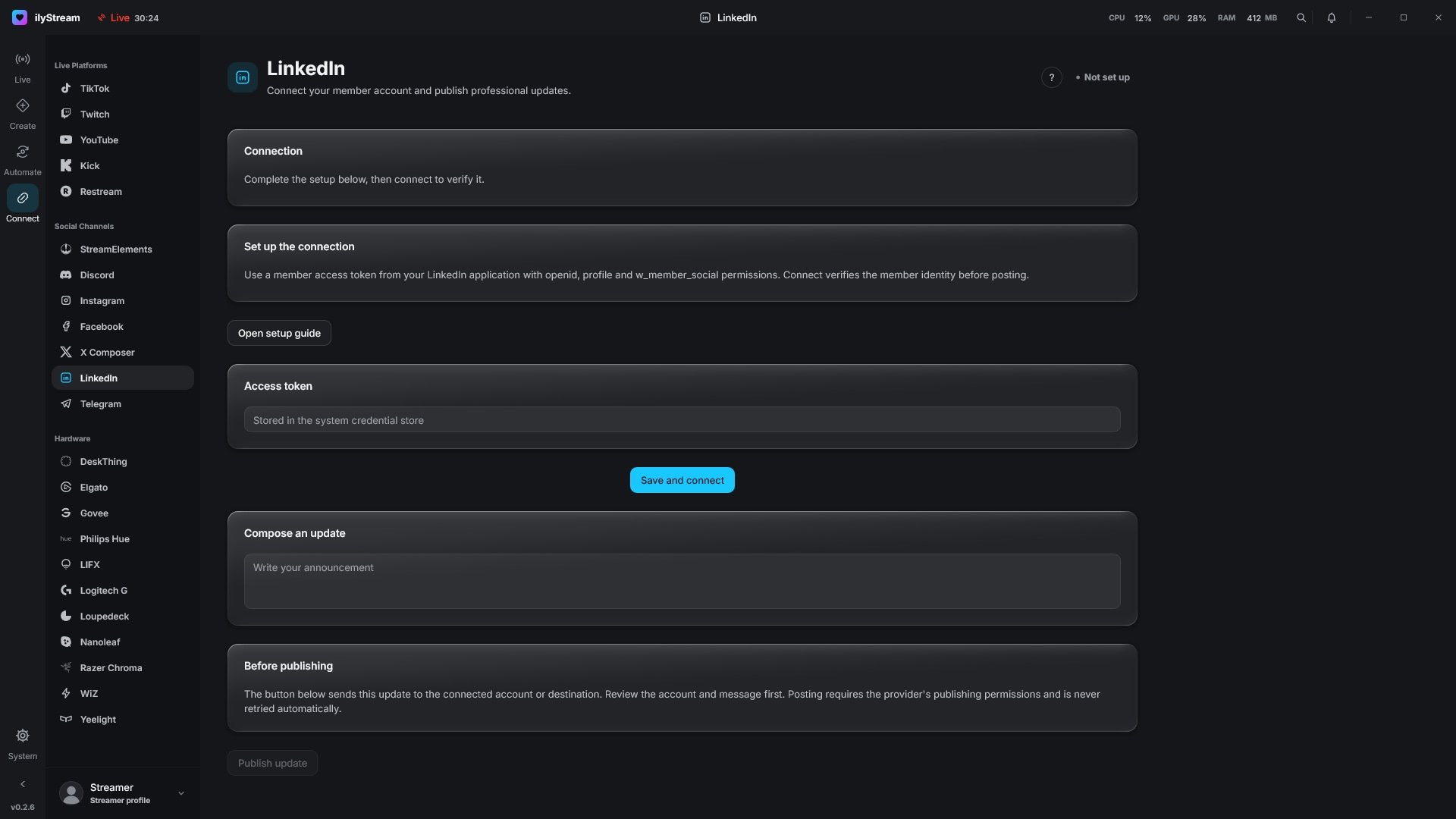
- 2Go to Connect → Social Channels → LinkedIn
The integration lives here in the current app.
- 3Connect or configure LinkedIn
Use the controls on that page to finish the integration and choose how it behaves.
What it looks like
Good to know
Requires a member access token from your LinkedIn application with w_member_social. Organization pages, feed reading and live chat are not supported.
Data & privacy
- What ilyStream uses
- Your member access token to verify your identity and publish updates you request.
- Keys and sign-ins
- The access token is kept in the system credential store.
- Disconnect in ilyStream
Connect → Social Channels → LinkedIn → Forget saved setup
ilyStream does not sell data from LinkedIn. Questions or deletion requests: privacy@ilystream.app · Data requests
LinkedIn is a trademark of its owner. ilyStream is an independent product and is not affiliated with or endorsed by LinkedIn.