Optional features and model packs
Open Features under System to choose the tools available in your profile. Capture, scenes, mixing, streaming, recording and replay remain available. Choose Use basic streaming to switch optional tools off in the draft, or enable tools individually, then Apply and save. Discard changes keeps your previous choices. New installations start with optional tools off; older settings preserve their enabled tools.
Disabling a feature preserves its settings, sources, credentials and authored rules while stopping its related runtime work. You can enable it again later. Individual lighting and hardware integrations have their own switches.
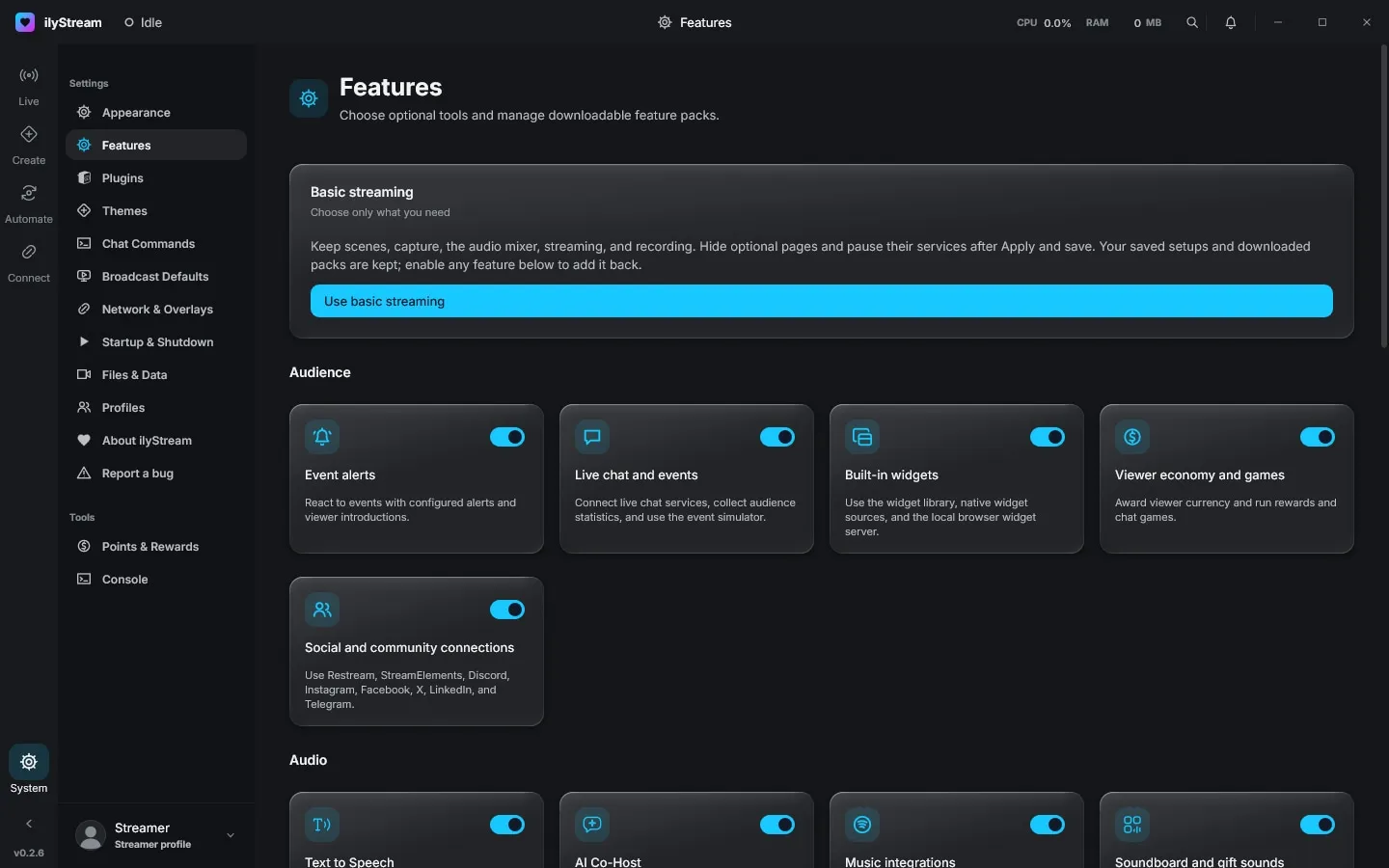
Native 0.2.6 interface capture; no connected accounts or live devices.
Download model packs
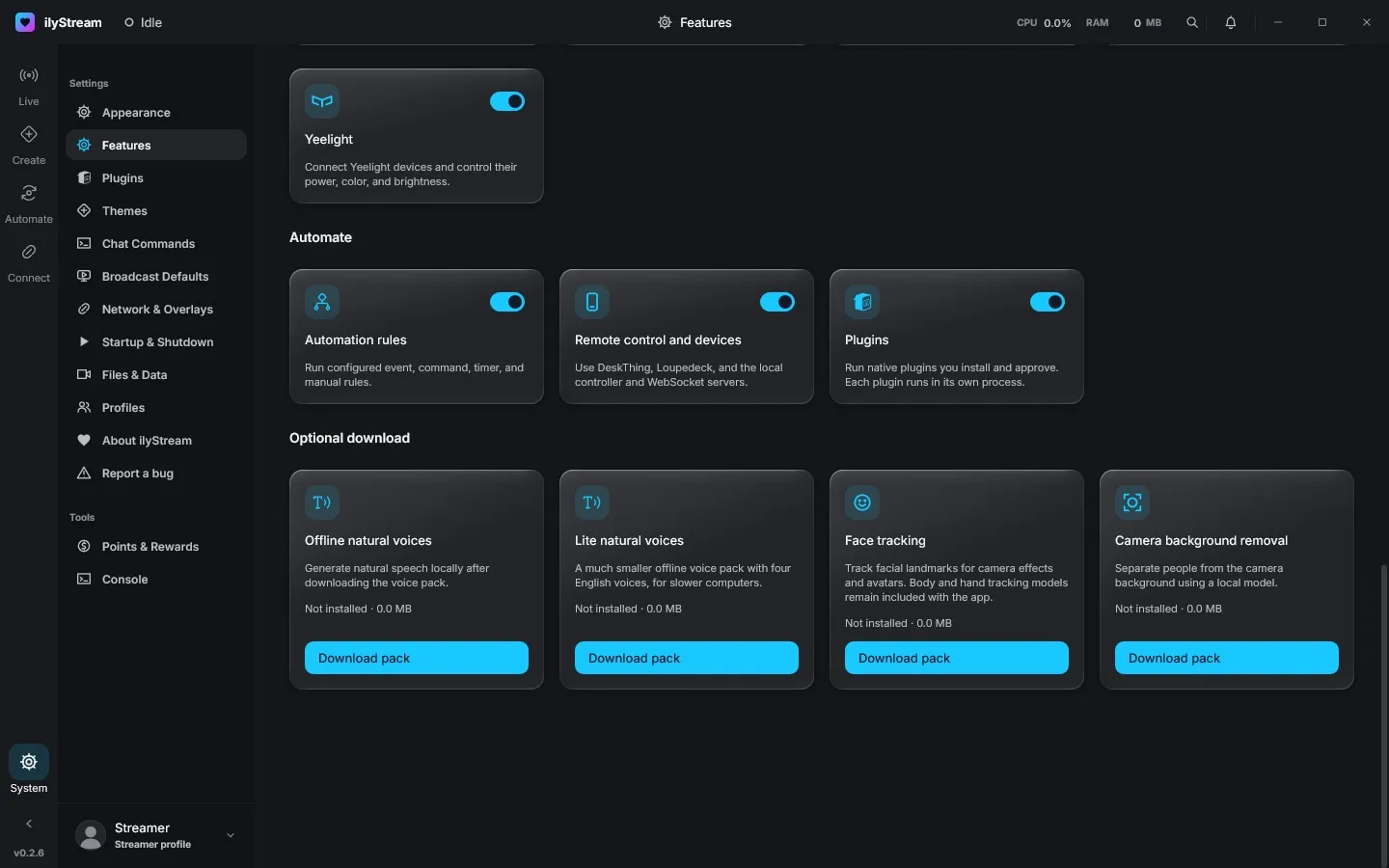
Section titled “Download model packs”The Features page installs, cancels, retries and removes offline natural voice, face-tracking and camera background-removal packs. Downloads are checked against pinned sizes and SHA-256 hashes and include license notices. Packs live in local app data, outside the app installation, and are shared by your profiles.
There are four packs: Offline natural voices, Lite natural voices, Face tracking and Camera background removal. The lite voice pack is a smaller option for slower computers. Body and hand tracking models remain included with the app.
Face tracking and background removal require a one-time download in 0.2.6, including for saved sources. A missing pack reports a source error and keeps the source. Downloads do not start automatically at launch. Install the pack before relying on the feature offline. Removing a pack preserves your sources; disabling a feature does not remove its pack.
See native plugins for the separate module approval flow.