
Browser docks
Open Settings > Broadcast Defaults > Docks to add a named web page. Changes
apply immediately and save automatically. Use a full https:// or http://
address, then open the dock in its own window.
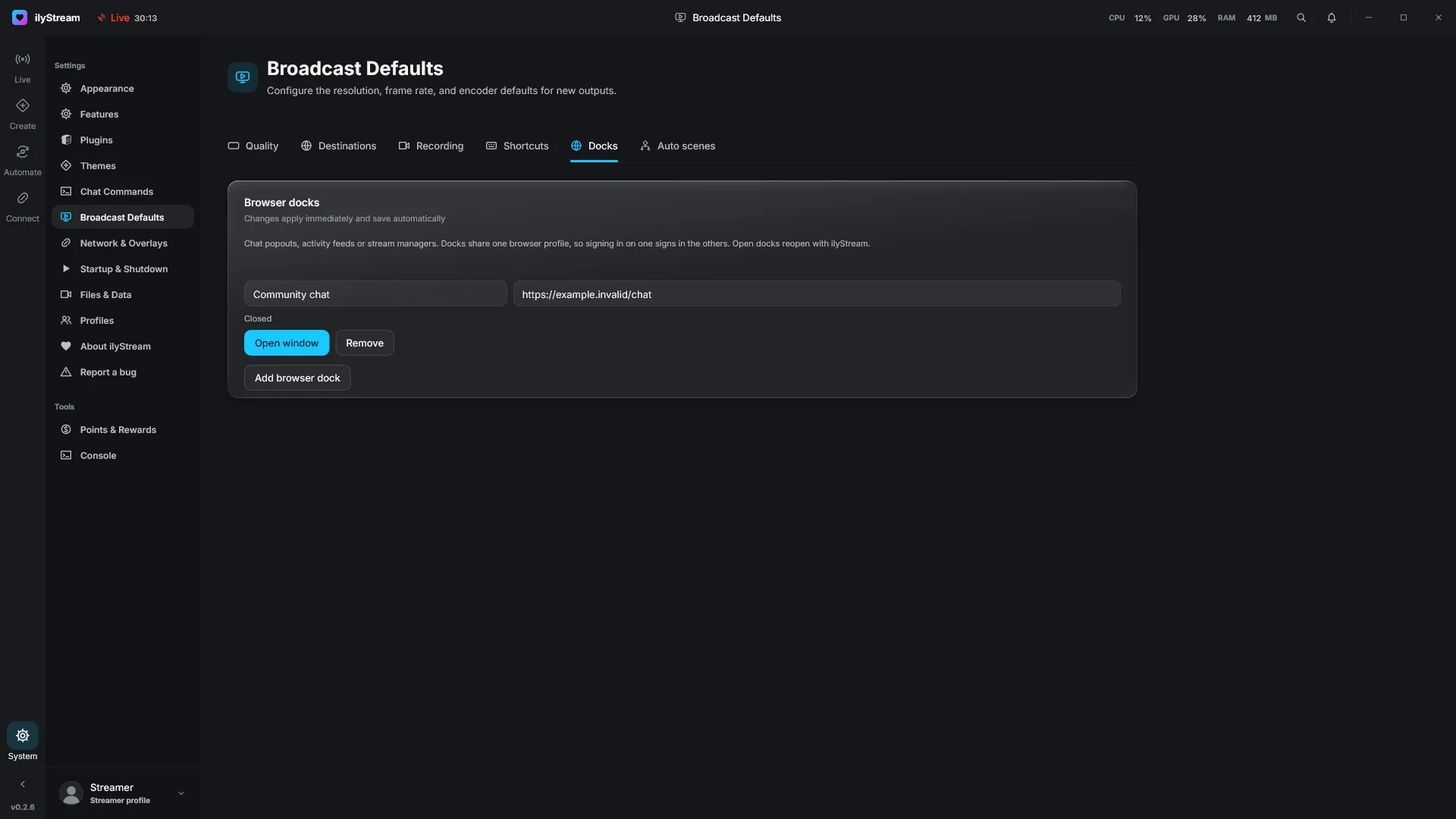
Docks share a browser profile: signing in on one can sign you in on another. Open docks reopen with ilyStream. Use them for chat popouts, activity feeds or stream managers, and close the docks you do not need.
A browser dock is a tool window. To put a web page into the broadcast itself, add a Browser source to a scene instead. The built-in StreamElements dock also has its own streaming setup and output controls.
© 2026 ilyStream