
ilyStream + ElevenLabs
Natural ElevenLabs voices for Text-to-Speech and the AI Co-Host, billed to your own account.
What ElevenLabs does in ilyStream
- Use ElevenLabs as the voice engine for Text-to-Speech.
- Give the AI Co-Host an ElevenLabs voice.
- Save more than one ElevenLabs account and load each account’s voices.
Where to find it
- 1Open ilyStream
Start from the app’s main navigation.
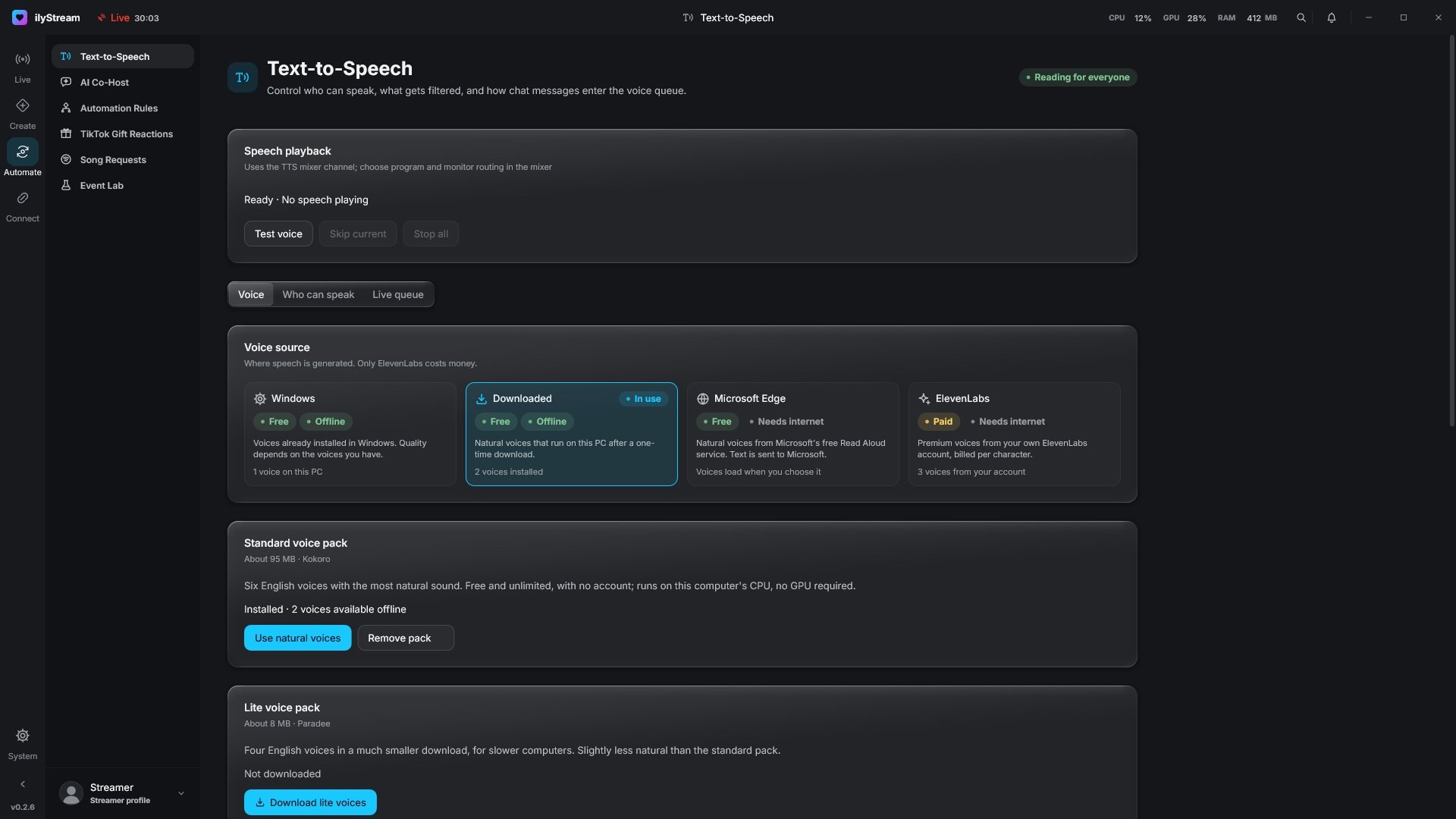
- 2Go to Automate → Text-to-Speech → Voice engine
The integration lives here in the current app.
- 3Connect or configure ElevenLabs
Use the controls on that page to finish the integration and choose how it behaves.
What it looks like
Data & privacy
- What ilyStream uses
- The text of each message that is spoken, sent to ElevenLabs to be turned into speech.
- Your ElevenLabs API key, to use your account’s voices and credits.
- Where it goes
- Text that is spoken with an ElevenLabs voice leaves your PC and is processed by ElevenLabs under their terms. ilyStream warns you of this on the Text-to-Speech page. ElevenLabs bills your account per character.
- Keys and sign-ins
- API keys you add are stored in Windows Credential Manager on your PC.
- Disconnect in ilyStream
Automate → Text-to-Speech → ElevenLabs accounts → Remove
ilyStream does not sell data from ElevenLabs. Questions or deletion requests: privacy@ilystream.app · Data requests
ElevenLabs is a trademark of its owner. ilyStream is an independent product and is not affiliated with or endorsed by ElevenLabs.