

ilyStream + Nanoleaf
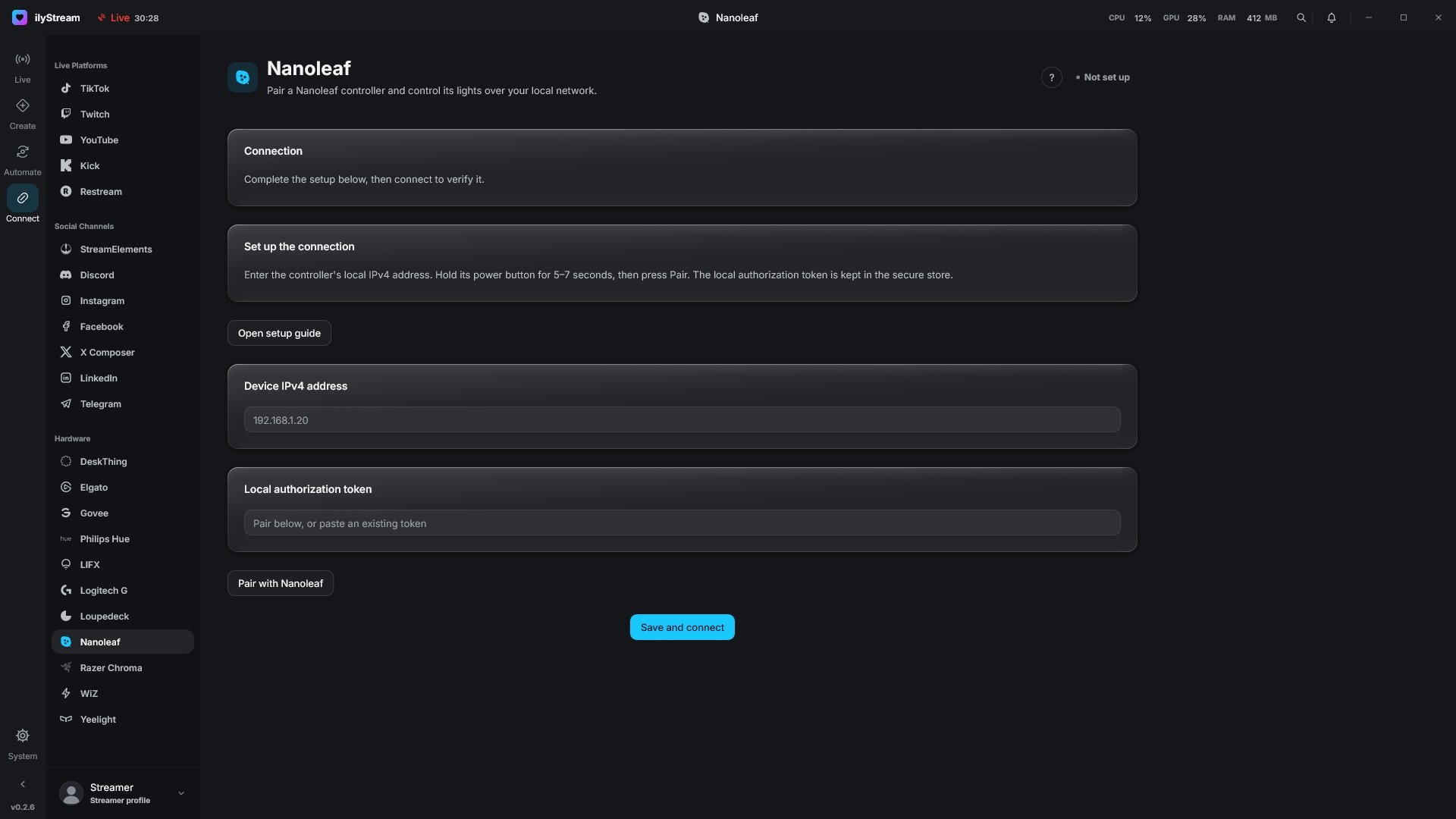
Pair a Nanoleaf controller and manually control its lights over your local network.
What Nanoleaf does in ilyStream
- Pair a controller using its local IPv4 address and power button.
- Turn lights on or off and set brightness and RGB color from the connection page.
Where to find it
- 1Open ilyStream
Start from the app’s main navigation.
- 2Go to Connect → Hardware → Nanoleaf
The integration lives here in the current app.
- 3Connect or configure Nanoleaf
Use the controls on that page to finish the integration and choose how it behaves.
What it looks like
Good to know
Hold the controller power button for 5–7 seconds, then choose Pair with Nanoleaf in ilyStream.
Data & privacy
- What ilyStream uses
- The controller’s local address, authorization token and lighting state.
- Where it goes
- Lighting commands go from your PC to the controller on your local network.
- Keys and sign-ins
- The local authorization token is kept in the system credential store.
- Disconnect in ilyStream
Connect → Hardware → Nanoleaf → Disconnect or Forget saved setup
ilyStream does not sell data from Nanoleaf. Questions or deletion requests: privacy@ilystream.app · Data requests
More lighting & hardware
 Govee
 Logitech G
 Loupedeck
 WiZ
 Yeelight
 DeskThing
Nanoleaf is a trademark of its owner. ilyStream is an independent product and is not affiliated with or endorsed by Nanoleaf.