

ilyStream + DeskThing
Live status, sounds, studio controls and chat on your DeskThing screen.
What DeskThing does in ilyStream
- Pairs the ilyStream DeskThing companion with the native Windows app over your local network.
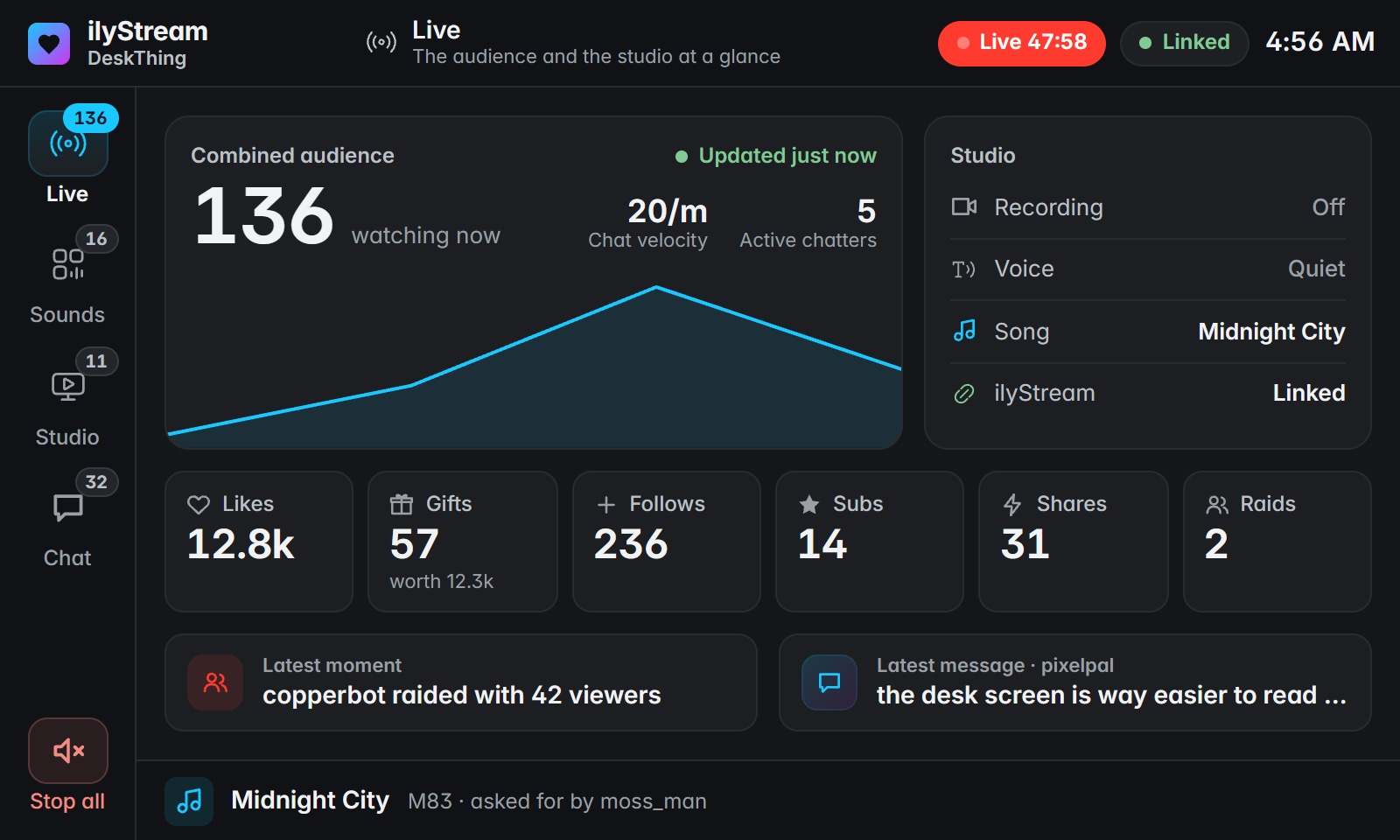
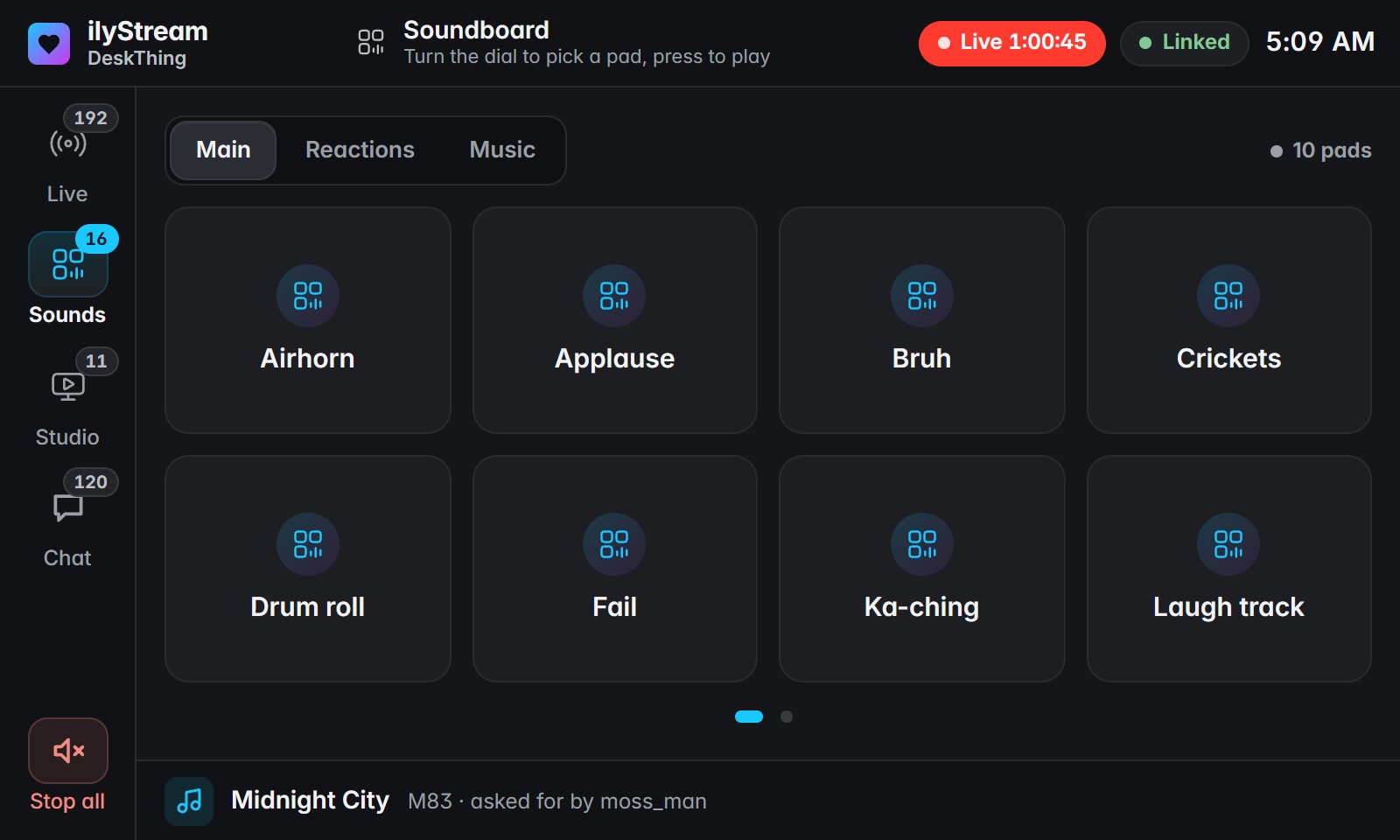
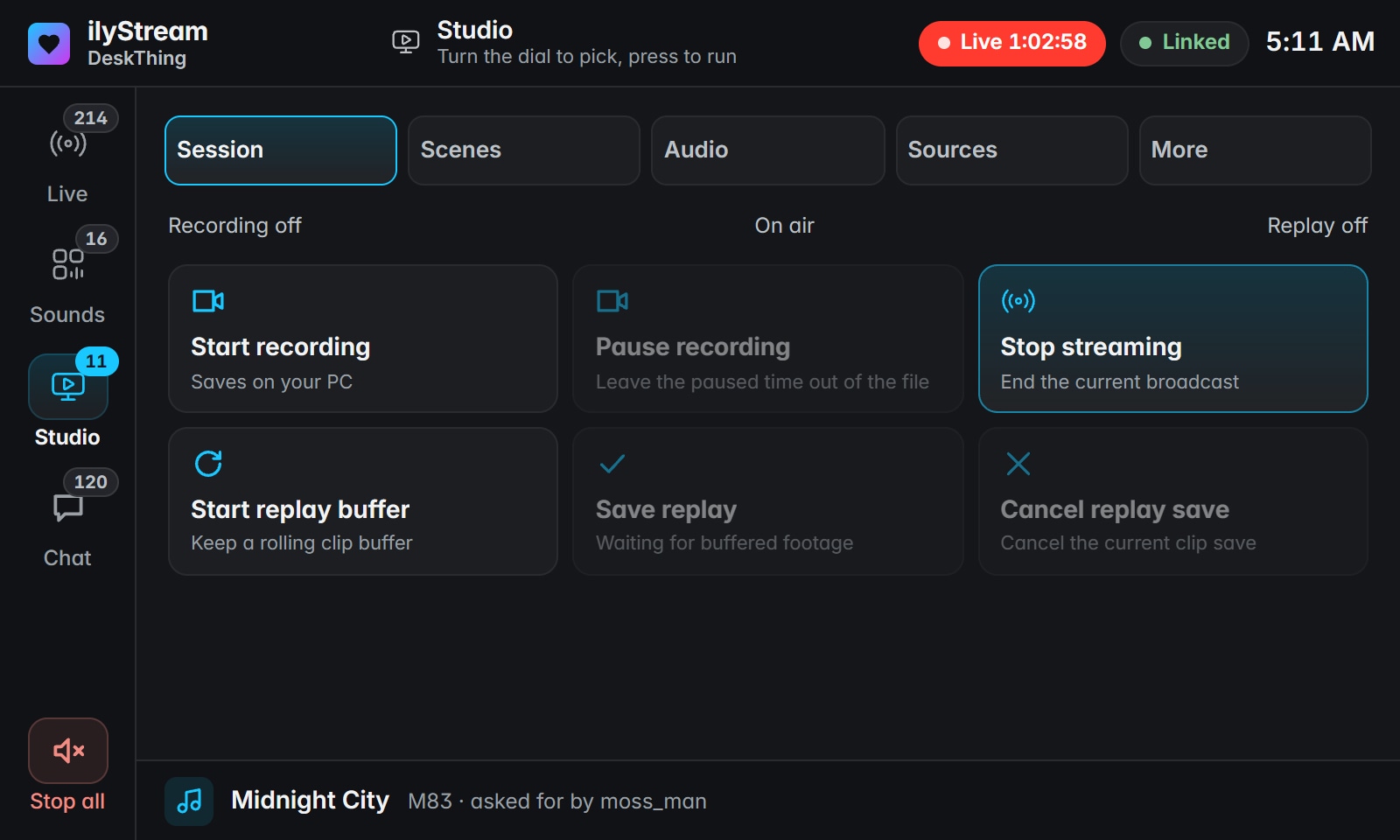
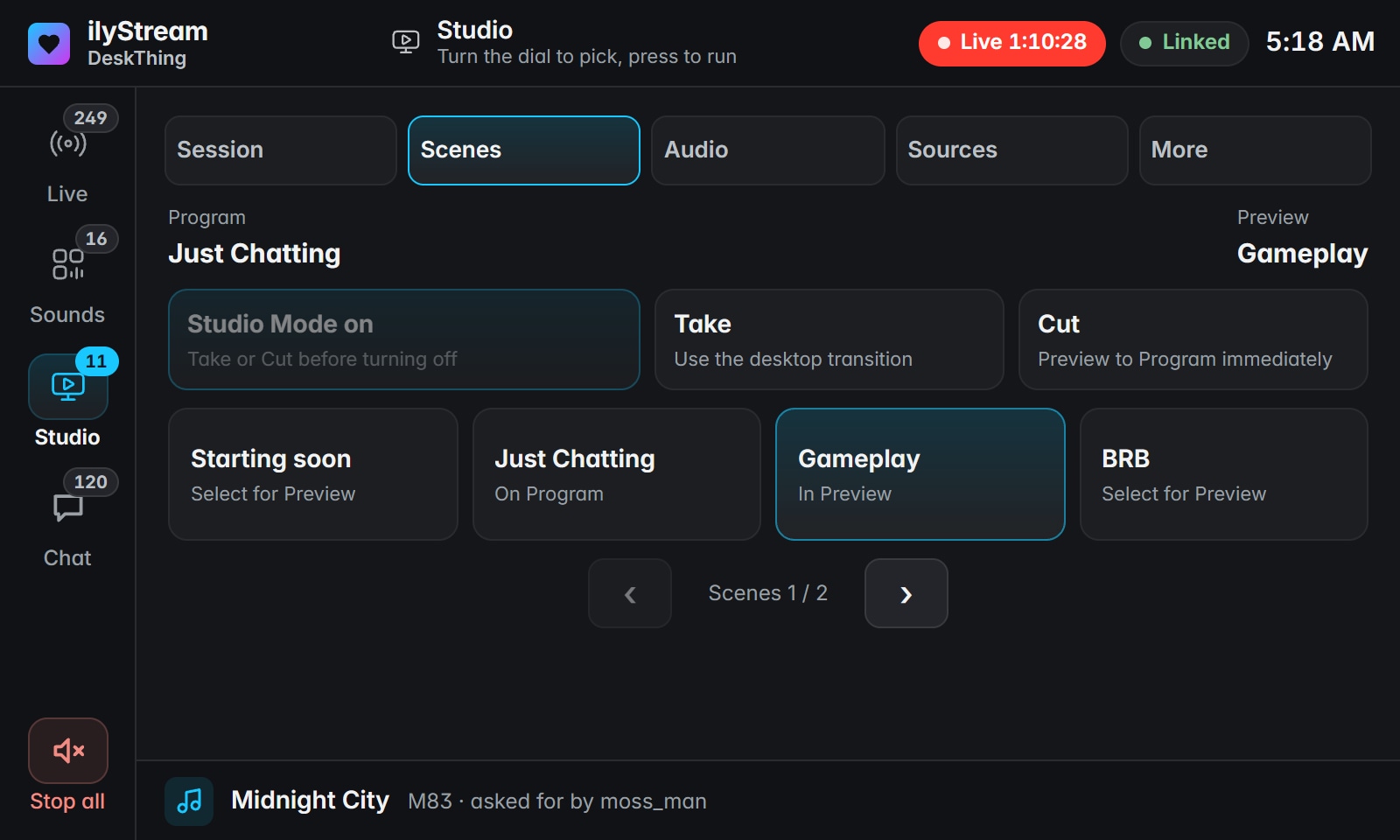
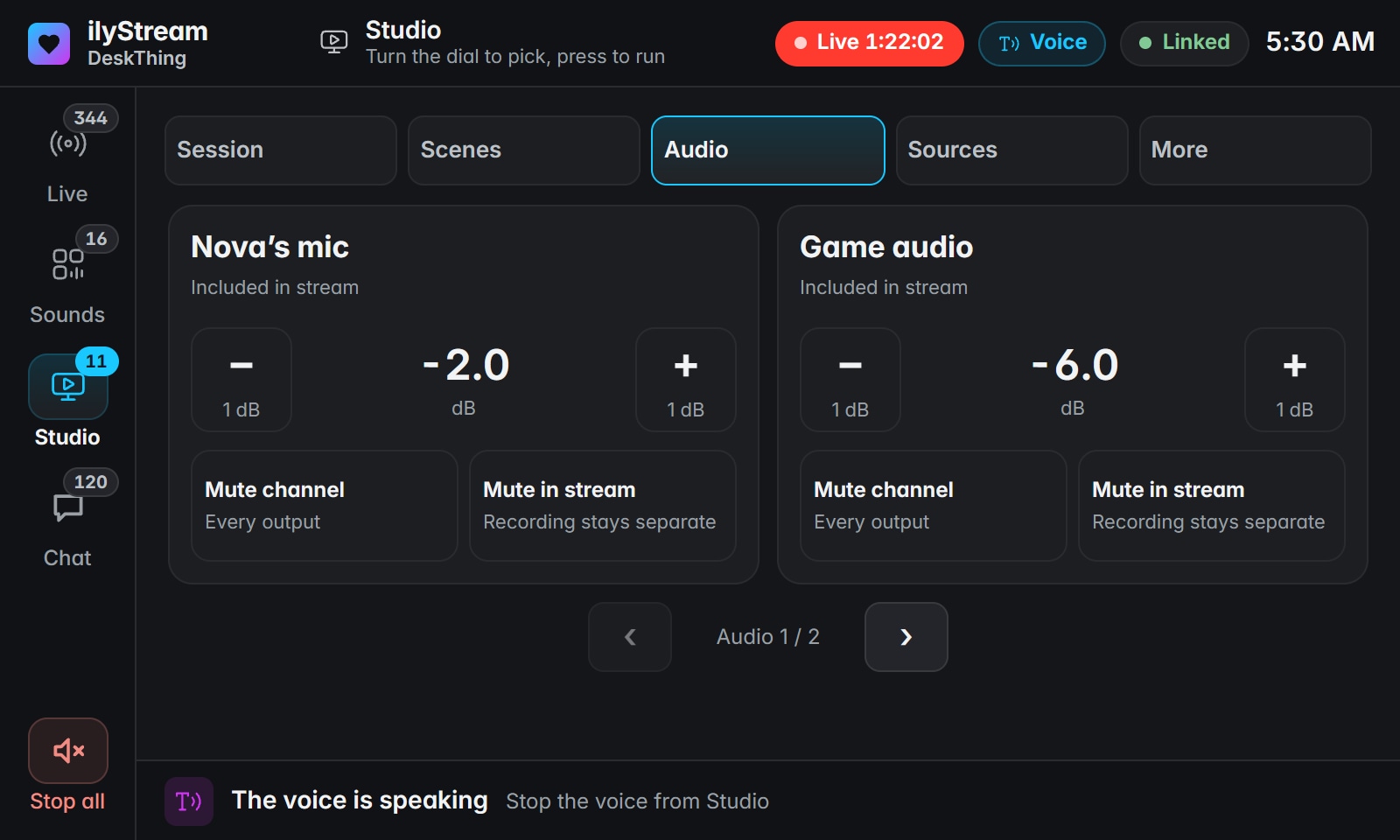
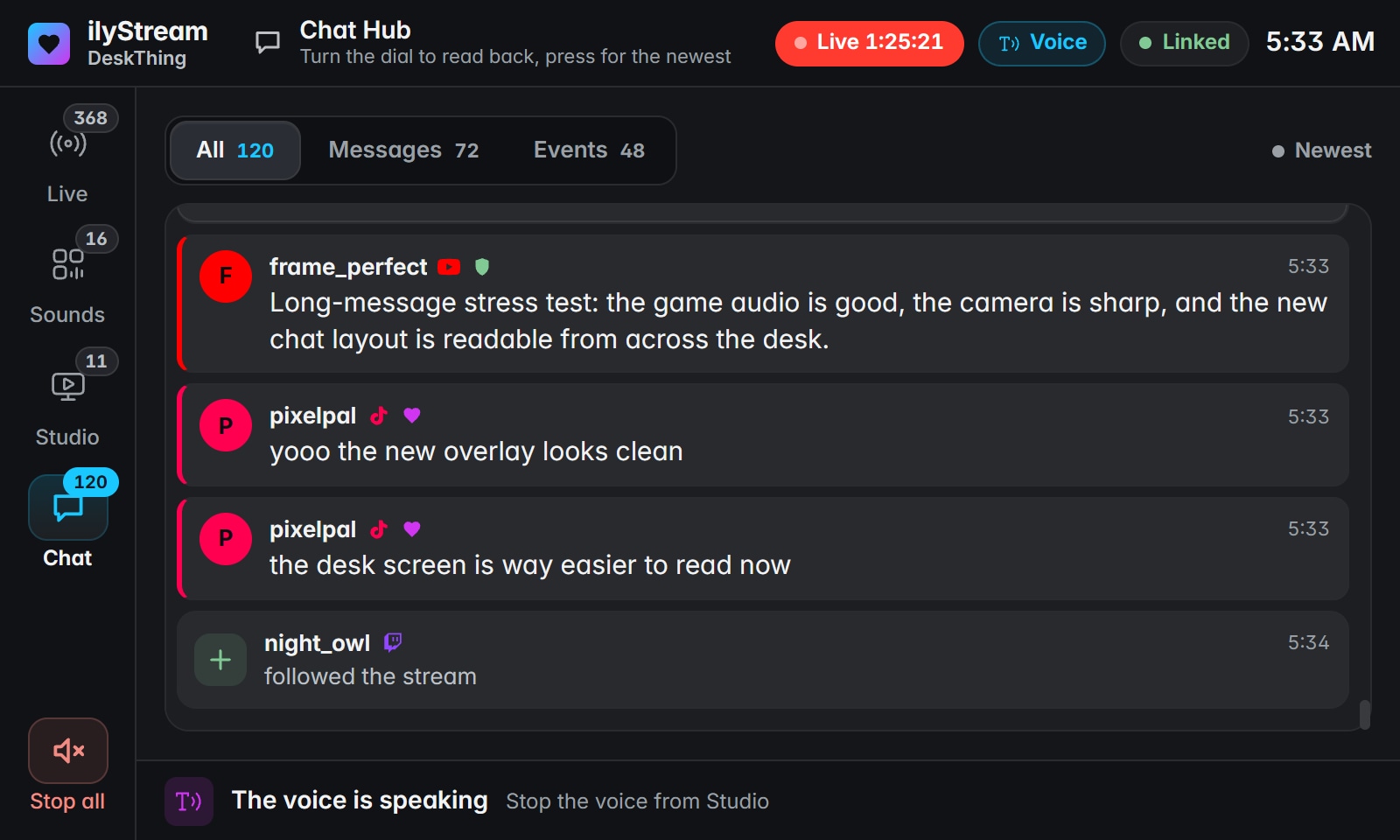
- Provides Live, Sounds, Studio and Chat screens for broadcast status, soundboard decks, scene/recording controls and the native chat feed.
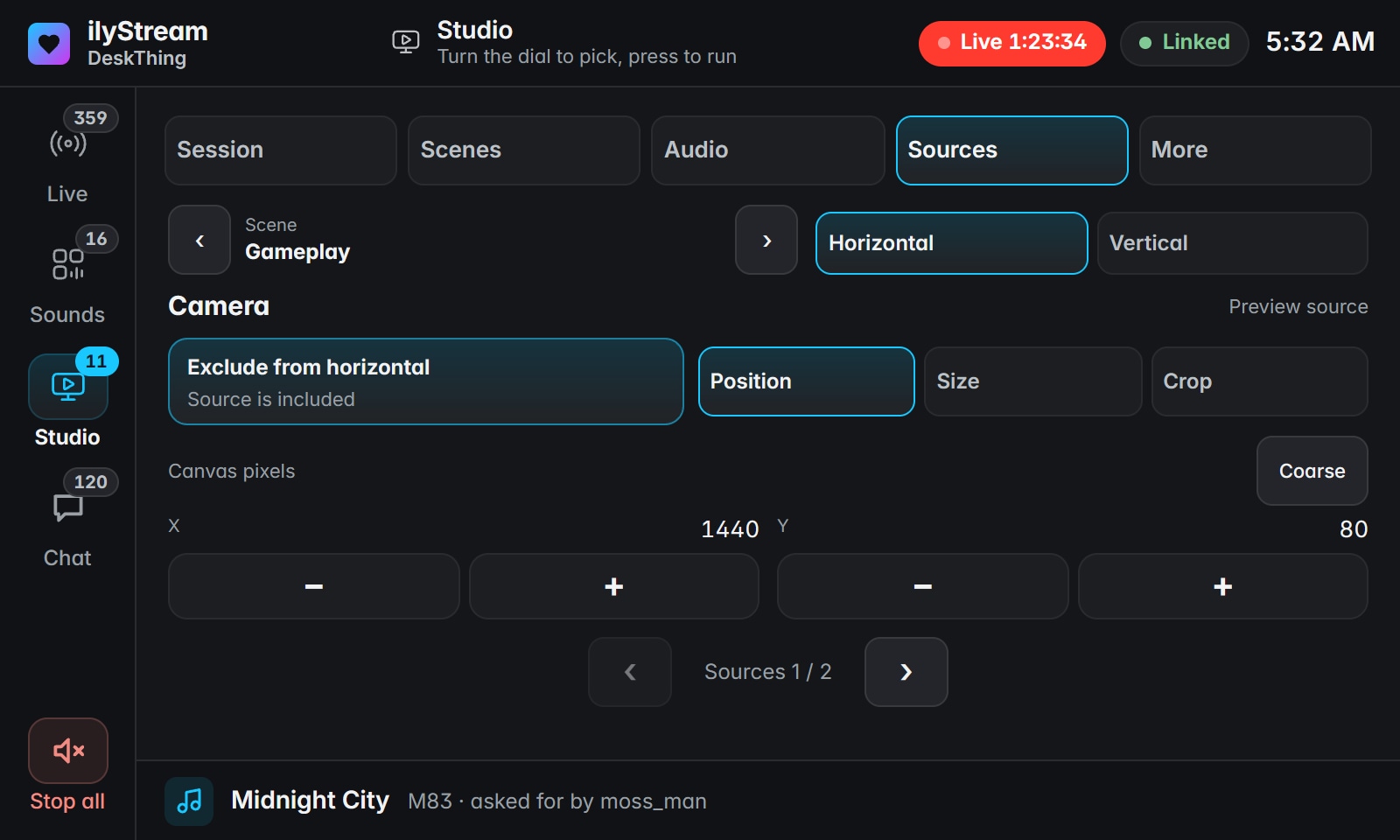
- The matching 0.2.6 companion provides recording pause, replay and confirmed stream actions, Preview/Program Take/Cut, mixer gain and mutes, and source visibility, transform and crop controls, where supported by the host.
- Keeps pads and scenes current on reconnect and shows whether each supported action succeeded.
Where to find it
- 1Open ilyStream
Start from the app’s main navigation.
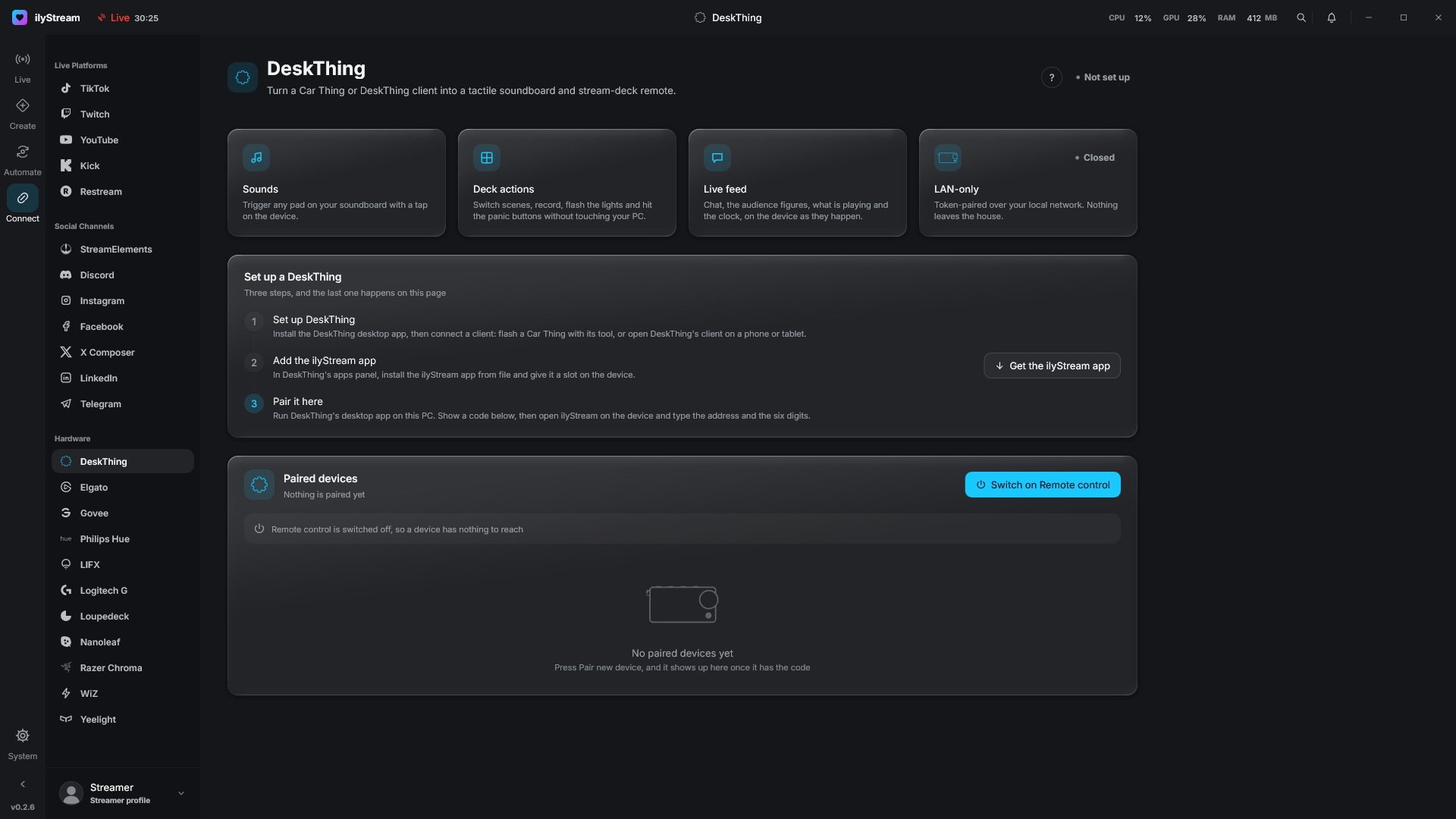
- 2Go to Connect → Hardware → DeskThing
The integration lives here in the current app.
- 3Connect or configure DeskThing
Use the controls on that page to finish the integration and choose how it behaves.
What it looks like
See the DeskThing companion7 screens
ilyStream DeskThing 0.2.6 preview with fictional sample data. Select a picture to open the full image.
Good to know
Requires DeskThing server 0.11.13+ and client 0.11.2+. Enter the address shown by ilyStream; Remote control defaults to port 3738, separate from browser overlays.
Physical Car Thing operation remains a separate hardware check.
Data & privacy
- What ilyStream uses
- The local Remote control address, pairing token, device/screen metadata, sound and scene catalogs, live chat/events and broadcast state.
- Where it goes
- The DeskThing server on your PC exchanges local HTTP requests and a live event stream with ilyStream. The device browser uses DeskThing’s message bus.
- Keys and sign-ins
- A six-digit, five-minute pairing code issues a token kept in DeskThing app data. No cloud account is required for pairing.
- Disconnect in ilyStream
Remove the device under ilyStream’s Paired devices, or choose Forget this PC in the companion.
ilyStream does not sell data from DeskThing. Questions or deletion requests: privacy@ilystream.app · Data requests
More lighting & hardware
 Govee
 Logitech G
 Loupedeck
 Nanoleaf
 WiZ
 Yeelight
DeskThing is a trademark of its owner. ilyStream is an independent product and is not affiliated with or endorsed by DeskThing.